Legend Pro™ System User Manual Version 7
Proprietary Information of Pollogen a company of Lumenis 18
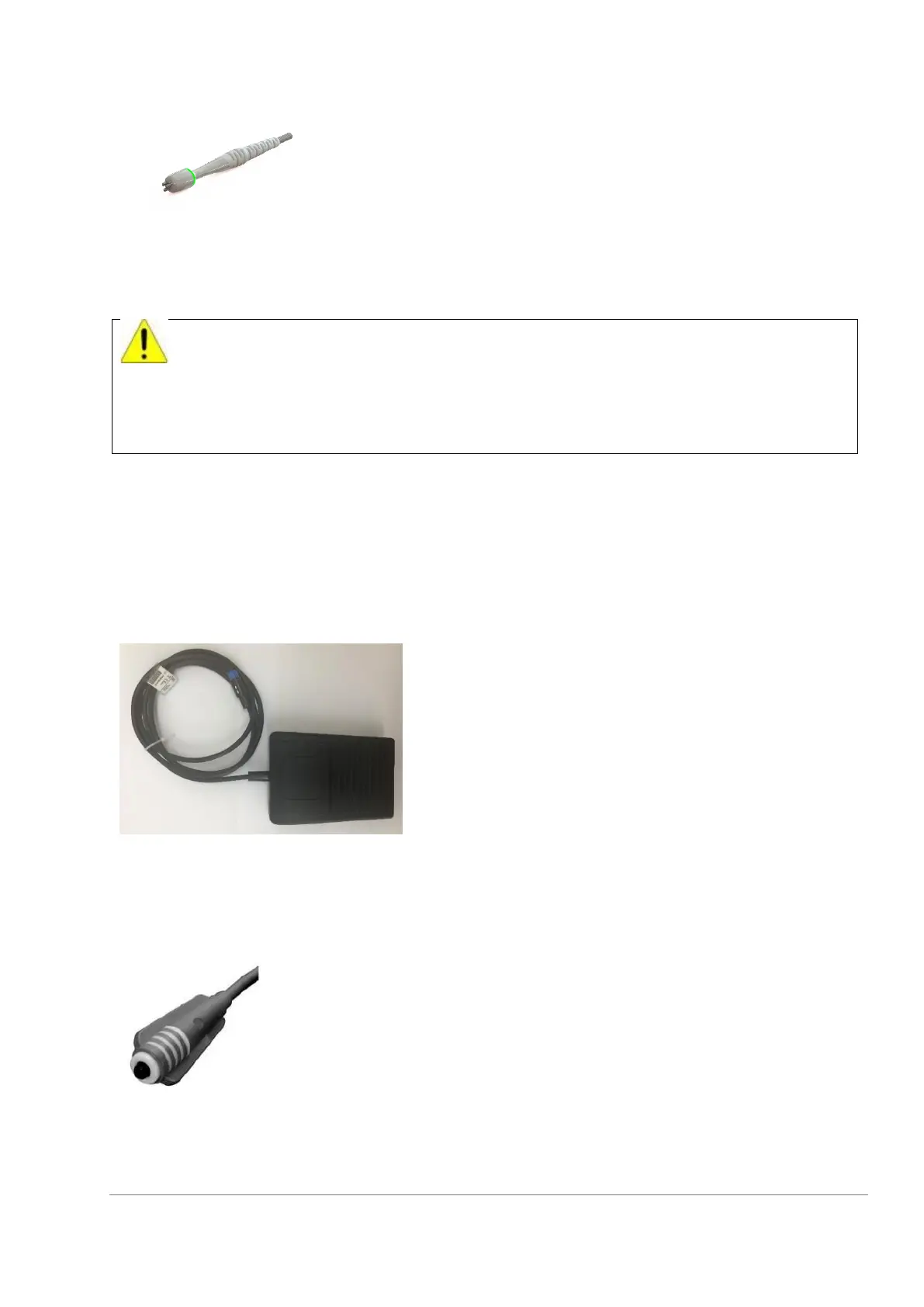
Figure 12: Applicator No. 3
indication light guide ring. When not in use, the
applicator should be stored in its holder.
Applicator no.3 is not equipped with IR
temperature sensors; therefore, during
treatment the operator should use the supplied
external Thermometer during the entire
procedure.
On each TriPollar® applicator, after press and release of the Foot Switch, the “Ready” indicator light turns on
when the system and selected applicator are ready for operation. The indicator light guide ring turns Green
when the chosen Applicator is “Ready” for use and the indicator light guide ring will turn Orange when the
Foot Switch is pressed and RF power is transmitted to the electrodes.
7.1.9 Foot Switch
The Foot Switch is used for system activation
upon press. The Foot Switch is supplied with
cable and connector.
7.1.10 Patient controlled manual switch:
Figure 14 : Patient controlled manual
switch
The Patient-Controlled Manual Switch is used as a patient
control in case of discomfort. It consists of a plastic body with
button, Velcro strip and cable with connector.
The integrated IR temperature sensor should be used as an indicator only and cannot
replace an external thermometer.
External Thermometer should be used during the entire procedure
The built-in IR temperature sensor is being used only to verify that the recommended
temperature (endpoint) of the treated area is being achieved and maintained



 To Next Page