THE ART OF WELDING
P6 HW
1
2
BT 8
BT 7
BT 11
BT 10
BT 9
BT 6
BT 5
BT 19
BT 20
BT 22
BT 23
BT 27
BT 26
PN-0110008 Rev. 12 59-100
Stop at end of the weld cycle5. 2. 5.
Stop at end of a correct weld cycle
If the end of a correctly executed weld cycle is
reached, the message “Program end OK” is displayed
on the remote control unit. The power source is then
ready to start a new cycle.
Comment: Welding heads equipped with a contact
to detect the “open head” position return automati-
cally to this position if a correct end of the cycle is
reached.
Printing a weld cycle ticket
At the end of the weld cycle, you may print a ticket
summarising the weld performed.
On this ticket are:
The names of the WP and program.•
Values of current, voltage, rotation speed and •
wire feed speed measured regularly during the
cycle.
Reason for stopping (“OK” for normal cycle, oth-•
erwise an error code).
Weld start time.•
Date of weld execution.•
Cycle duration.•
Movement effected.•
A ticket is printed summarising the welding
carried out.
An incident may occur which prevents the ticket
being output at the end of the cycle. This could
happen, for example, when the paper roll runs out.
If this occurs, the ticket for the last welding opera-
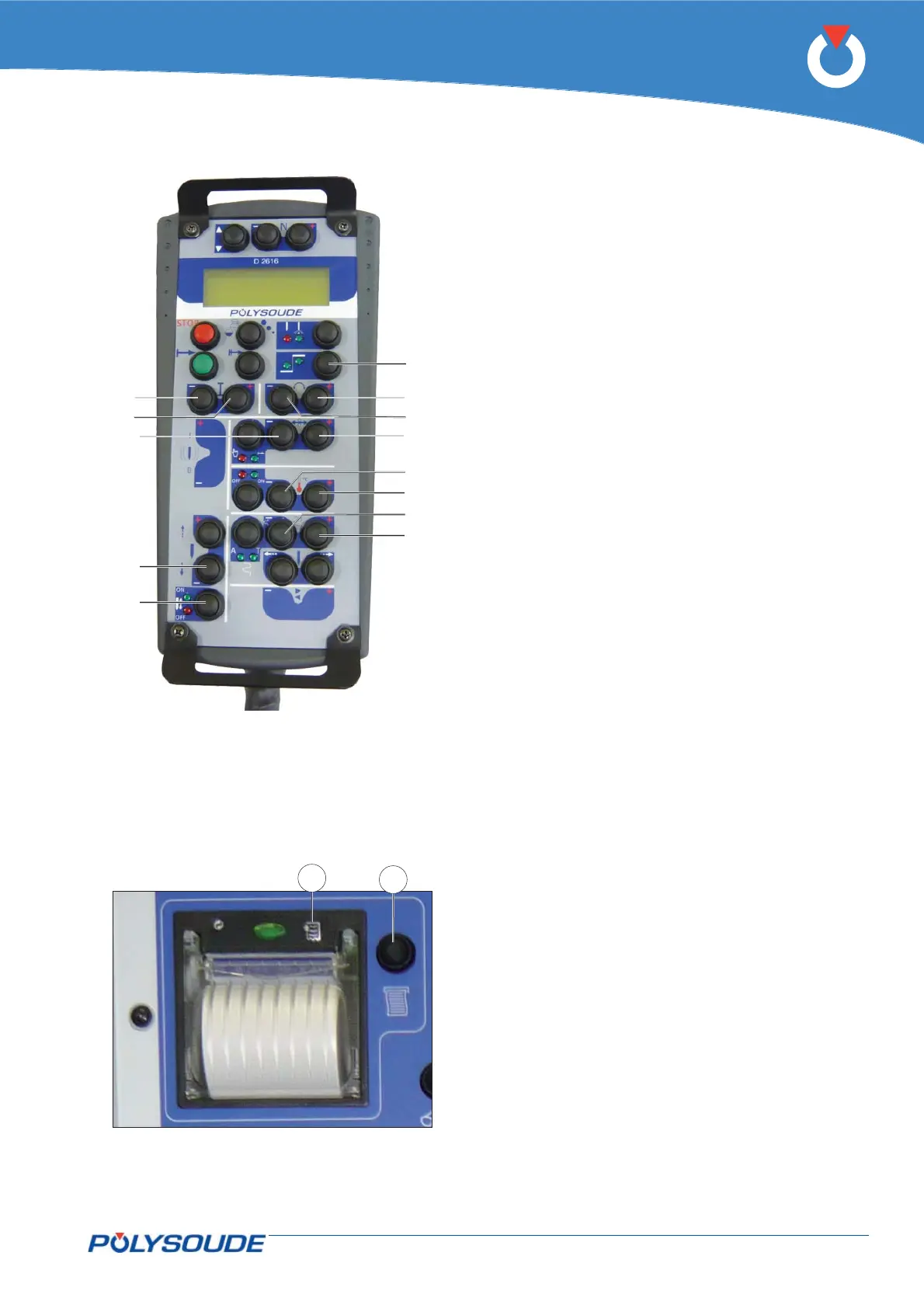
tion can be reprinted. To do this, push button FA 16
(Fig. 5.10 - 1) located to the left of the printer.
For paper feeding, at the start or end of printing,
press the push button built into the printer (Fig. 5-10
– 2).
Fig. 5.10 - Reprint ticket for weld carried out
Fig. 5.9 - “Override” buttons for developing pro-
grams



 To Next Page