EasyManua.ls Logo

Potter PFC-6800 - Status Leds

Potter PFC-6800
133 pages
Print Icon
To Next Page IconTo Next Page
To Previous Page IconTo Previous Page
Loading...
4-50


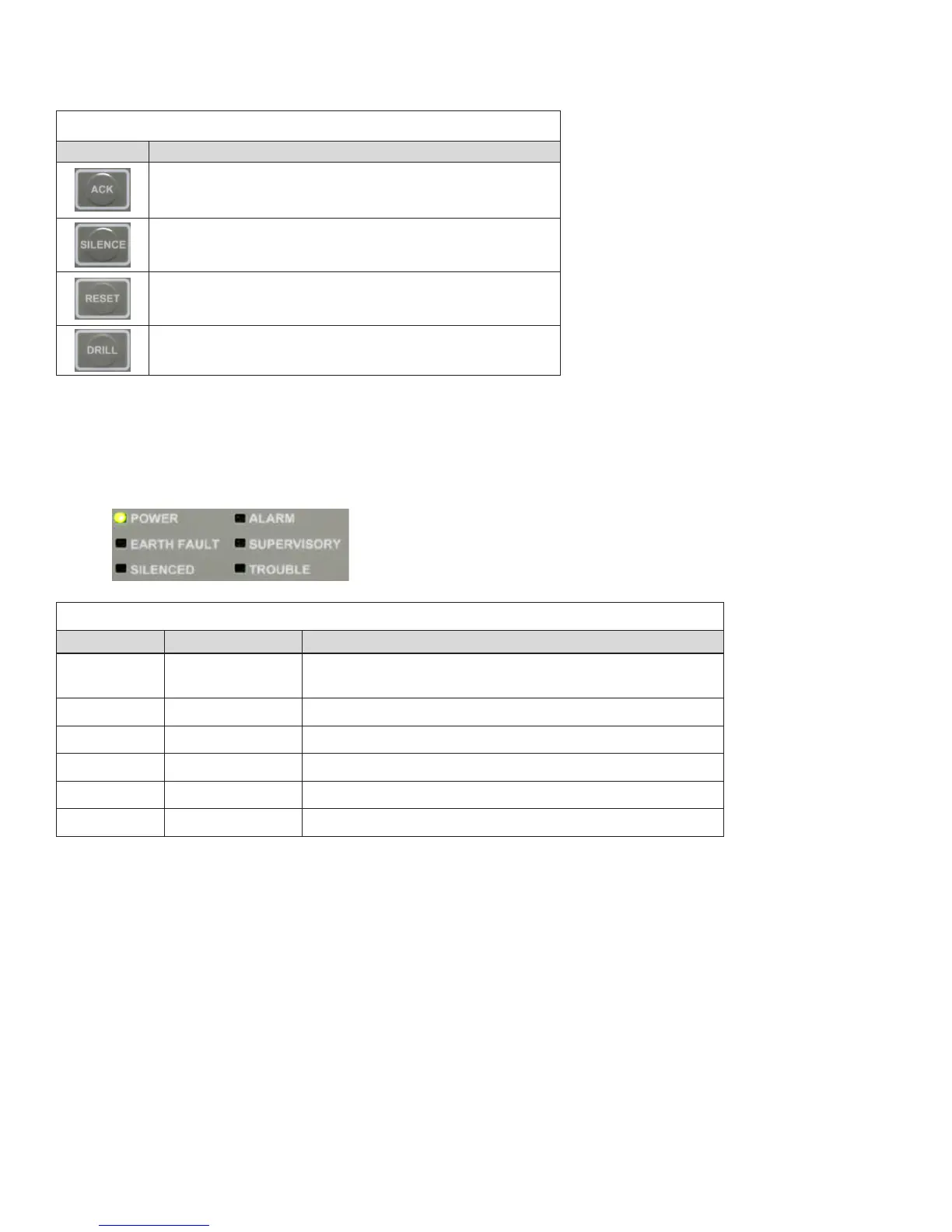
Control Panel PushbuttonsTable 7:
Pushbutton Description
Press to acknowledge.
Press to silencesilenceable
Press to reset panel to normal condition.

Status LEDs
green, red or amber

Control Panel Status LEDsFigure 69.
Status LEDsTable 8:
LED Type LED Color/Action Description
Power 
Power is present.
Note
Alarm  
  
Supervisory  
  
  

Table of Contents

Related product manuals