EasyManua.ls Logo

Potter PFC-6800 - Program Icons

Potter PFC-6800
133 pages
Print Icon
To Next Page IconTo Next Page
To Previous Page IconTo Previous Page
Loading...
5-67

Program Icons


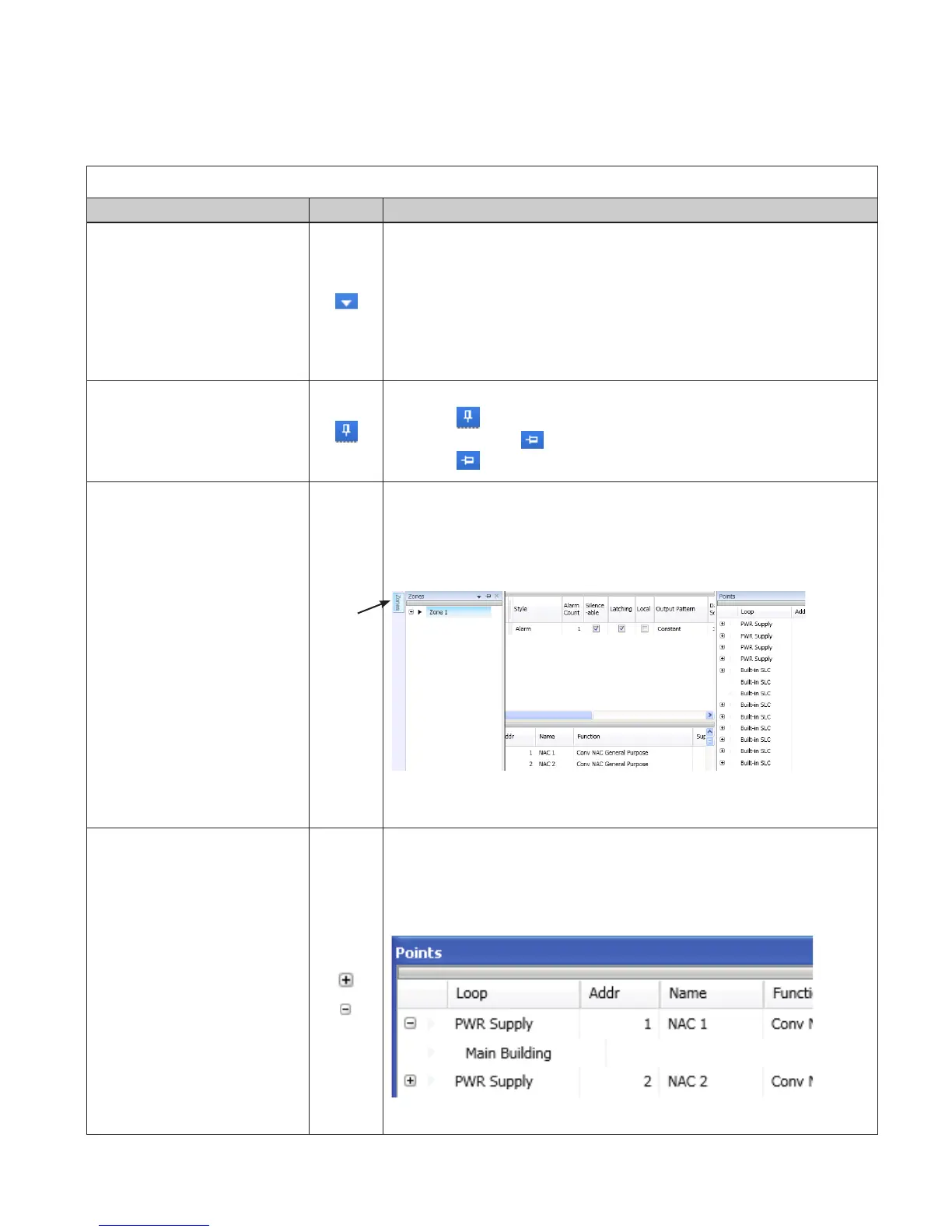
Panel Conguration IconsTable 11:
Name Icon Description/Function
Window Position


Floating•y 

Dockable – •y default 
Auto Hide •y tab
tab
(Window Tab is explained below.)
Auto-Hide

•y 
•y 
•y 
Window “Tab”

Note: “Tab” name is specic to the hidden window.
•y Tab
•y
Example of Zone tab:
Expand / Collapse
ZonesPoints windows only.
•y
•y
Example of expand/collapse icons in Points window:
Tab

Table of Contents

Related product manuals