5-60
Enter 4. IP address or panel name“Transfer Via IP” eld.
Notes:
“Ethernet Lost”
“Appendix B: Modem Connectivity Setup”.
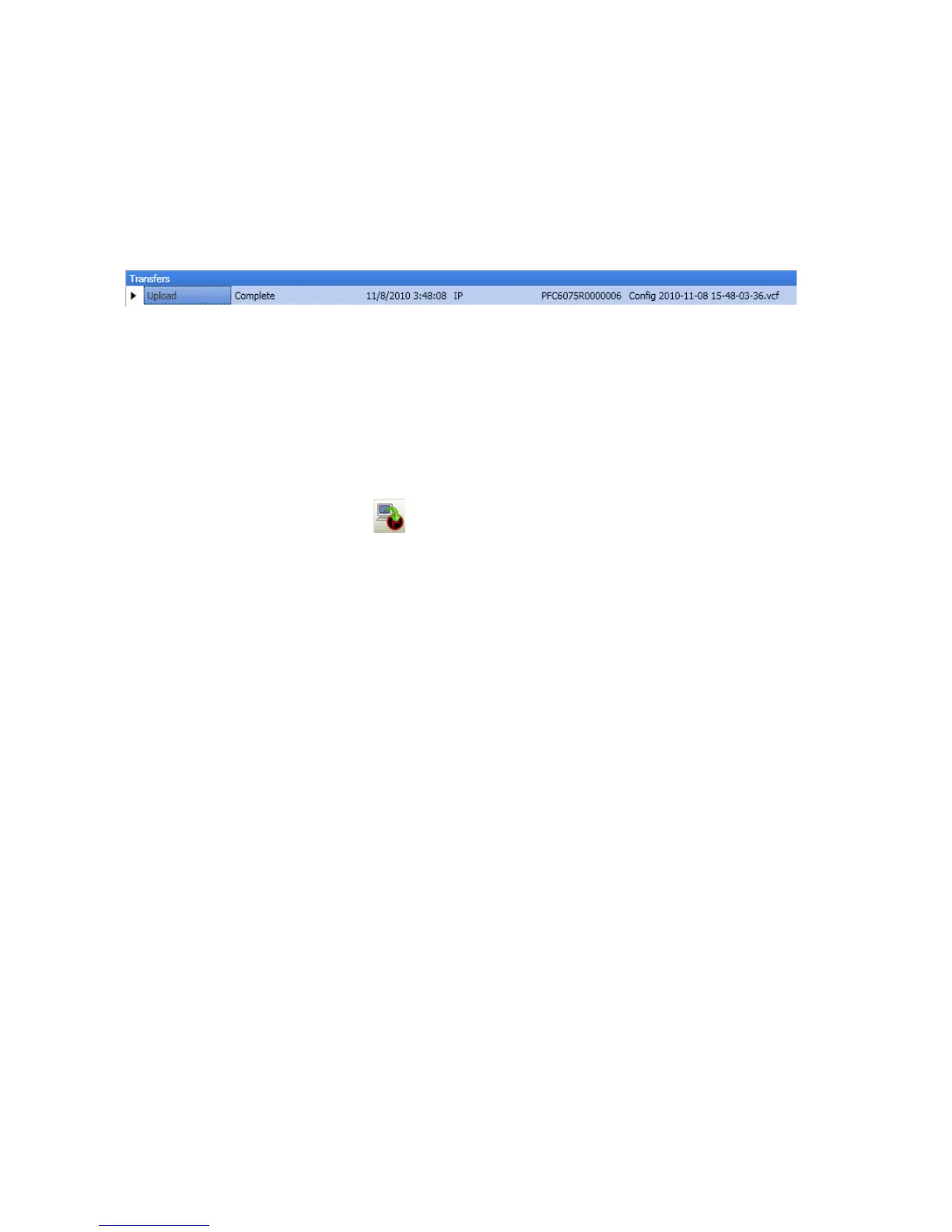
5. OK.Transfers region
Example of Transfers Download ResultsFigure 75.
Note“System Programming –
Conguring Points” topic.
Downloading Conguration File to Panel
Download Conguration File to Panel icon
Notes:
Enable Remote Access"
Remote User Name and Password
Enable Remote Access
To enable remote access:
At control panel, press 1. ENTER Main Menu.
Press 2. 7 to select Data Transfer.
3. “ENTER CODE”
4. Select Data option1 to select Remote Access.
Press 5. ESC to return to Main Menu.
Note:



 To Next Page