5-72
User Codes
Users
Note: "Facility Management Tool" manual
tool.
To create a new user:
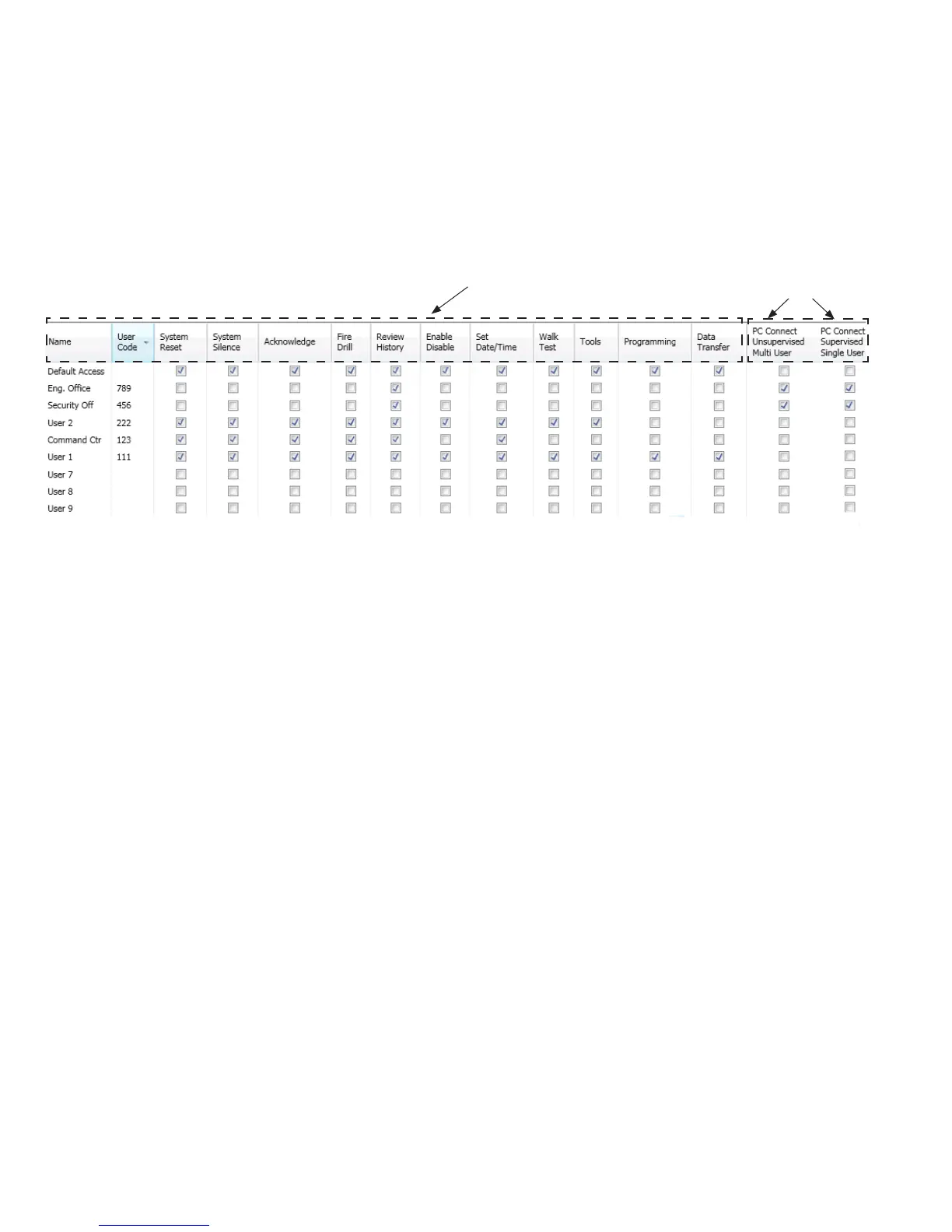
1. Users optionUser’s Code window
Example of Users Prole WindowFigure 95.
2. Name” eld
3.
4. "PC Connect Unsupervised Multi User""PC Connect Supervised Single User" to allow
Facility Management Tool.
5.
Note“Default Access” user code
Theseeldsallowtheuser
access to these panel functions
when selected.
Thesetwoeldsmaybe
selected to allow the user
access to the "Facility
Management Tool."



 To Next Page