5-65
Printing Reports
Print iconHistory or Status
Transfer windowReport window,
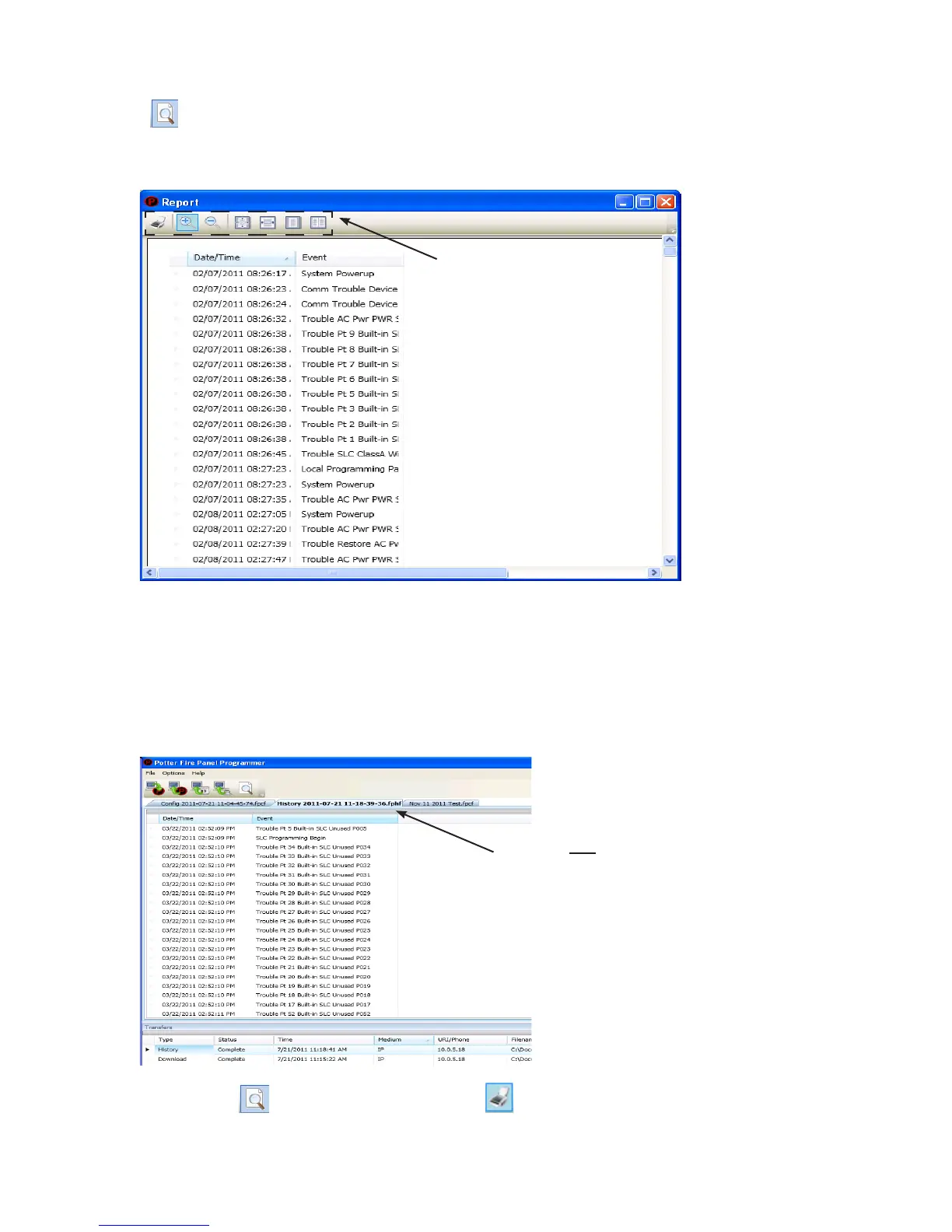
Example of the History Report (Print) WindowFigure 86.
To print a History or Detector Status Report:
1.
2. Event" column
Tip:
Example of the History ReportFigure 87.
3. Print icon, Report Print icon or CTRL P
4. Print button.
Move the mouse across the Print
icons to display their descriptions.
Double-click here to adjust the column width
based on the longest event description.



 To Next Page