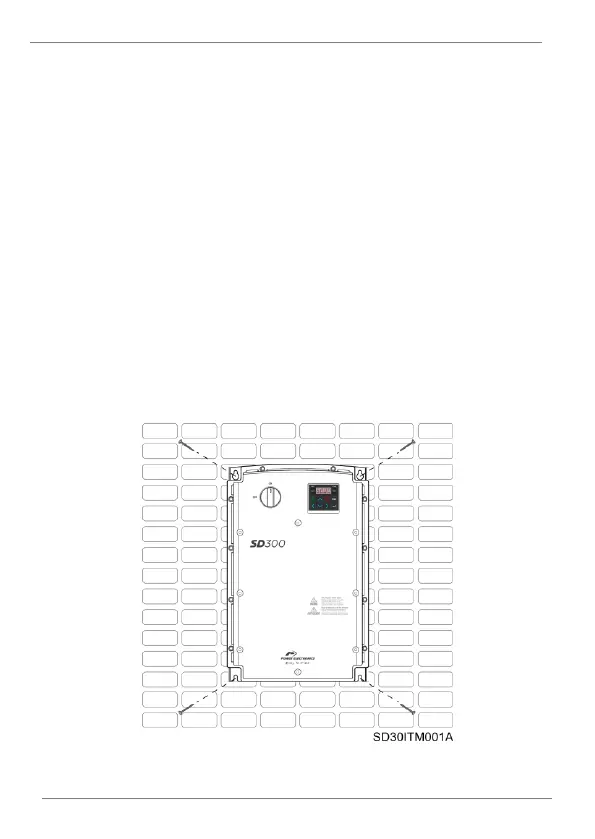
Drive Mounting
The SD300 variable speed drives are designed to be mounted on a wall or
inside a panel.
The inverter can become very hot during operation. Install the inverter on a
surface that is fire-resistant or flame-retardant and with sufficient clearance
around the inverter to allow air to circulate. Make sure to follow the clearance
recommendations in “Clearances” section.
Hang the SD300 drive through the anchorages placed on the rear part of the
drive on a solid wall or structure which supports the drive weight and the
possible forces generated by the wiring.
Use a level to draw a horizontal line on the mounting surface and mark the
fixing points. Then, drill the two upper mounting bolt holes, and then install
the mounting bolts. Do not fully tighten the bolts yet.
Mount the drive using the two upper bolts, and then fully tighten the mounting
bolts. Ensure that the SD300 is placed flat on the mounting surface.
SD300 wall mounting



 To Next Page