DESCRIPTION OF PROGRAMMING PARAMETERS
Group 10: Second Motor → M2
This group appears if any of In.65-71 is set to 26 (second motor). In the
following table, data shaded in grey will be displayed when a related code has
been selected.
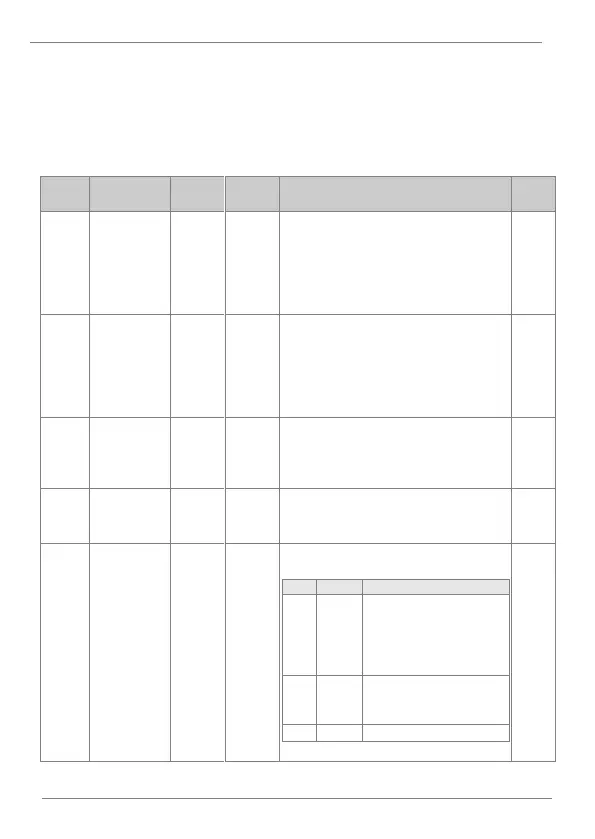
Motor 2
acceleration
ramp
Set the acceleration ramp for second motor
adjustment. The established setting within
the parameter is the time required to reach
the maximum frequency value, starting from
0Hz.This ramp will be set according to the
process necessities.
Motor 2
deceleration
ramp
Set the deceleration ramp for second motor
adjustment. The established setting within
the parameter is the time required to reach
the maximum frequency value, starting from
0Hz.This ramp will be set according to the
process necessities.
Set the second motor rated power according
to its nameplate.
Set the second motor frequency to rated
value according to its nameplate.
Define the drive control type.
Scalar control mode. Drive
carries out the control
applying a voltage /
frequency ramp to the
motor.
Slip compensation mode.
This mode reduces the
effect of motor slip.



 To Next Page