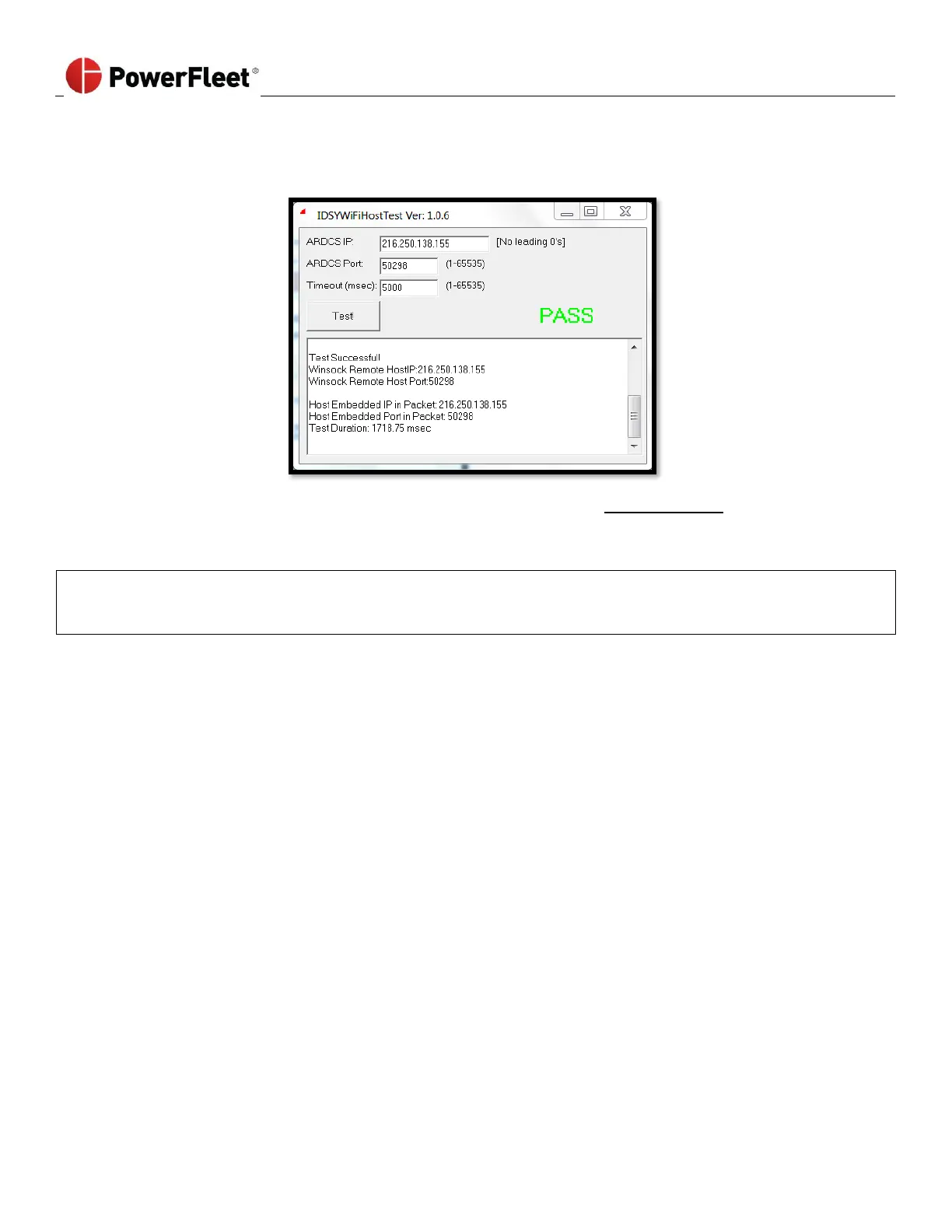
7. Click TEST!
a. The following completed test screen indicates communication between the site’s Wi-Fi network and the
server software is working properly.
b. Any completed test screen other than the above indicates the test was unsuccessful and there is an issue
with the integrity of the connection to the server. IT should verify the AP logs, firewalls, etc. to confirm why
the connection cannot be reached.
Please send a screen capture of the successful or failed test screen to PowerFleet Support:
support@powerfleet.com for immediate or future troubleshooting purposes
(The subject of the email should be “WiFi test tool results”).



 To Previous Page