PowerFleet
®
VAC4 and VAC4S Hardware User’s Guide
WAM Troubleshooting
As long as the WAM power is uninterrupted, a WAM will automatically self-diagnose and report any issues to the
PowerFleet support team. The LEDs on a WAM (and its integrated modem) will also change status when issues are
detected. Check the LEDs periodically to verify the WAM and modem are fully operational.
Test the electrical outlet for power. If no power is present, consult an electrician.
If the outlet has power, plug WAM power adapter into the outlet and test adapter’s
barrel plug (the end that plugs into WAM) for power. If no power is present, follow
RMA procedures for the power adapter.
If power is present in the adapter’s barrel plug, connect it to the WAM’s power input
and re-check PWR LED status.
Disconnect and then reconnect power to the WAM.
Ensure that the integrated Ethernet patch cable is firmly connected to both the WAM
and modem or facility network jack. If both connections are good, replace the cable
with a new Ethernet patch cable and re-check ETH LNK LED status.
If the F2 light is blinking or off, try forcing a vehicle synchronization event through the
PowerFleet® Vision Pro™ software. If the F1 light remains blinking, contact
IDSY Support.
Make sure the cable between the WAM and network or modem works.
For cellular WAMs, if the Modem CD and at least 1 signal light are on and the F2 light
remains on, contact PowerFleet Support.
WAM functions normally with F3 on. F3 will turn off when Support is finished with
remote controlling the WAM for troubleshooting purposes.
All LED states normal but
VACs are NOT synchronizing
Unplug the WAM and wait 10 seconds.
Plug the WAM back in and wait for LEDs to return to steady state.
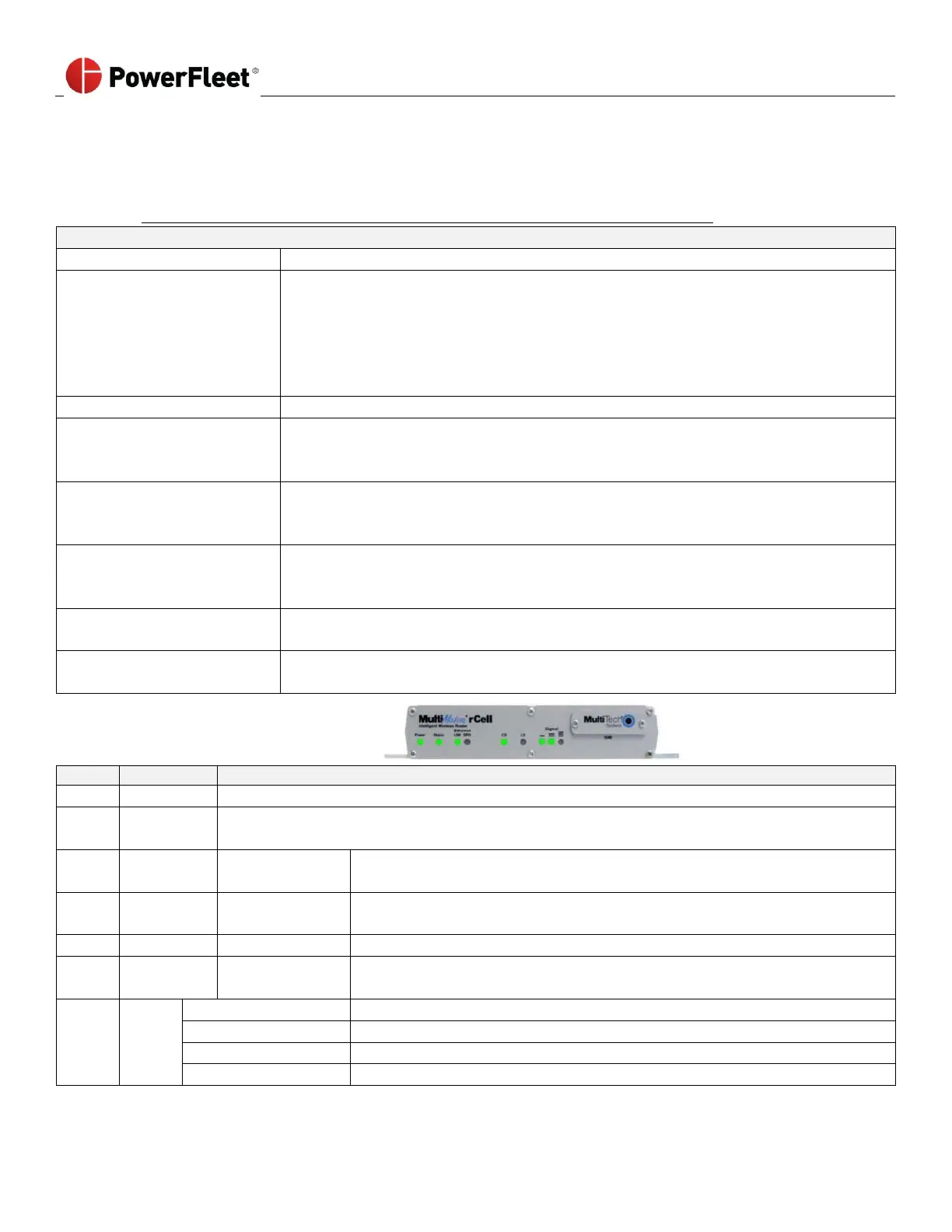
Multitech Modem LEDs Explained
Indicates presence of DC power when lit.
LED is a solid light when the Cell is booting up, saving the configuration, restarting or updating
the firmware. When the Status LED begins to blink, the router is ready.
Blinks when there is transmitted and receive activity on the Ethernet link. It
shows a steady light when there is a valid Ethernet connection.
Lit when the Ethernet is linked at 100 Mbps. If it is NOT lit, the Ethernet is
linked at 10 Mbps.
Lit when data connection has been established.
Continuous “ON” state. Indicates traffic between the provider and the
device.
Unit is OFF, not registered on network, or signal is very weak (0 < +RSSI < 6).
Very weak signal (7 < RSSI < 14)
Weak signal (15 < = RSSI < 23)
Good signal (24 < = RSSI > = 31)



 To Next Page