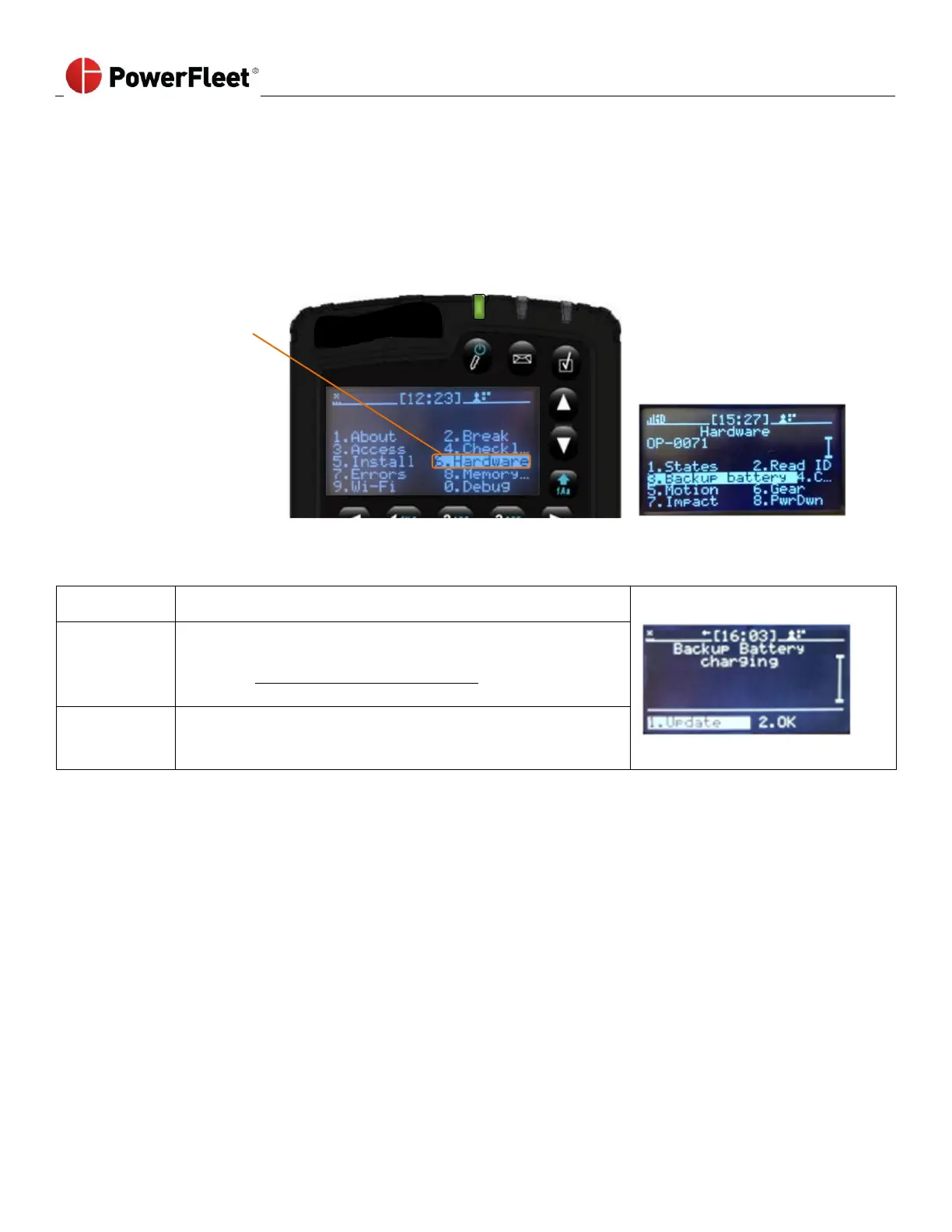
Checking VAC Internal Backup Battery (not applicable for all VAC types)
A VAC’s internal backup battery preserves configuration settings and recent activity data when a VAC loses power (e.g.
during vehicle battery charge/ swap). If this backup battery discharges completely, the VAC will lose some of its settings,
including access control authorizations. The VAC must be fully synchronized with the system database to resume normal
operation. There is a diagnostic error code that displays when the backup battery has a low charge. However, if you
want to proactively check a battery to ensure it is charging, a Maintenance operator must perform the following:
Battery is not fully charged, but it is charging correctly and
should be fully charged within 30 minutes.



 To Next Page