4 Modes of operation and operating ■
23
4.4 Activating the two main menus
4.4.1 Activating the configuration menu
•Press «ON/OFF» to switch on the balance.
• Continue to hold down the «MENU» button during the start-up
process (approximately 10 seconds), until “SET CONFIGURATION”
appears in the display.
• Now you can change the configuration menu.
4.4.2 Activating the application menu
• Press «MENU», after the start-up process has finished in order to
reach the application menu.
4.5 How the menu control operates
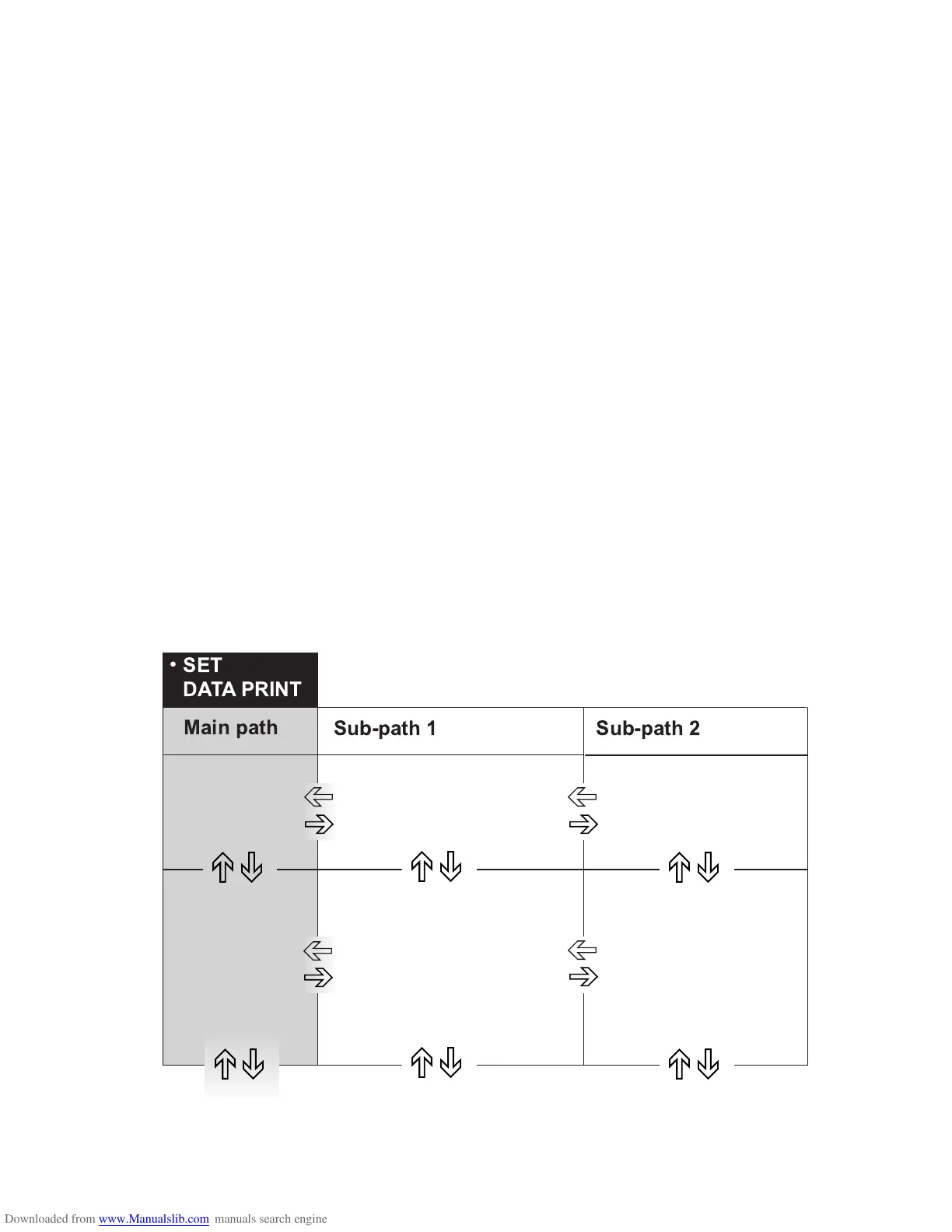
The configuration menu and the application menu each have a main
path and up to two sub-paths in which the parameters for the different
function programs of the balance are defined.
You can move within the paths with the cursor keys «A», «B», «
C»
and «
D».
)
*
)
*
)
*
+
,
+
,
+
,
+
,
+
,
)
*
+
,













 To Next Page