4 Modes of operation and operating ■
25
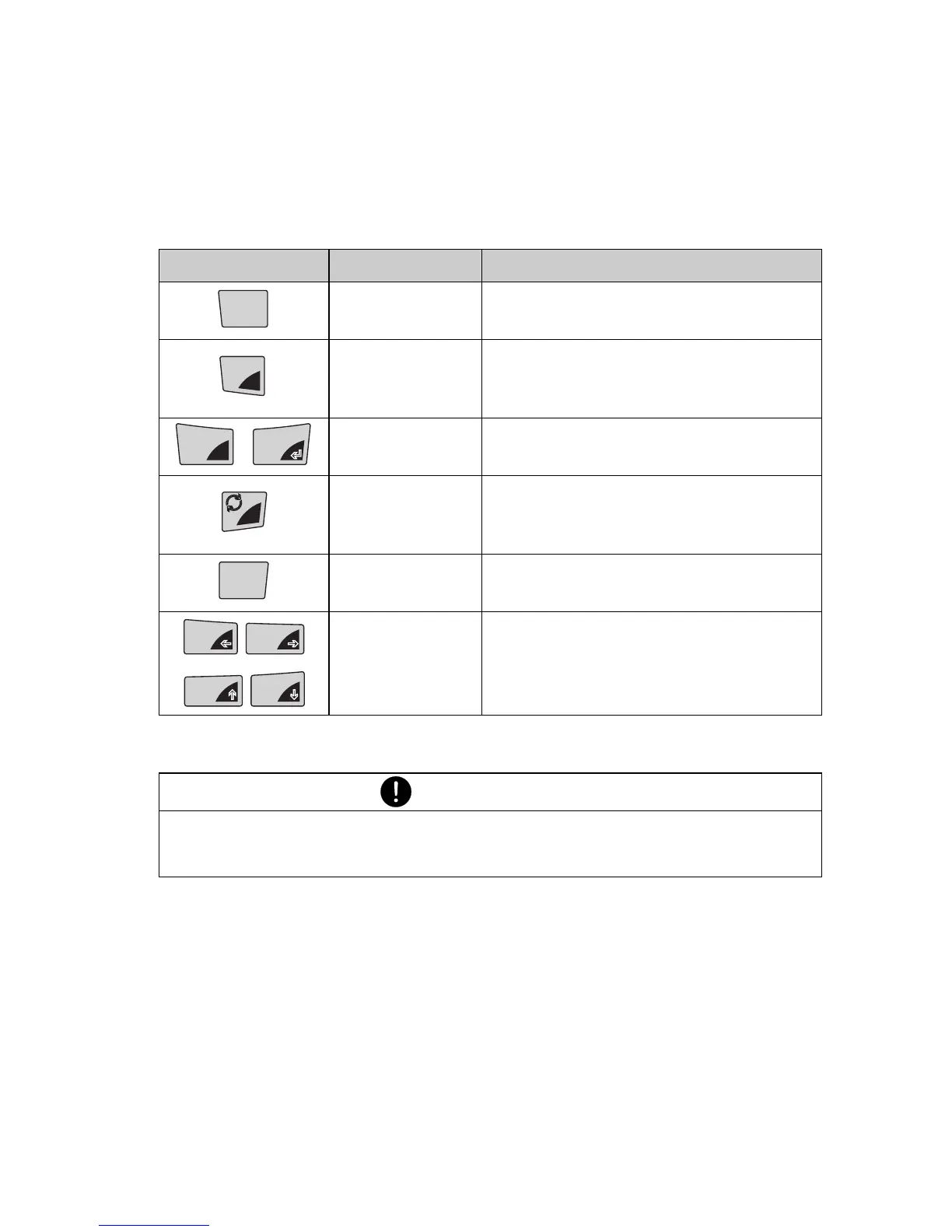
4.5.2 Operating in the weighing mode
In the weighing mode the grey background key symbols are applica-
ble.
Name Function during weighing
«ON/OFF»
• Switching the balance on and
off
«MENU»
• Calling up the Configuration
Menu and the Application
Menu
«T»
• Initiate Tare Function and/or
Calibration Function
«
F»
• Switches between the Basic
program and the chosen
application
«PRINT» • Start print function
«
C»
«A» «B »
«
D»
• Function keys. Start the
functions in the info-line (see
Chapter 4.5.5 “Info-line and
function keys”).
Tab. 4.1 Key functions during weighing
NOTE
For the operation of the «T», «F» and «PRINT» see
Chapter 7 “Special operating keys”.
ON/OFF
MENU
esc
T
ins
T
clr
PRINT













 To Next Page