■ 4 Modes of operation and operating
28
The cursor keys (4) «A», «B», «
C» and «D» serve in the applicati-
ons as function keys.
These initiate the functions indicated in the info-line (2).
4.5.6 Example of display: Statistics program
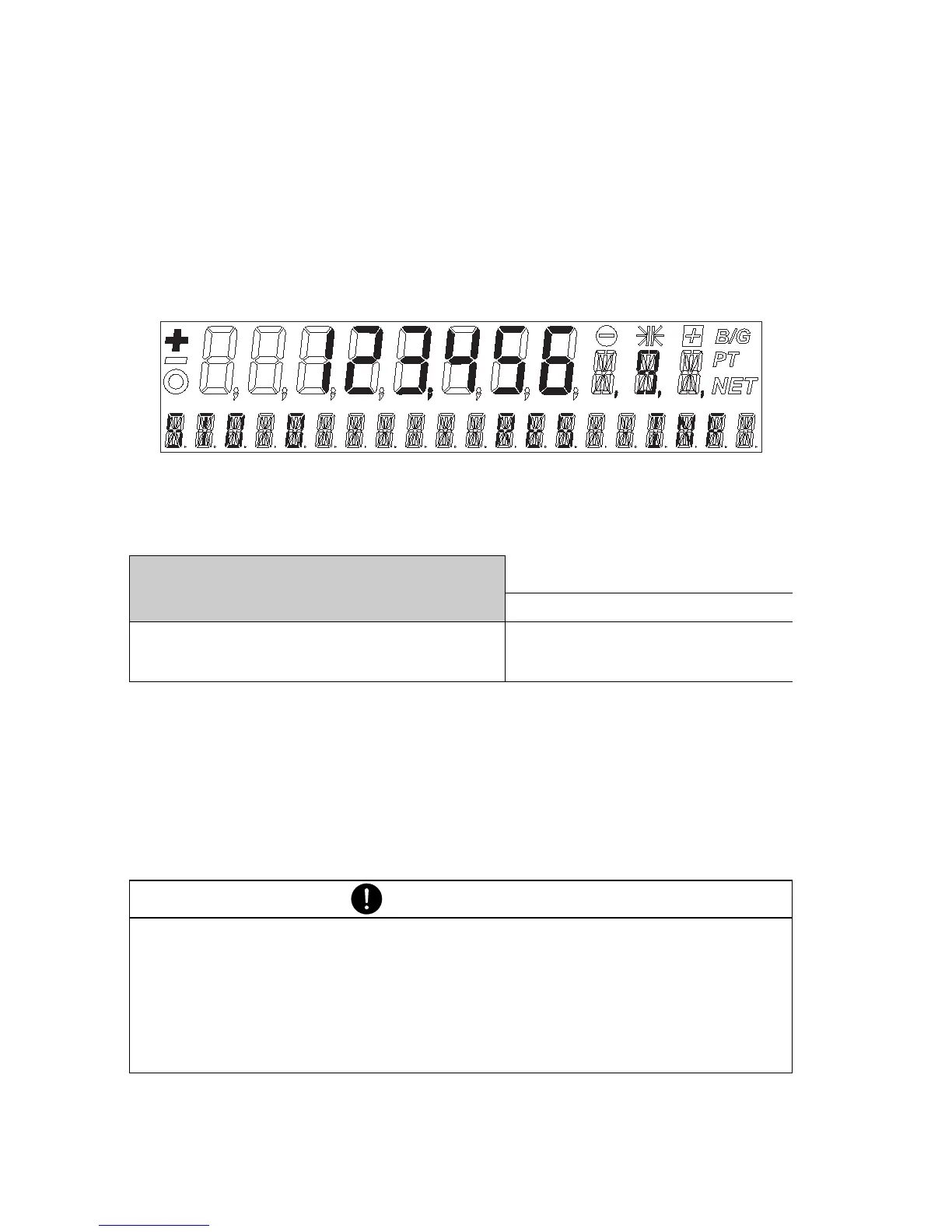
• Display of the balance in the statistics program
Fig. 4.4 Display in the statistics program
• Corresponding representation shown in the Instruction Manual
• Function key assignments in this example:
– STO initiates the manual storage-function “STO”
– RES activates the “RES” (Reset) function
– INF activates the “INF” function (display-sequence for the
statistics parameters: Median value, standard deviation, relative
standard deviation, maximum, minimum, ...).
+ 123.456 9
normal weight display
STO 0 RES INF Info-line
GGGG
«A»«B»«
C»«D»
Function keys
NOTE
If the statistics program is activated in parallel to a working-pro-
gram, then «
D» is reserved for the storage (“STO” function), and/
or for calling up the statistics parameters (“INF” function).
If the statistics program is not active, «
D» can be used for the
working program.













 To Next Page