■ 4 Modes of operation and operating
26
4.5.3 Operation in the programming mode
In the programming mode, the key symbols with a blue background
apply to the Control Panel.
The balance can also be operated by remote control. For the corre-
sponding remote control-commands see Chapter 8 “Data transfer to
peripheral devices”.
For an illustration of the method of operation see Chapter 10 “Practi-
cal examples”.
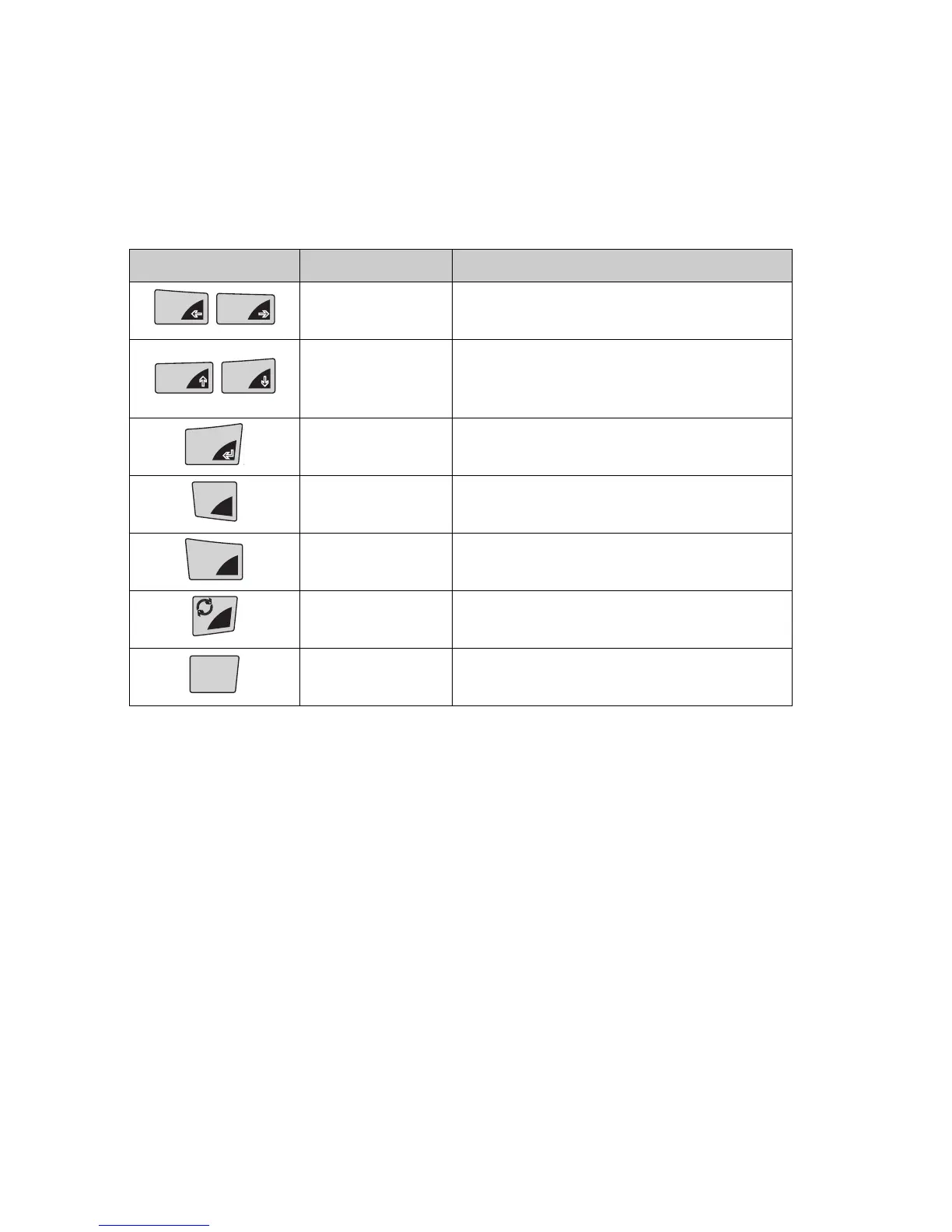
Key(s) Name Function during weighing
«A», «B»
• Changes from menu main path
into sub-paths and back
«
C»
«
D»
• Up/Down movements within
the main and sub-paths
• Changes selected parameters
«
E»
• Selects parameters
• Stores the changed parameters
«esc»
• Interrupts an input
•Leaves the menu
«ins»
• Places insert marker (in text
entry)
«clr» • Deletes input (in text entry)
«PRINT» • Inputs a point (in text entry)
Tab. 4.2 Key functions in the programming mode
T
ins
T
clr
MENU
esc
clr
MENU
esc
T
ins
clr
MENU
esc
clr
PRINT













 To Next Page