5 Working with the Configuration menu ■
37
5.7 Weighing mode
To activate the menu see Chapter 4.4 “Activating the two main me-
nus” and Chapter 4.5 “How the menu control operates”.
With the aid of the weighing mode functions, you describe the quality
of the balance location (see Chapter 3.4 “Choice of a suitable locati-
on”).
With the aid of the AUTO-STANDBY function, you can define the
period of non-use before the balance goes over automatically into the
energy-saving mode.
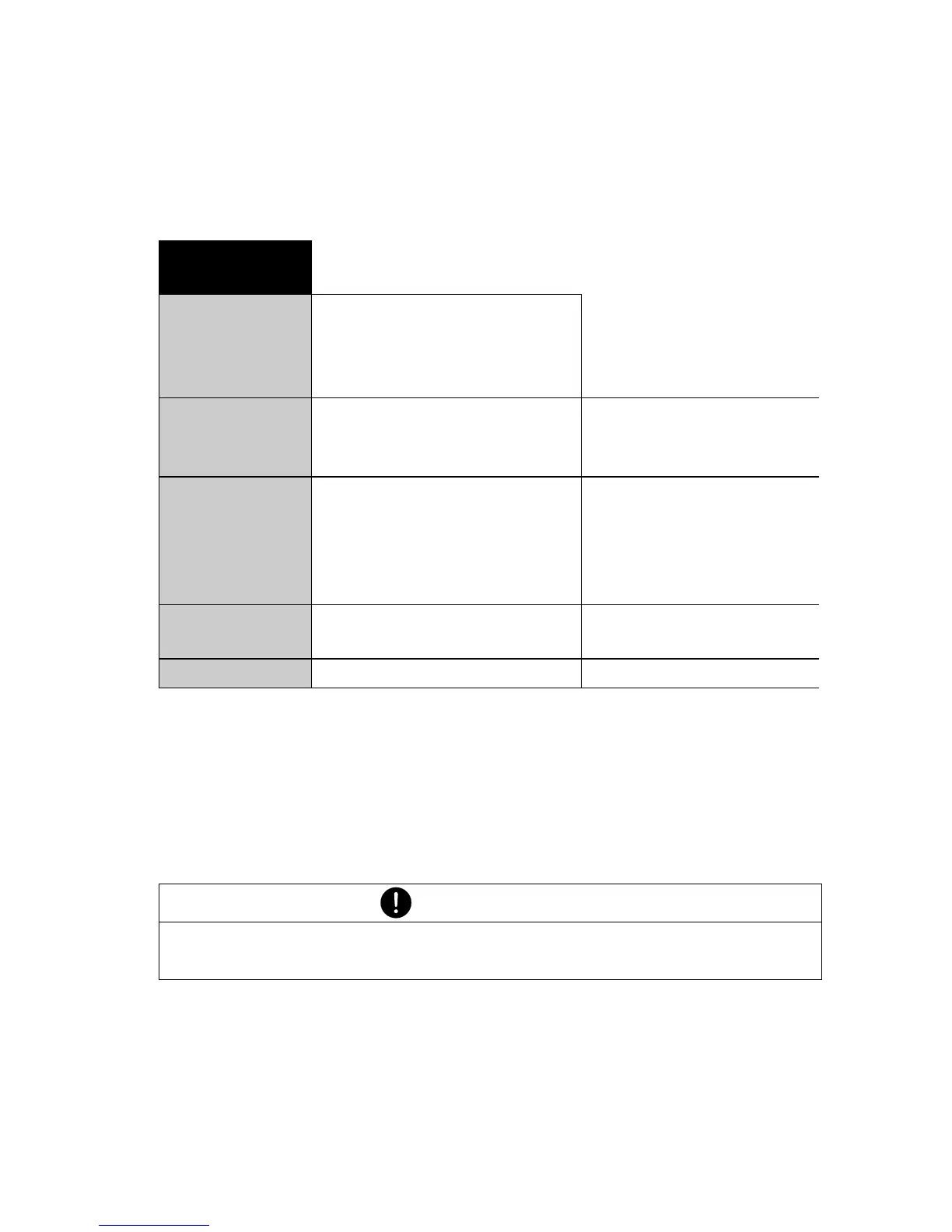
•SET WEIGH-
ING MODE
FLOATINGDISPLAY 0.04
FLOATINGDISPLAY 0.08
FLOATINGDISPLAY 0.16
FLOATINGDISPLAY 0.32
Input lntegration time
(in seconds)
STABILITY LOW
STABILITY MEDIUM
STABILITY HIGH
Setting the Stability
control (instability of
the balance location)
AUTO-STANDBY OFF
AUTO-STANDBY 0.5 MIN
AUTO-STANDBY 1 MIN
AUTO-STANDBY 5 MIN
AUTO-STANDBY 10 MIN
Auto-Standby not-acti-
ve or active after
nn minutes
AUTO-ZERO ON/OFF Automatic zero correc-
tion on/off
QUICK-TARE ON/OFF Quick tare on/off
NOTE
The Auto-Standby function only works with the automatic zero-
correction activated (see Chapter 5.7 “Weighing mode”).













 To Next Page