6 Working with the Application Menu ■
41
6 Working with the
Application Menu
This chapter explains which working programs the balance has and
how these are operated (see also Chapter 4.4 “Activating the two
main menus” and Chapter 4.5 “How the menu control operates”).
If «PRINT» is operated in an application, a report corresponding to the
application is printed out.
6.1 Structure of the application menu
To activate the menu see Chapter 4.4 “Activating the two main me-
nus” and Chapter 4.5 “How the menu control operates”.
The working programs of the balance are called up using the applica-
tion menu and adapted to the user's needs:
Printing conventions:
• The settings for the sub-menus programmed in works are printed in
bold in these operating instructions
• For a greater clarity, only that part of the menu tree which
corresponds to this application is shown with each application
description.
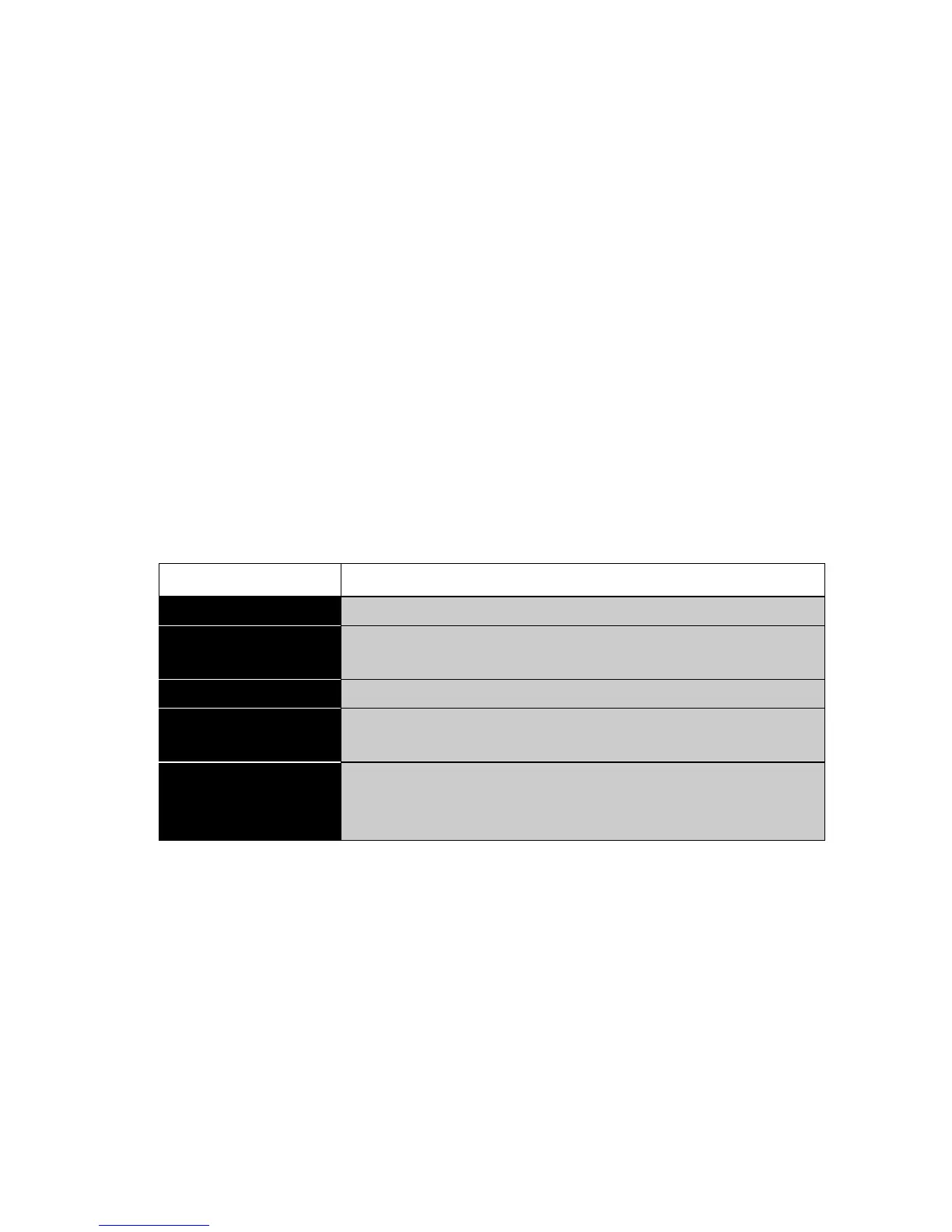
Main path Definable functions
SET APP. Select application program:
SETUP
APPLICATION
Specify parameters for the working program
selected under “Application»
SET STATISTIC Statistics and storage functions
SET CHECK +/-
Define nominal weight and limits for comparison
weighings
AUTO-START
ON/OFF
The selected working program can, if required,
be loaded automatically every time the balance
is swtiched on
Tab. 6.1 Structure of contents of the application menu













 To Next Page