5 Working with the Configuration menu ■
31
5 Working with the
Configuration menu
This chapter describes the Configuration Menu and its functions.
To activate the menu, see Chapter 4.4 “Activating the two main me-
nus” and Chapter 4.5 “How the menu control operates”.
5.1 Structure of the configuration menu
The basic adjustment of the balance is defined in the configuration
menu:
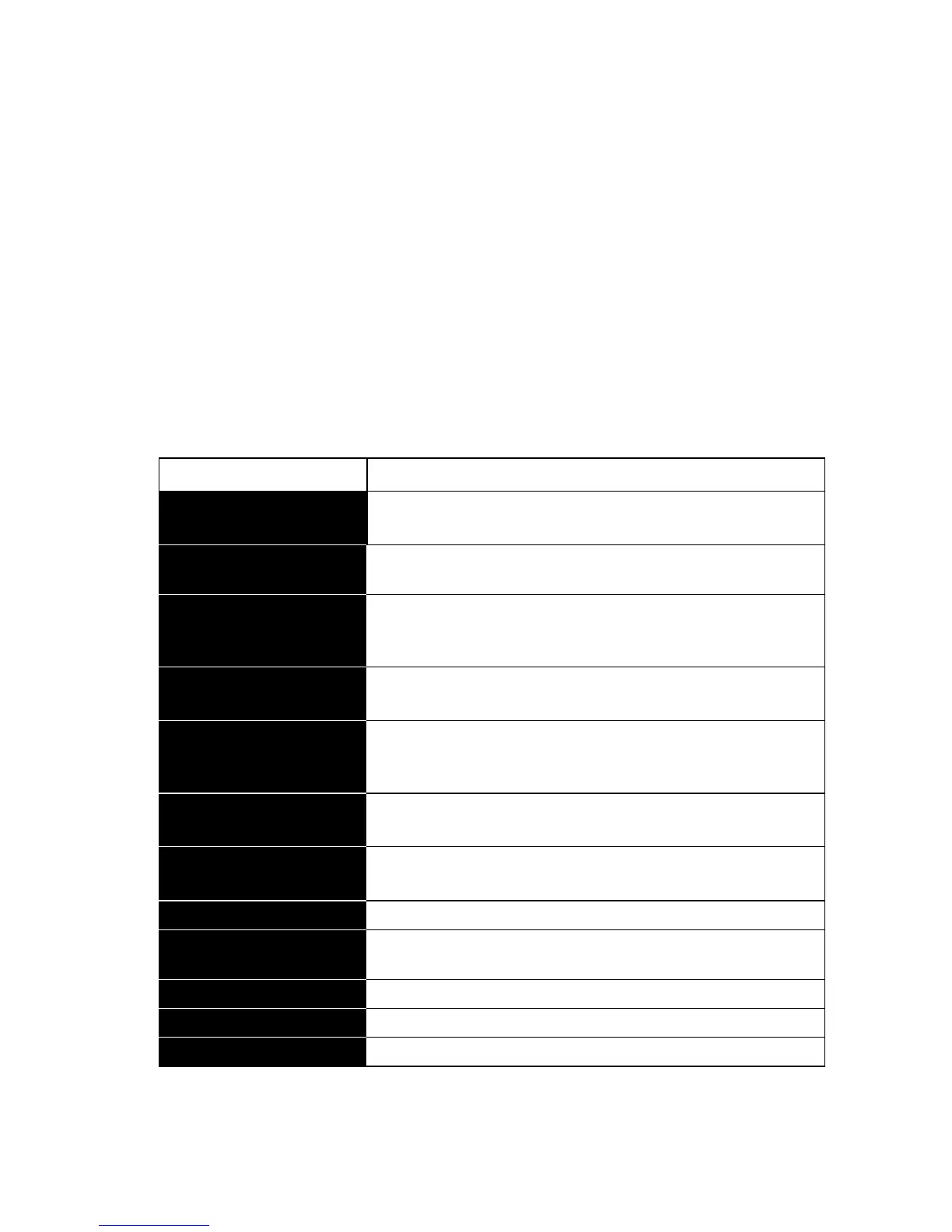
Tab. 5.1 Contents of the Configuration menu
Main path Definable functions
SET
CONFIGURATION
Selection of basic configuration (Works setting,
user setting or storing a new user setting)
UNIT-1
Unit in which the results of the weighing are dis-
played
SET
DATA PRINT
Print formats; Type of values to be printed (indivi-
dual values, continuous printout, time or load
change dependent values, date, time, user, etc.)
SET
CALIBRATION
Method of calibration
SET
WEIGHING MODE
Stability mode (Quality of the balance location),
Auto-Standby mode, zero correction, tare method
(rapid or standard tare)
SET
INTERFACE
Baud-rate, parity, handshake functions of the peri-
pheral interface
SET
DATE AND TIME
Date and time (standard format or American for-
mat p.m. and a.m.)
PASSWORD
Password protection for defining the menus
THEFTCODE
Activating/deactivating and changing the anti-theft
code.
LANGUAGE
Language (E, G, F)
KEY TONE
Activation of the keypad sound
CONTRAST
Screen contrast (only for LCD display)













 To Next Page