AFV-P Series High Performance Programmable AC Power Supply
109
14) Click to enter into the setting page of the remote control software (see Figure
7.6). The description for the items at the setting page of the remote control
software is similar to the description for the SETTINGS page mentioned ac-
cording to Subsection 3.5.
15) Click to exit the remote control software.
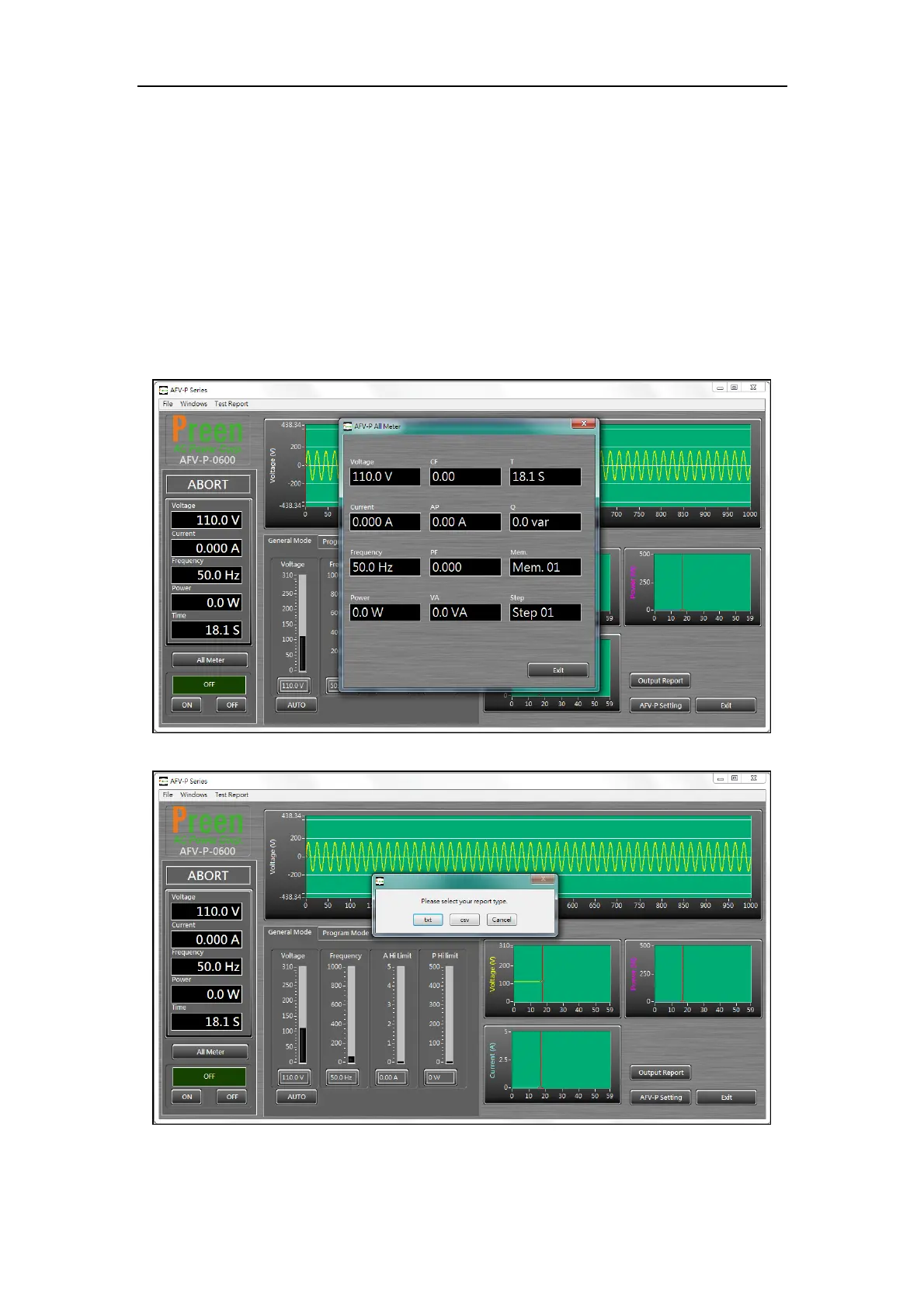
Figure 7.4 Show the measurement readings of the product output
Figure 7.5 Select the desired file form of the product output report



 To Next Page