Before turning on the product, all protective grounding terminals, extension
cords, and devices connected to the product must be connected to a protective
ground. Any interruption of the protective ground will cause a potential shock
hazard that could result in personal injury.
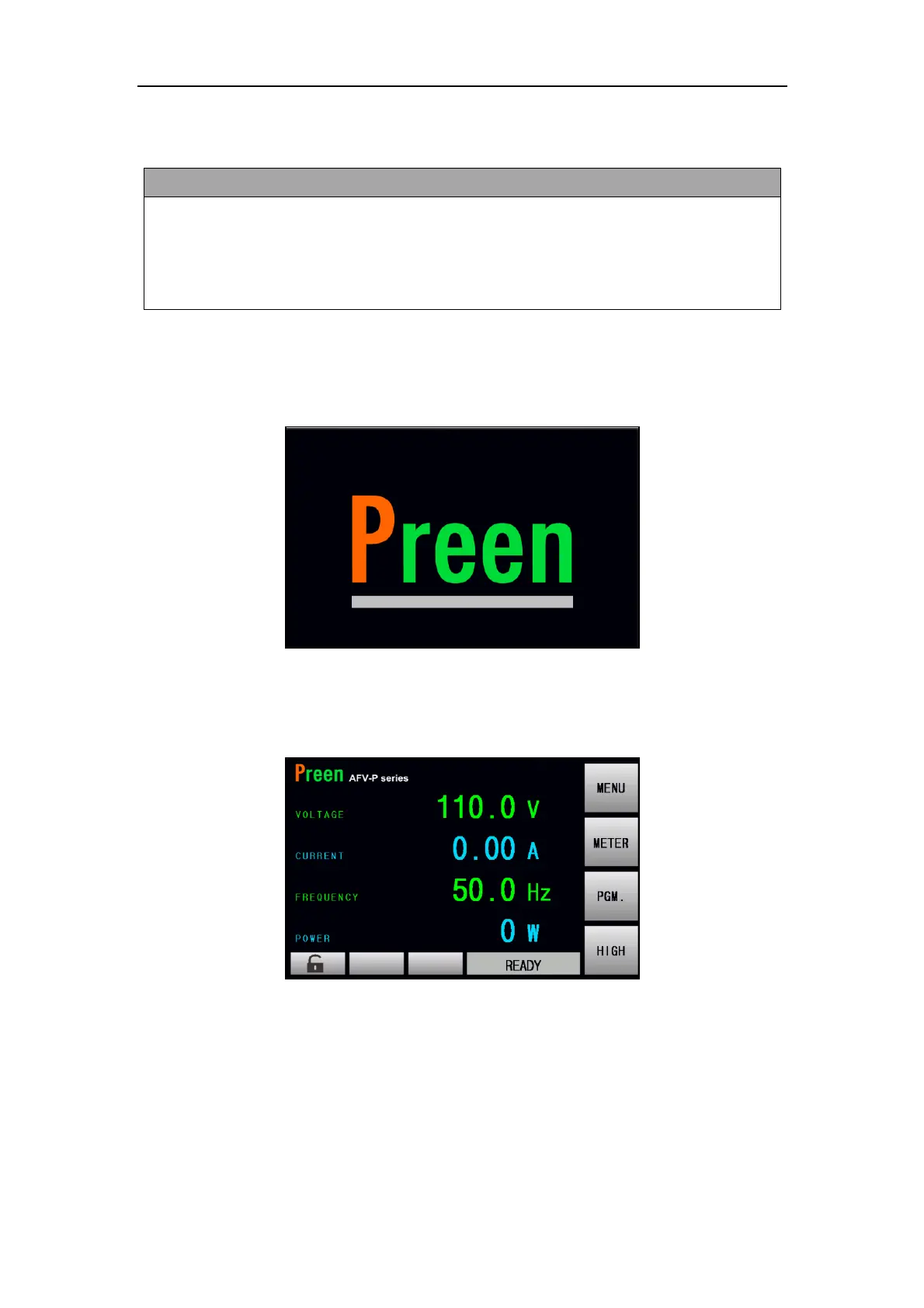
Apply power and press the power switch to turn on the product, then the touch
screen located on the front panel will light up and display the POWER-ON page
shown as below,
Figure 2.6 POWER-ON page
After displaying the POWER-ON page, the MAIN page is continuously shown on the
touch screen as follows, and then users can input programming data or options by
either manipulating the touch screen or turning the rotary knob.
Figure 2.7 MAIN page



 To Next Page