AFV-P Series High Performance Programmable AC Power Supply
87
5.3 RAMP Feature
A. RAMP Page
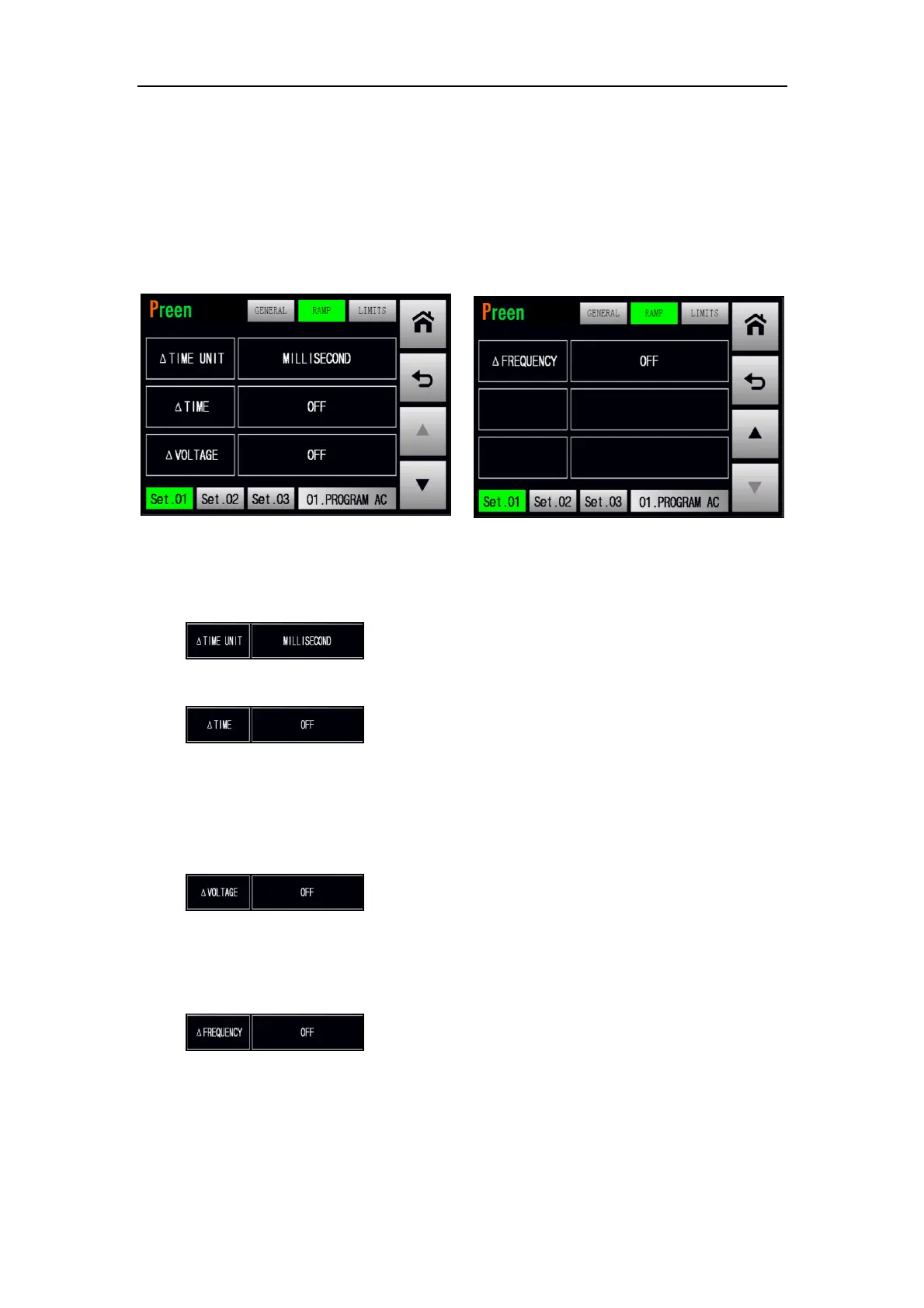
At the RAMP subpage, users are allowed to enable the RAMP feature which makes
the output change according to the setting slew rate. Please see the following fig-
ures,
Figure 5.18 RAMP subpage 1 & 2
The description for the items at the RAMP subpage are given as follows,
1) : Press to set the Ramp time unit, with three options
of MILLISECOND, SECOND and CYCLE.
2) : Press to set the Ramp time per unit, with options
from 1 to 9999. While setting the Ramp time per unit less than a default
value (for Ramp time unit SECOND and CYCLE, this constant value is 1; for
Ramp time unit MILLISECOND, this constant value is 10), the setting of the
Ramp time per unit is disabled, and this icon status will be OFF.
3) : Press to set the Ramp voltage per unit, with options
from 0.1V to 310V. While setting the Ramp voltage per unit less than 0.1V,
the setting of the Ramp voltage per unit is disabled, and this icon status will
be OFF.
4) : Press to set the Ramp frequency per unit, with op-
tions from 0.1Hz to 500Hz. While setting the Ramp frequency per unit less
than 0.1Hz, the setting of the Ramp frequency per unit is disabled, and this
icon status will be OFF.



 To Next Page