AFV-P Series High Performance Programmable AC Power Supply
57
3.6.3 GENERAL Subpage with GPIB interface (Optional)
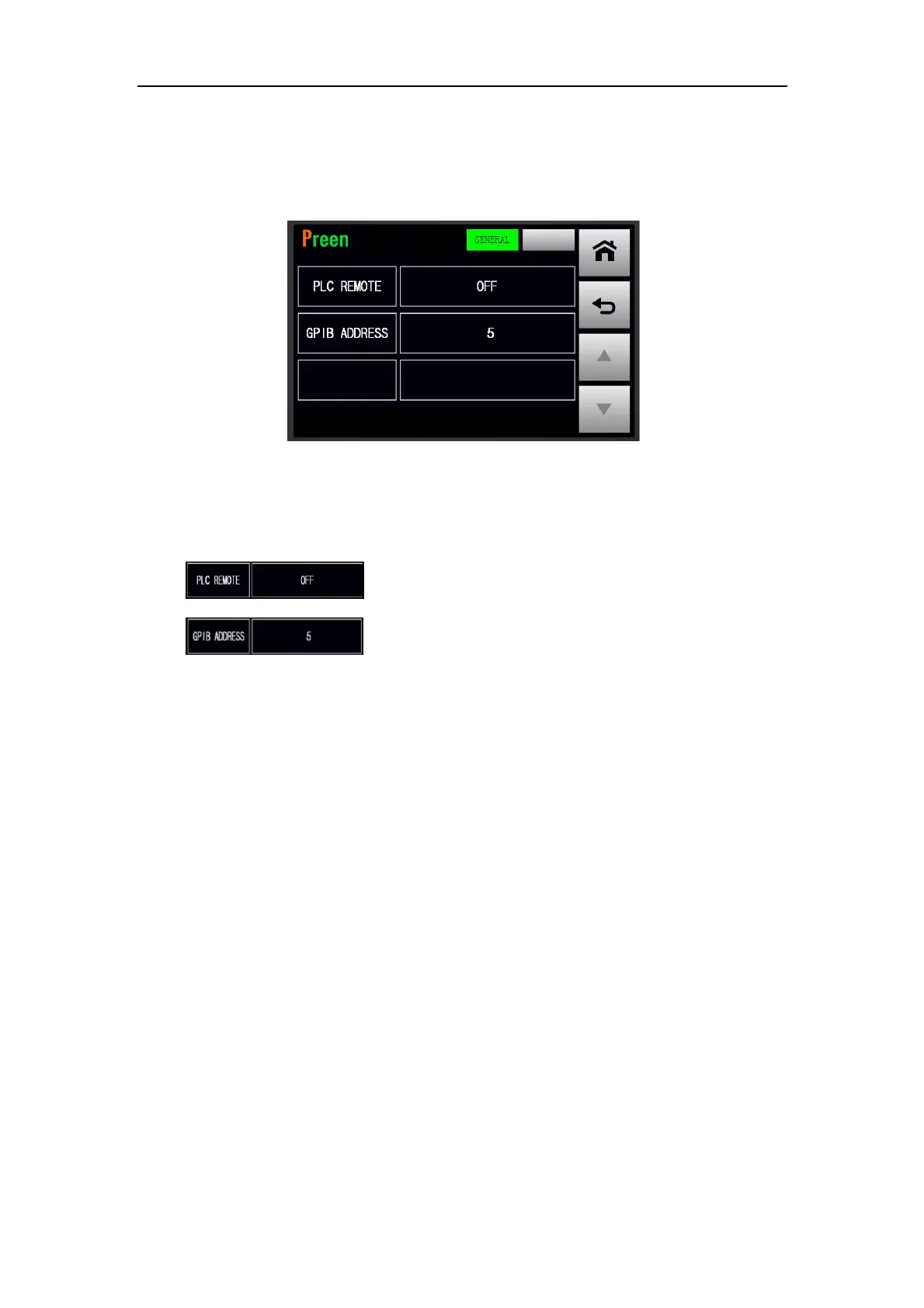
After replacing the standard interface card with the optional GPIB interface card (re-
fer to Subsection 2.8), the GENERAL subpage with the GPIB interface will be shown
on the touch screen. Please see the following figure,
Figure 3.44 GENERAL subpage with the GPIB interface
The description for the items at the GENERAL subpage with GPIB interface are given
as follows,
1) : Press to enable/disable the PLC remote feature.
2) : Press to set the GPIB address.



 To Next Page