AFV-P Series High Performance Programmable AC Power Supply
69
4.1 Setting Page of MEMORY Feature
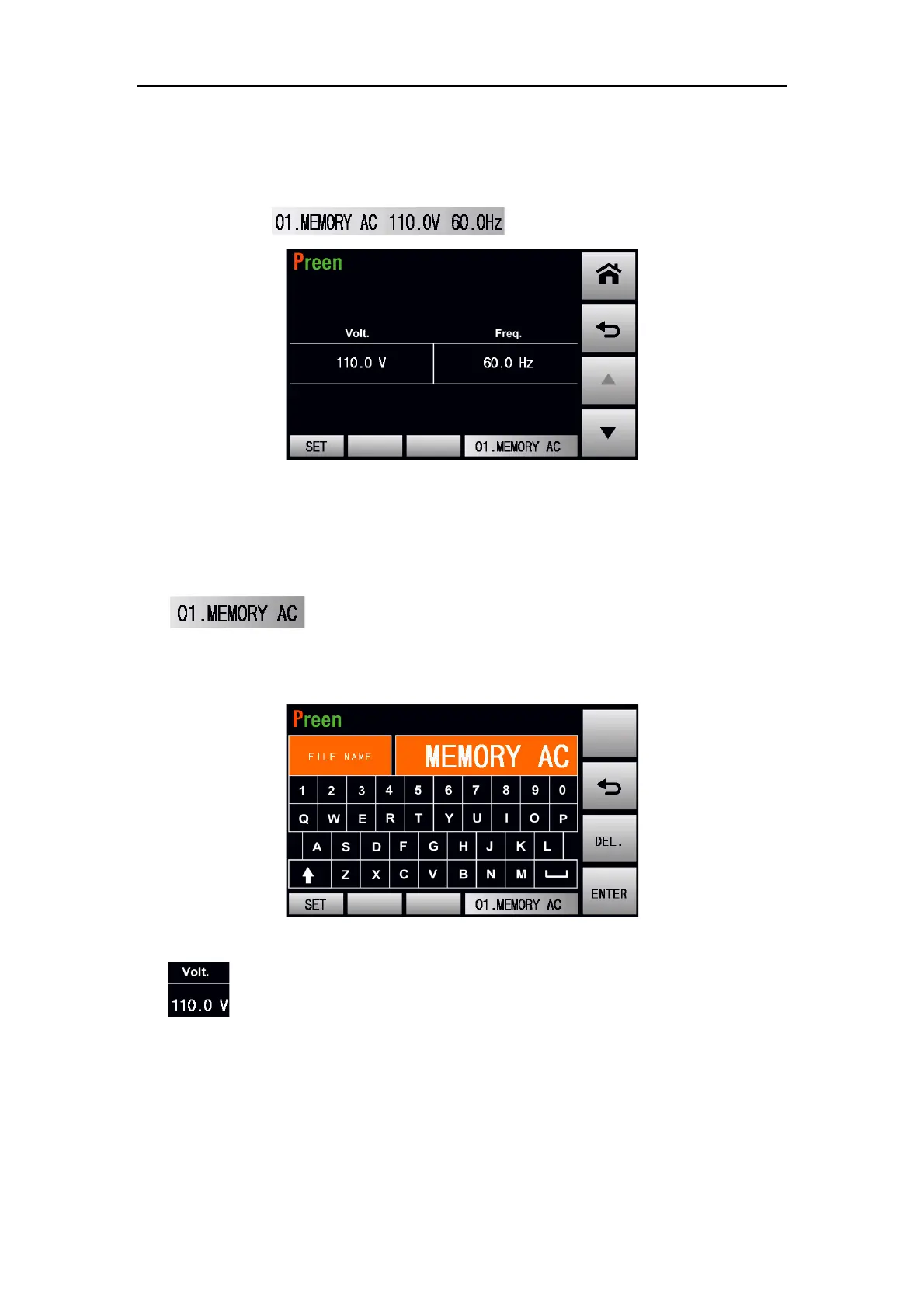
To enter into the setting page of MEMORY feature, press the item of each Memory
Set, for example . Please see the following figure:
Figure 4.2 Setting page of MEMORY feature
The description for the items and the icons at the MEMORY setting subpage are giv-
en as follows:
1) :Press to set the name of Memory Set within 10 characters
(including capital or lowercase English, numbers and symbols). Please see the
following figure:
Figure 4.3 Name setting of Memory Set
2) :Press to set the voltage of Memory Set. Some of the commonly used
voltages are listed by default values for quick access. Please see the following fig-
ure:



 To Next Page