AFV-P Series High Performance Programmable AC Power Supply
58
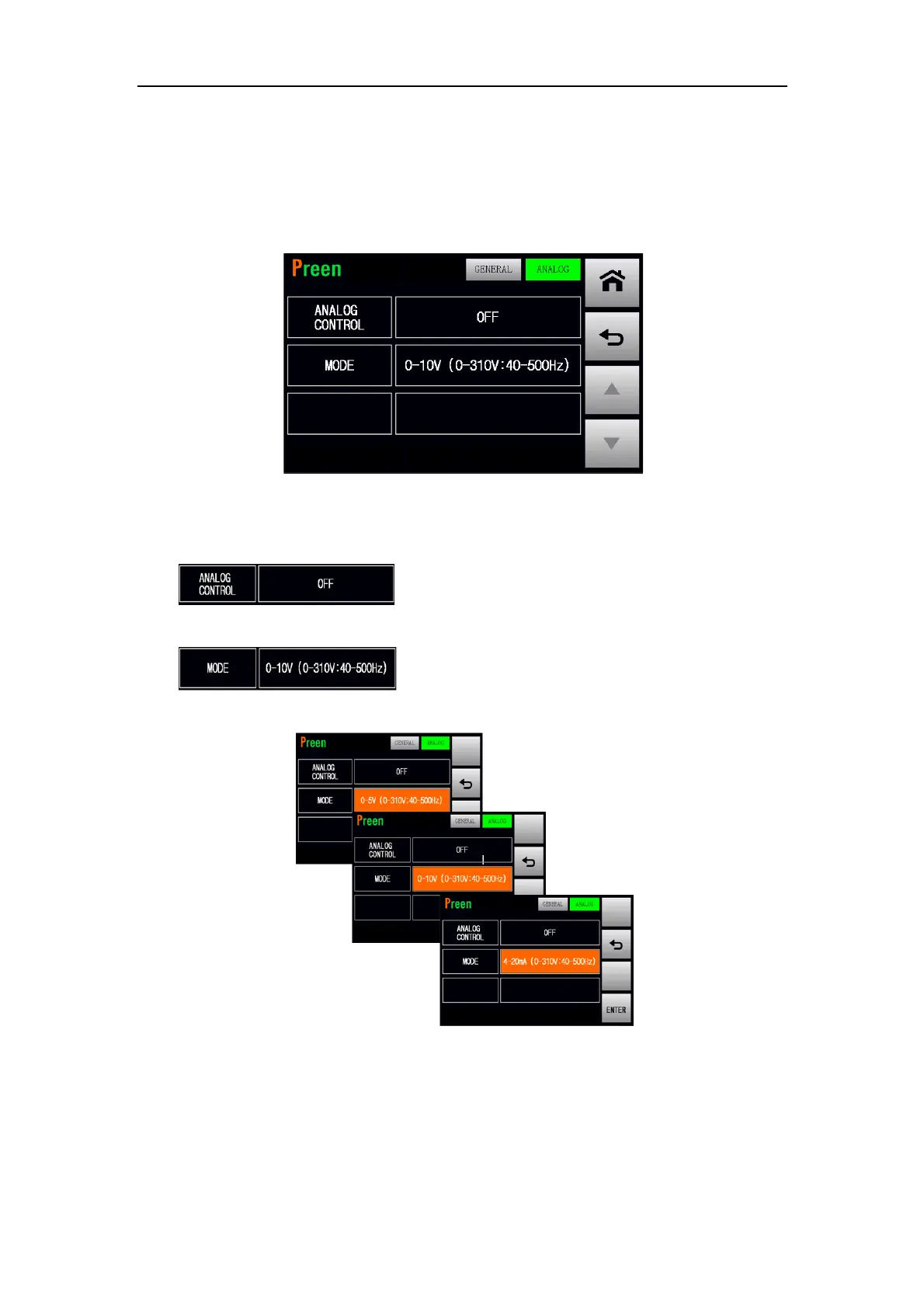
3.6.4 ANALOG Subpage (Optional)
After replacing the standard interface card with optional analog control card (refer to
Subsection 2.8), the ANALOG subpage will show on the screen in advance. Please see
the following figures,
Figure 3.45 ANALOG subpage
The descriptions for the item and icons at the ANALOG subpage are given as follows,
1) : Press to enable/disable the analog control fea-
ture.
2) : Press to switch the signal source ranging from
0-10V, 0-5V or 4-20mA. Please see the following figures:
Figure 3.46 Analog signal control source 0-5V, 0-10V or 4-20mA



 To Next Page