AFV-P Series High Performance Programmable AC Power Supply
56
3.6.2 GENERAL Subpage
After pressing the icon to enter into the COMMUNICATION page, the
ETHERNET subpage will be shown on the touch screen in advance, and users can
press the icon on the upper-right side of the touch screen to enter into
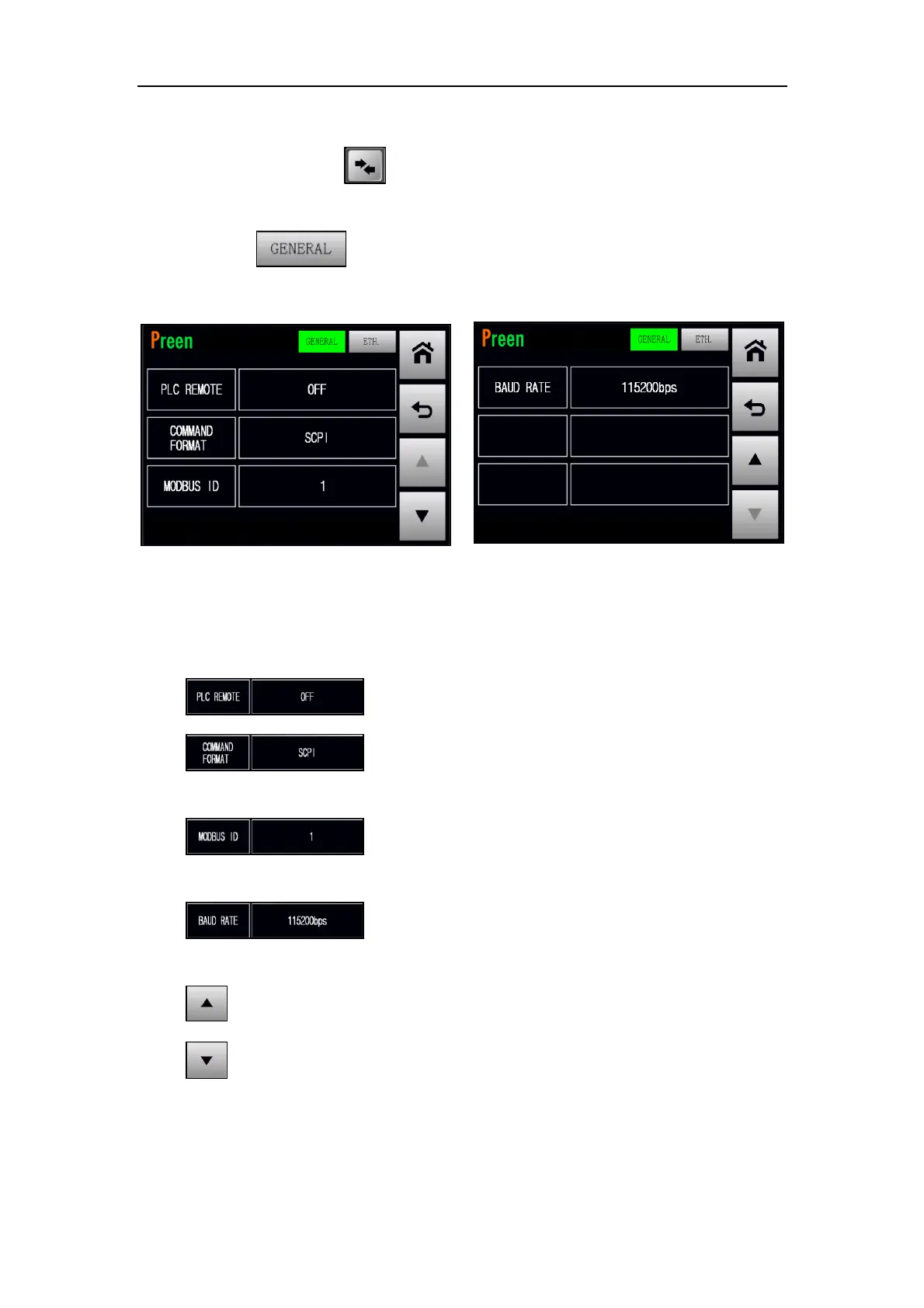
the GENERAL subpage. Please see the following figures,
Figure 3.43 GENERAL subpages 1 & 2
The description for the items and the icons at the GENERAL subpage are given as fol-
lows,
1) : Press to enable/disable the PLC remote feature.
2) : Press to set the command format, with two options
of MODBUS and SCPI.
3) : Press to set the Modbus ID, with options from 1 to
255.
4) : Press to set the Baud rate, with five options of
9600bps, 19200bps, 38400bps, 57600bps and 115200bps.
5) : Press to move to the previous page of the GENERAL subpage.
6) : Press to move to the next page of the GENERAL subpage.



 To Next Page