AFV-P Series High Performance Programmable AC Power Supply
16
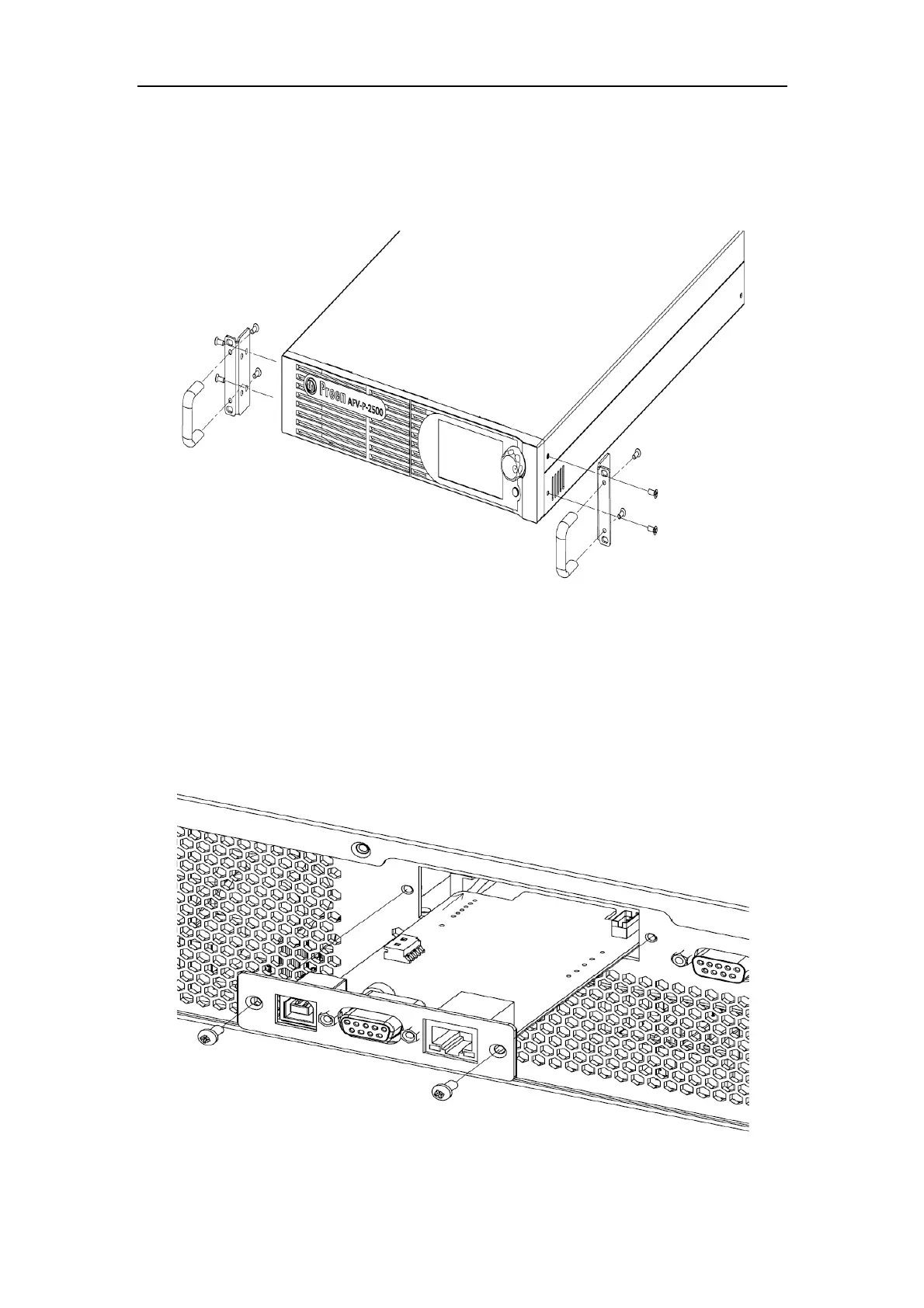
2.7 Product Handle Installation
To install the handles to the right-side and the left-side of the product, please refer to
the Figure 2.8 to fix the handles to the product with eight screws.
Figure 2.8 Product handle
2.8 Interface Card Installation
To install the interface card or replace the standard interface card with optional in-
terface card, please refer to the Figure 2.9 to install or replace the interface card with
two screws.
Figure 2.9 Interface Card



 To Next Page