AFV-P Series High Performance Programmable AC Power Supply
60
3.7 RESULTS Page
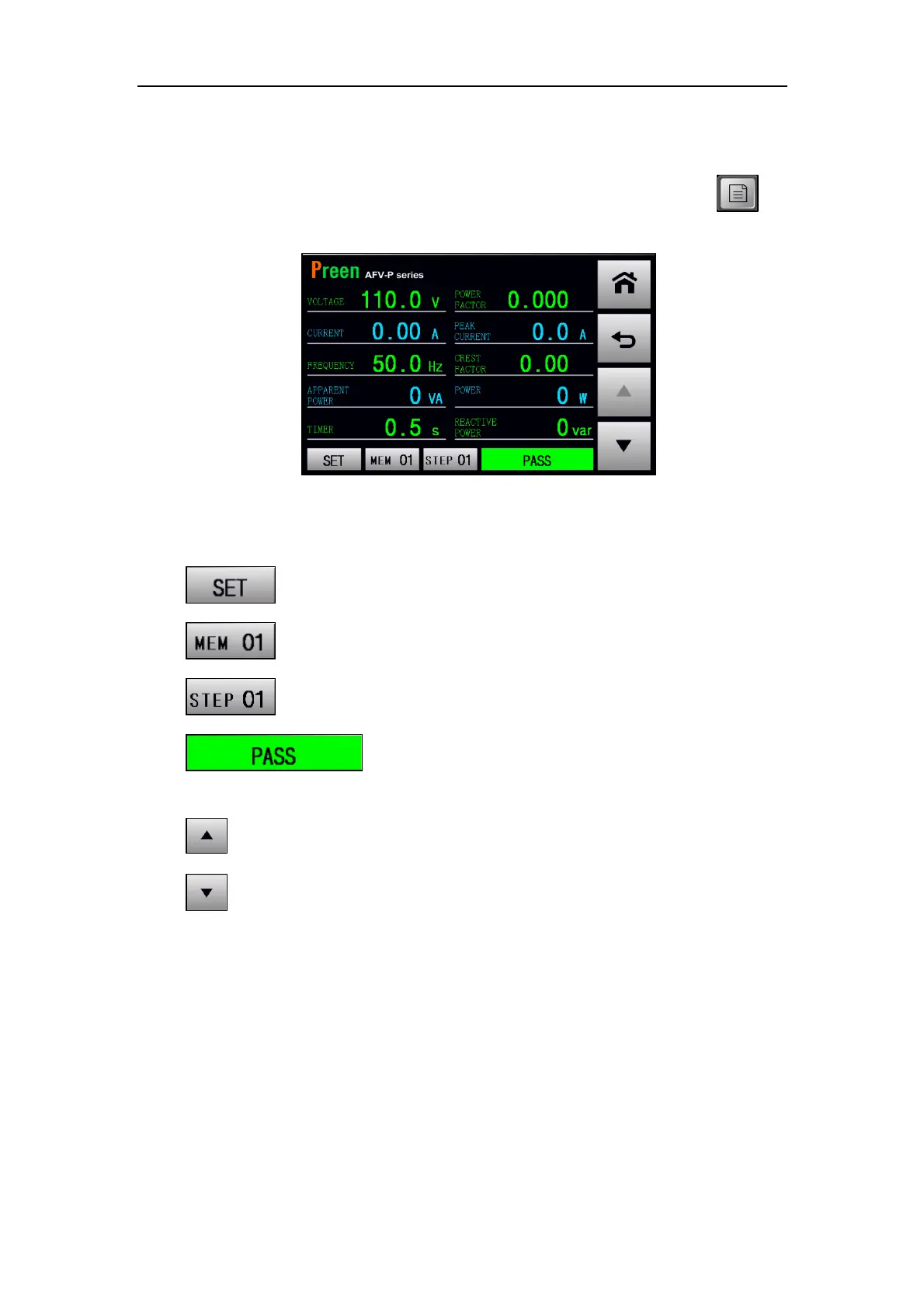
If the MENU page is shown on the touch screen, users can press the icon to
enter into the RESULTS page. Please see the following figures,
Figure 3.48 RESULTS page
The description for the icons at the RESULTS page are given as follows,
1) : Press to see the settings of the desired Step of the Memory Set.
2) : Show the label number of the current Memory Set.
3) : Show the label number of the current Step.
4) : Show whether the desired Step of the Memory Set is
pass the output test or not.
5) : Press to select the previous Step of the Memory Set.
6) : Press to select the next Step of the Memory Set.



 To Next Page