AFV-P Series High Performance Programmable AC Power Supply
23
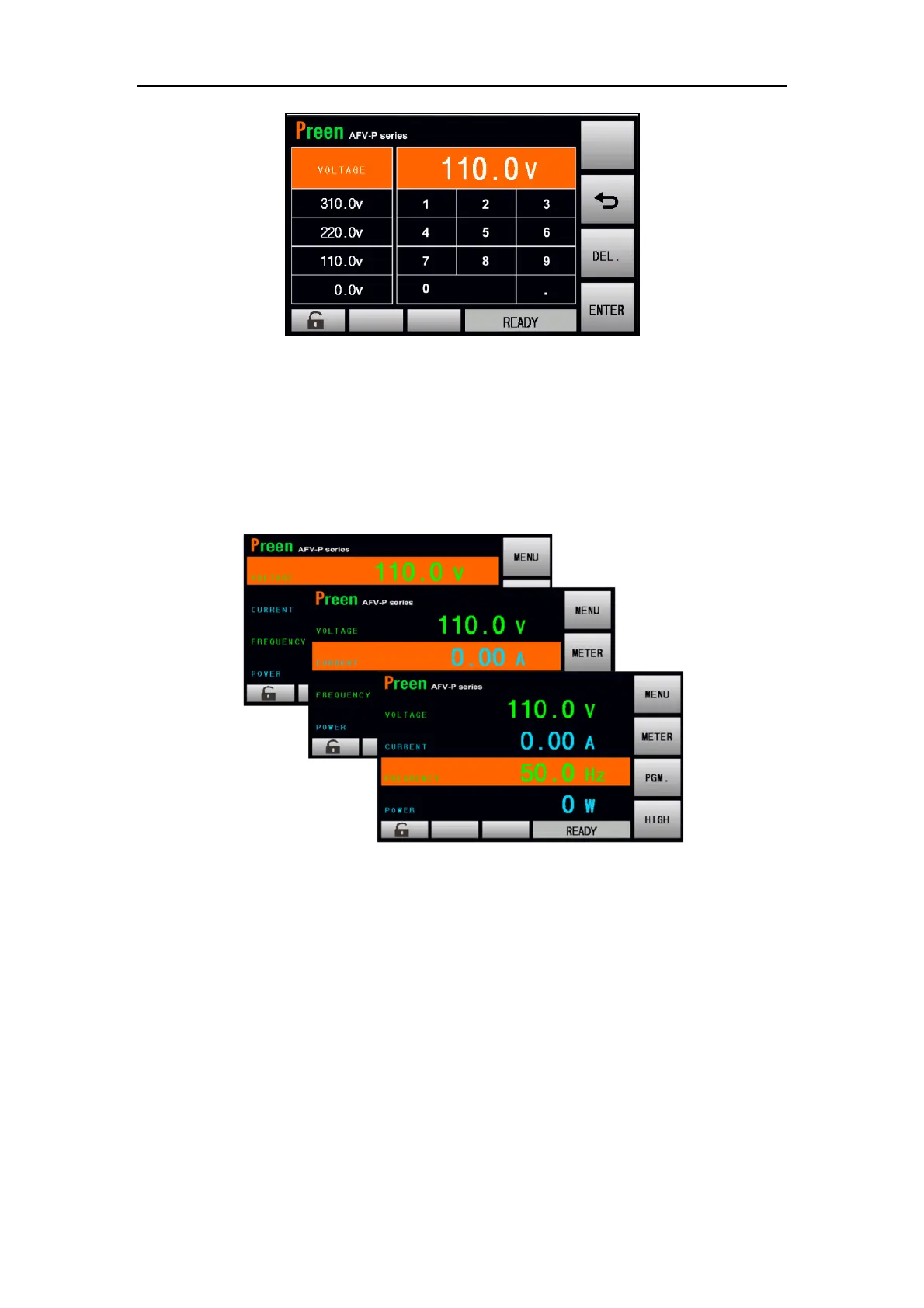
Figure 3.2 Virtual numeric and decimal keys
B. Rotary Knob
Turn the rotary knob on the front panel to move the cursor shown on the touch
screen, and press the rotary knob to choose the desired item. After choosing the de-
sired item, continue to turn the rotary knob to set value, and then press the rotary
knob to confirm.
Figure 3.3 Move the cursor on the touch screen by turning the rotary knob



 To Next Page