AFV-P Series High Performance Programmable AC Power Supply
29
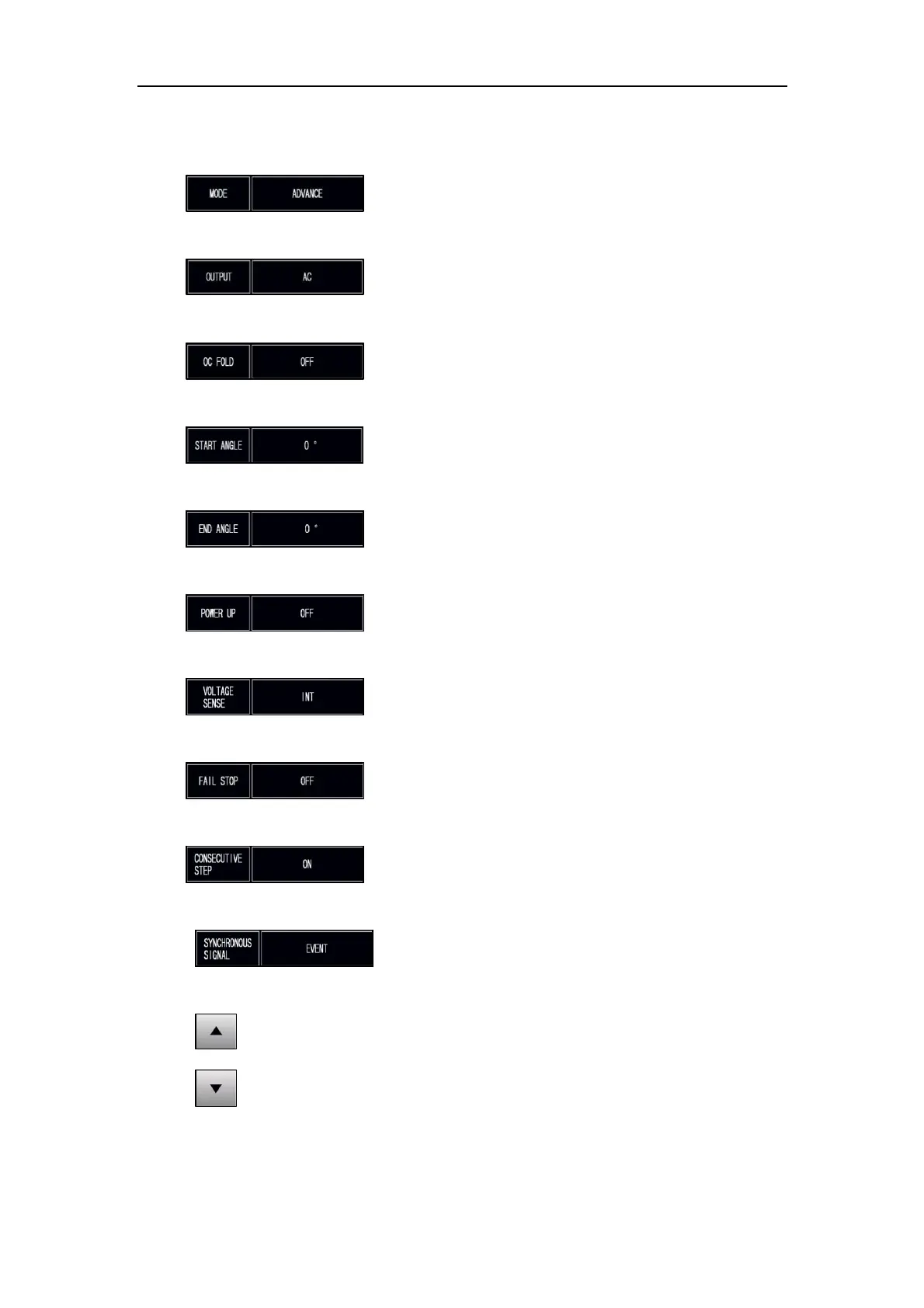
The description for the items and the icons at the TESTING subpage (ADVANCED
mode) are given as follows:
1) : Press to set the operational mode, with two options
of ADVANCE and BASIC.
2) : Press to set the output mode, with two options of
AC and DC.
3) : Press to enable/disable the over current foldback,
with two options of OFF and ON.
4) : Press to set the start angle, with options from 0 to
359.
5) : Press to set the end angle, with options from 0 to
359.
6) : Press to set the power-on status, with three options
of OFF, ON and LAST.
7) : Press to set the voltmeter point, with two options of
INT and EXT.
8) : Press to enable/disable the fail stop feature, with
two options of OFF and ON.
9) : Press to enable/disable the consecutive step feature,
with two options of ON and OFF.
10) : Press to enable/disable the synchronized signal,
with three options of EVENT, OFF and ON.
11) : Press to move to the previous page of the TESTING subpage.
12) : Press to move to the next page of the TESTING subpage.



 To Next Page