5-52 Other Features
PA-1628Operator's ManualH3-45 COACH
ADJUST ACOUSTIC SENSOR TIMING
1. Support a flat sheet of cardboard, or similar
material, directly beneath TWS module at a
distance of 4½ feet below module. Sheet
must be facing sensors.
NOTE
Before proceeding, visually inspect sensors to
verify that they are pointing directly at floor, or
nearly, and are not pointing off at an extreme angle.
CHECKING NORMAL PLATFORM POSITION
2. Note the sensor timing access hole. This hole
provides access to a plunger-actuated switch
that sets the sensor timing. Insert a 1/16-inch
diameter wire-like object into the access hole
and press the plunger inward. The LED will
flash momentarily while the module
establishes the distance and then remain on
steady. Release the plunger when the LED
ceases to flash.
NOTE
It is important that objects, such as your body,
tools, seats, etc, do not interfere with the beam
while the adjustment is being made
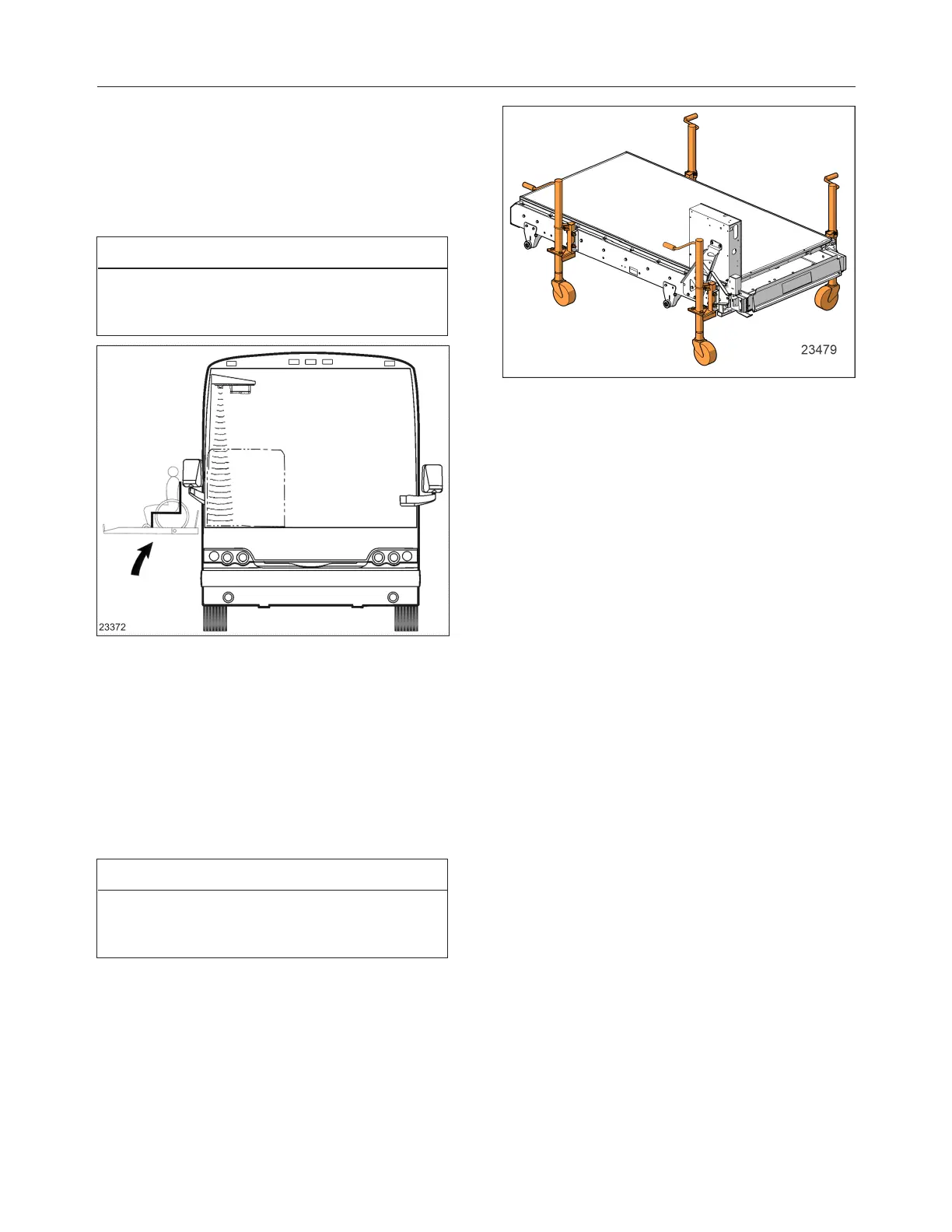
WCL CASSETTE INSTALLATION AND
REMOVAL
Refer to section 23 of the Maintenance manual for
the WCL installation or removal procedure.
WCL CASSETTE WITH JACKS








 To Next Page