4-40 Controls and Instruments
PA-1628Operator's ManualH3-45 COACH
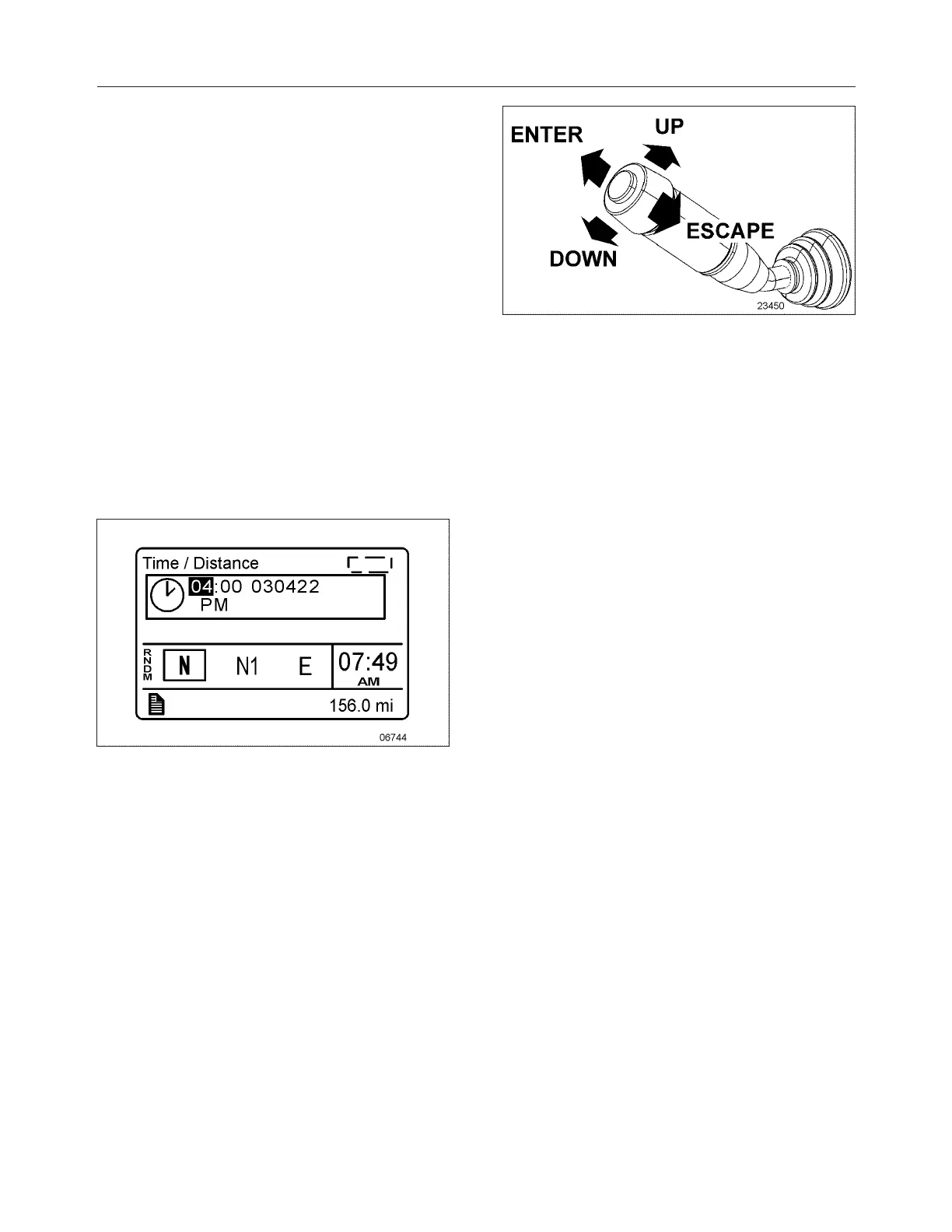
2. Use the UP/DOWN button to scroll up or
down through the menus.
3. Use the ENTER button to open a menu.
4. Use the ESCAPE button to return to the
previous menu or display or to cancel a
setting or operation.
To Change Settings
To change a setting, like the clock:
1. Use the UP/DOWN button to increase or
decrease the numerical value of the selected
range.
2. Use the ENTER button to confirm your
choice and to move to the next field.
3. Press the ESCAPE button to return to the
previous field or to cancel a setting or
operation.
Scrolling Through The Menus Without Using
The Steering Wheel Buttons
In case of failure of the steering wheel buttons, it is
still possible to gain access to the menus or
acknowledge the pop-up messages to return to the
default display.
This alternate mode is possible only if the steering
wheel buttons are faulty.
To enable the alternate mode:
1. Apply the parking brake;
2. Depress and hold the service brake pedal.
MULTI-FUNCTION LEVER
In alternate mode, use the multi-function lever as
follows:
l Move the lever up = UP
l Move the lever down = DOWN
l Push the lever away from you = ENTER
l Pull the lever towards you = ESCAPE








 To Next Page