23
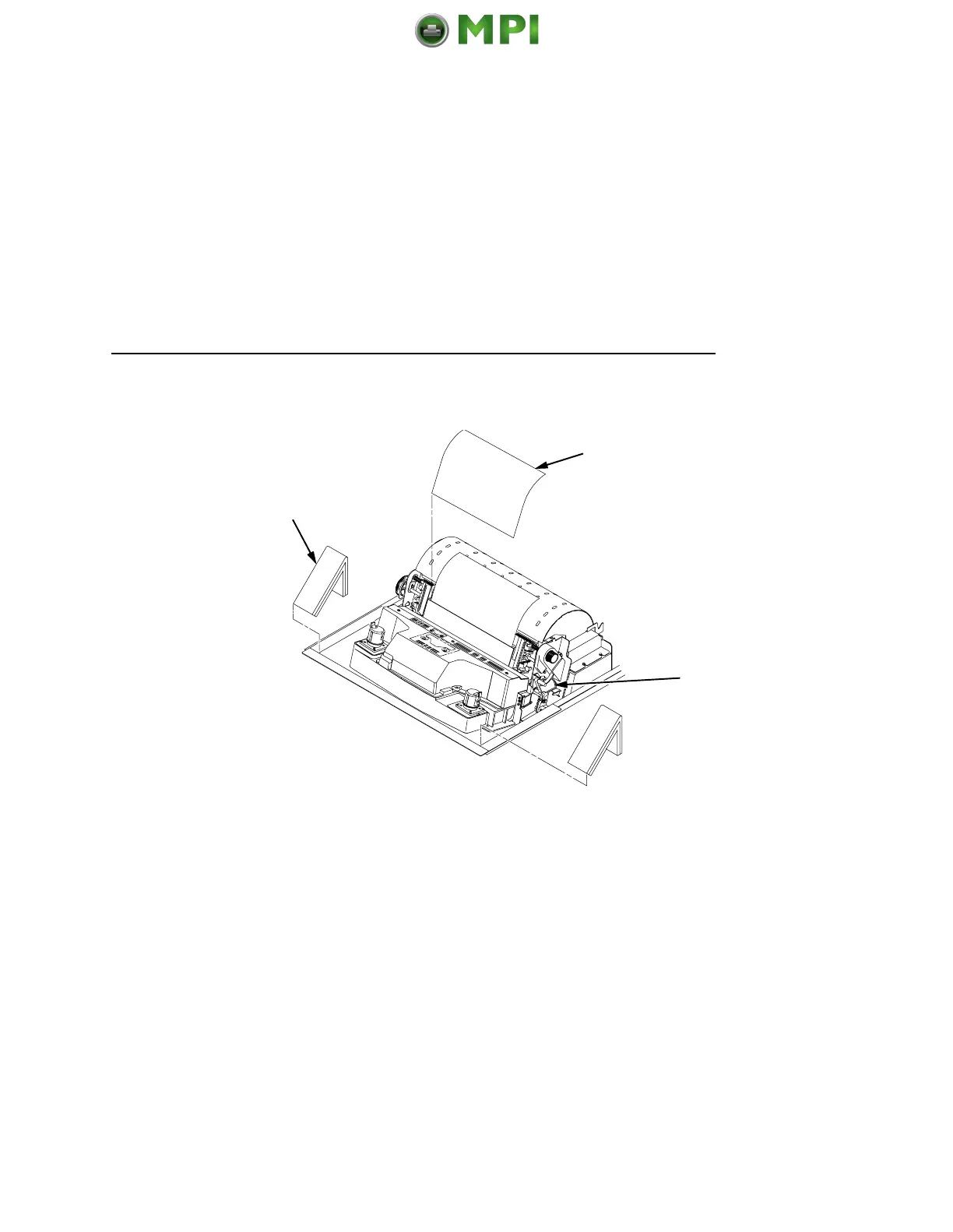
3. Remove the cardboard packing. (2)
4. Open the tractor doors. Push the tractor locks down. Slide the
tractors outward as far as they will go. The forms thickness
lever (4) should be in the fully open (raised) position.
5. Remove the envelope (3) containing the sample configuration
printout. Store the envelope in the pouch attached to the left
interior side of the cabinet.
2
3
4
Mantenimiento Periféricos Informáticos SL C/Canteras, 15 28860 Paracuellos de Jarama Tel: 00 34 917481604 WEB: https://mpi.com.es













 To Next Page