Navigating The Menus
79
Navigating The Menus
To manipulate configurations it is important to understand how to
navigate through the menus. Review the following instructions
before you begin making changes to the printer.
You must be offline to move within the menus.
When the printer is online, the LCD displays ONLINE and the type
of emulation on the second line. If the host interface is set to Auto
Switching, the second line of the LCD displays also shows the
active port together with the type of emulation.
To experiment with navigating the menus, follow the example on
the next page as a tutorial.
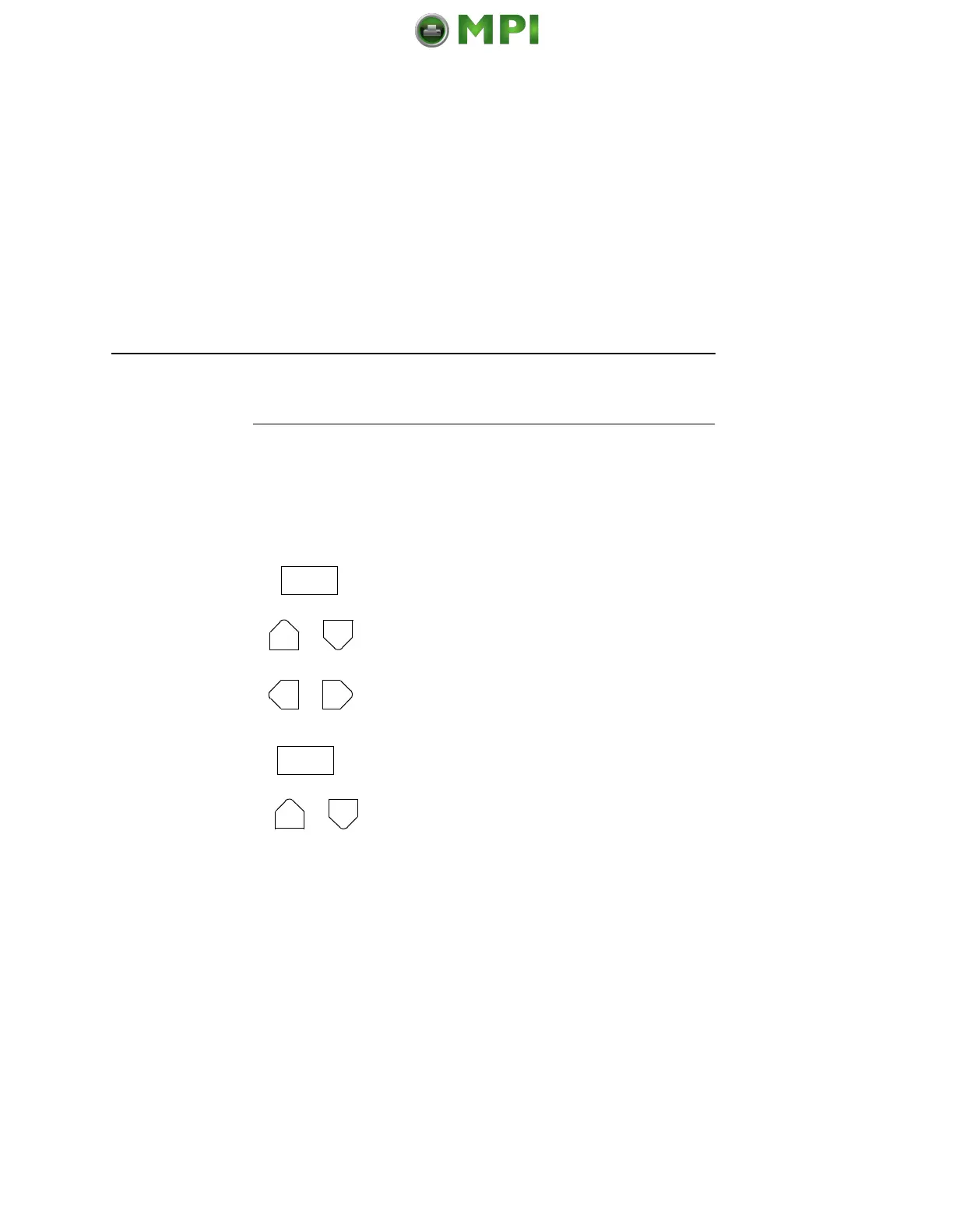
Press to toggle between ONLINE and
OFFLINE.
Press to move up or down through the menu
levels.
Press to scroll through the available choices
on a chosen level.
Press to confirm selection.
Press to lock and unlock the ENTER key. The
ENTER key is locked by default, to prevent
you from accidentally changing the printer
configuration. The lock and unlock function
can be configured to be other than
= + > (See
“Set Lock Key” on page 191.)
Mantenimiento Periféricos Informáticos SL C/Canteras, 15 28860 Paracuellos de Jarama Tel: 00 34 917481604 WEB: https://mpi.com.es













 To Next Page