EasyManua.ls Logo

Printronix P5210 - Config. Control; Menu

Printronix P5210
270 pages
Print Icon
To Next Page IconTo Next Page
To Previous Page IconTo Previous Page
Loading...
Menu
89
CONFIG. CONTROL
The CONFIG. CONTROL menu allows you to control your printer’s
configurations according to the specifications necessary for your
print jobs.
Menu
Load Config.
The printer can store numerous configurations in memory. This
parameter allows you to select and load a specific configuration.
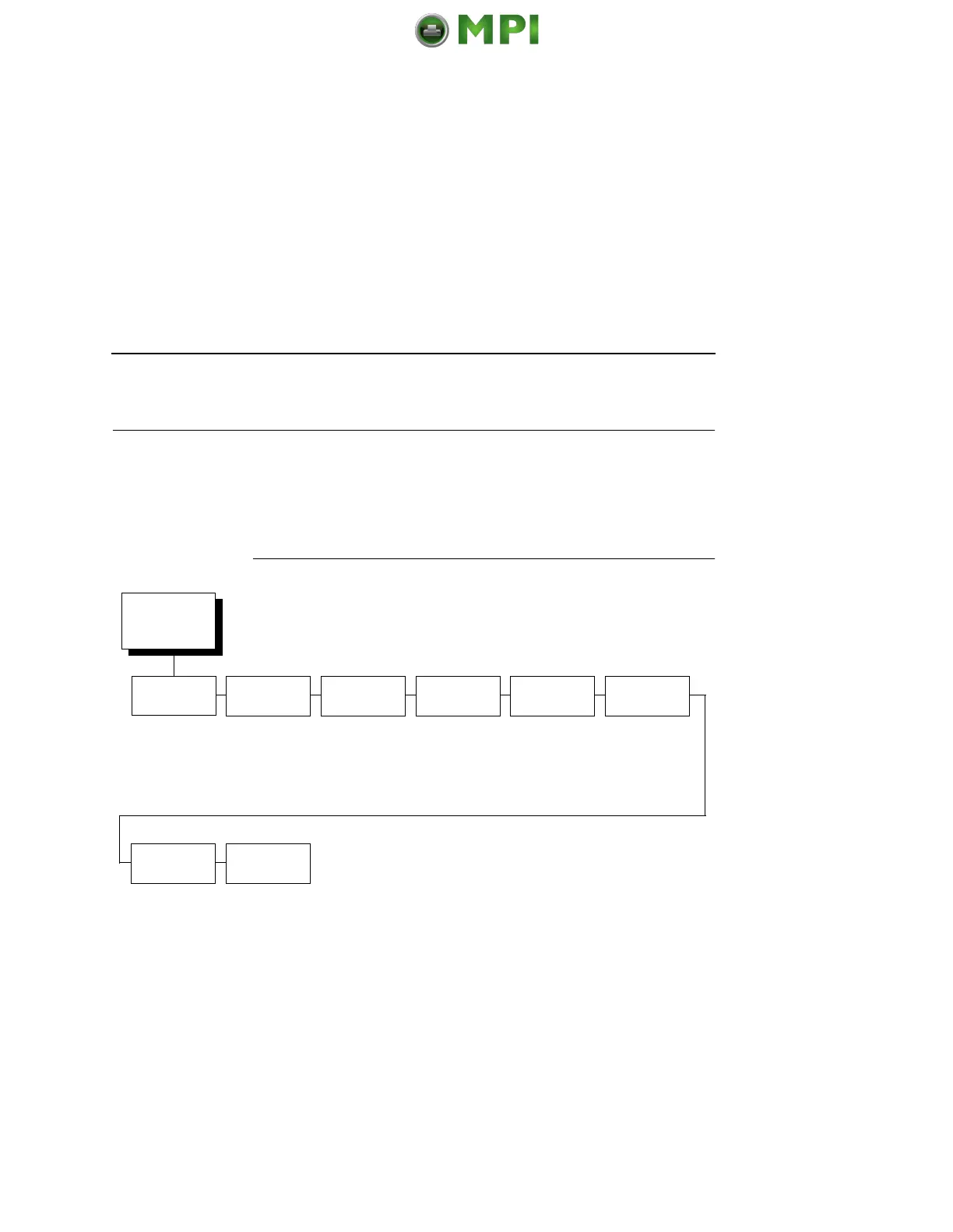
CONFIG.
CONTROL
(from page 87)
Load
Config.
Save
Config.
Print
Config.
Delete
Config.
Power-up
Config.
Protect
Configs.
Name
Configs.
Reset Cfg.
Names
Factory*
1-8
1*
(1-8)
Current*
Factory
Power-up
All
1-8
1*
(1-8)
Factory*
1-8
Disable*
Enable
1*
(1-8)
1* (1-8)
All
* = Factory Default
Mantenimiento Periféricos Informáticos SL C/Canteras, 15 28860 Paracuellos de Jarama Tel: 00 34 917481604 WEB: https://mpi.com.es

Table of Contents

Related product manuals