Chapter 3 The Control Panel
56
The current operating mode may be selected via control panel
keys, or may result from routine operations such as powering on
the printer.
The Control Panel
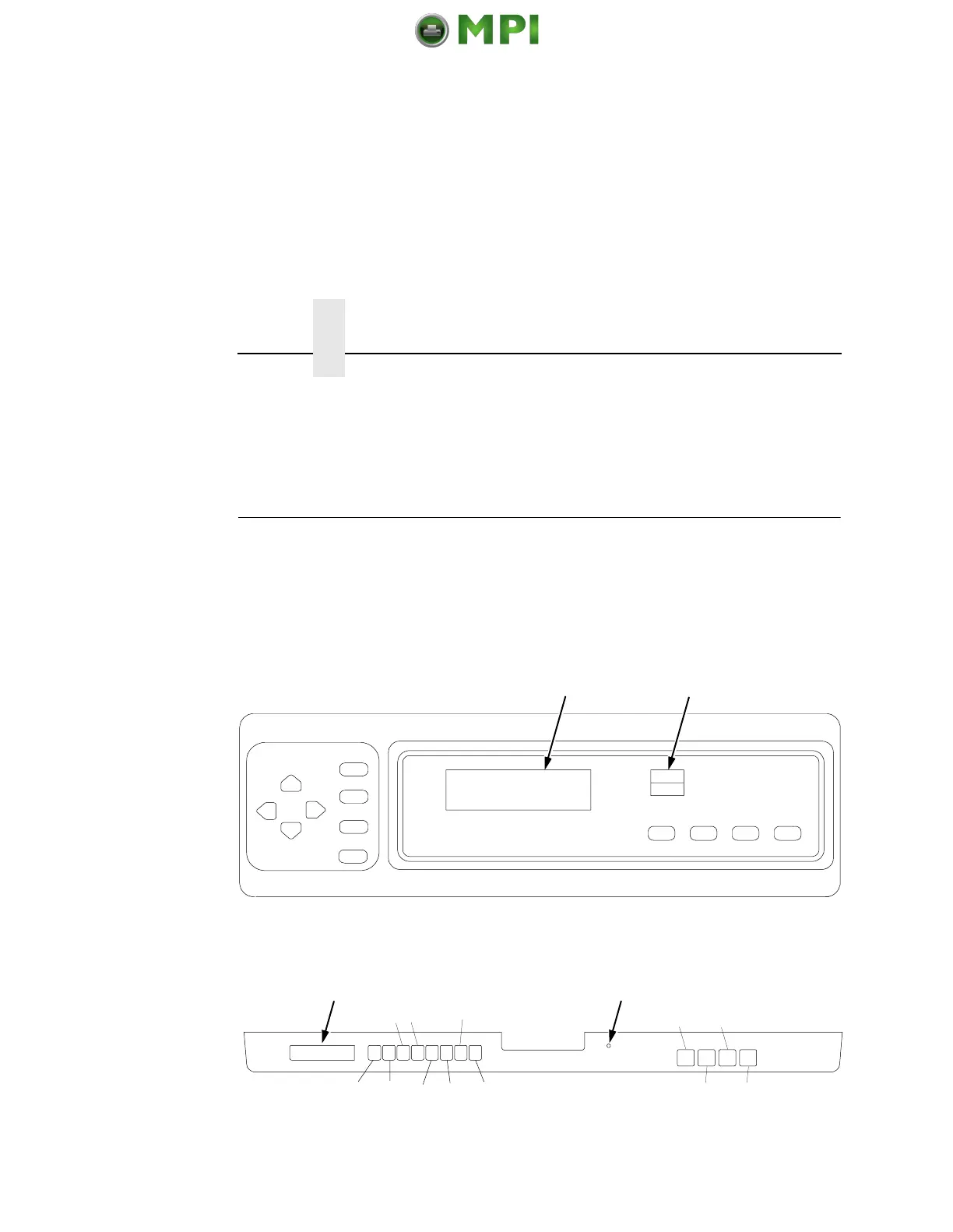
Figure 9 and Figure 10 show the keys, displays and indicators as
they appear on the control panel. The following section provides
descriptions of each of the control panel keys and their functions.
Key combinations are indicated with the plus (+) sign. For example,
“Press
= + >” means to press the = key and the > key at the same
time.
Figure 9. Control Panel, Cabinet Model
Figure 10. Control Panel, Pedestal Model
2
1
3
4
5
6
78910
1
2
;<
34 6 8 10
=>
579
Mantenimiento Periféricos Informáticos SL C/Canteras, 15 28860 Paracuellos de Jarama Tel: 00 34 917481604 WEB: https://mpi.com.es













 To Next Page