Chapter 2 Install Optional Components
50
6.
You are now ready to print. Go to “Set The Top-of-Form” on
page 51.
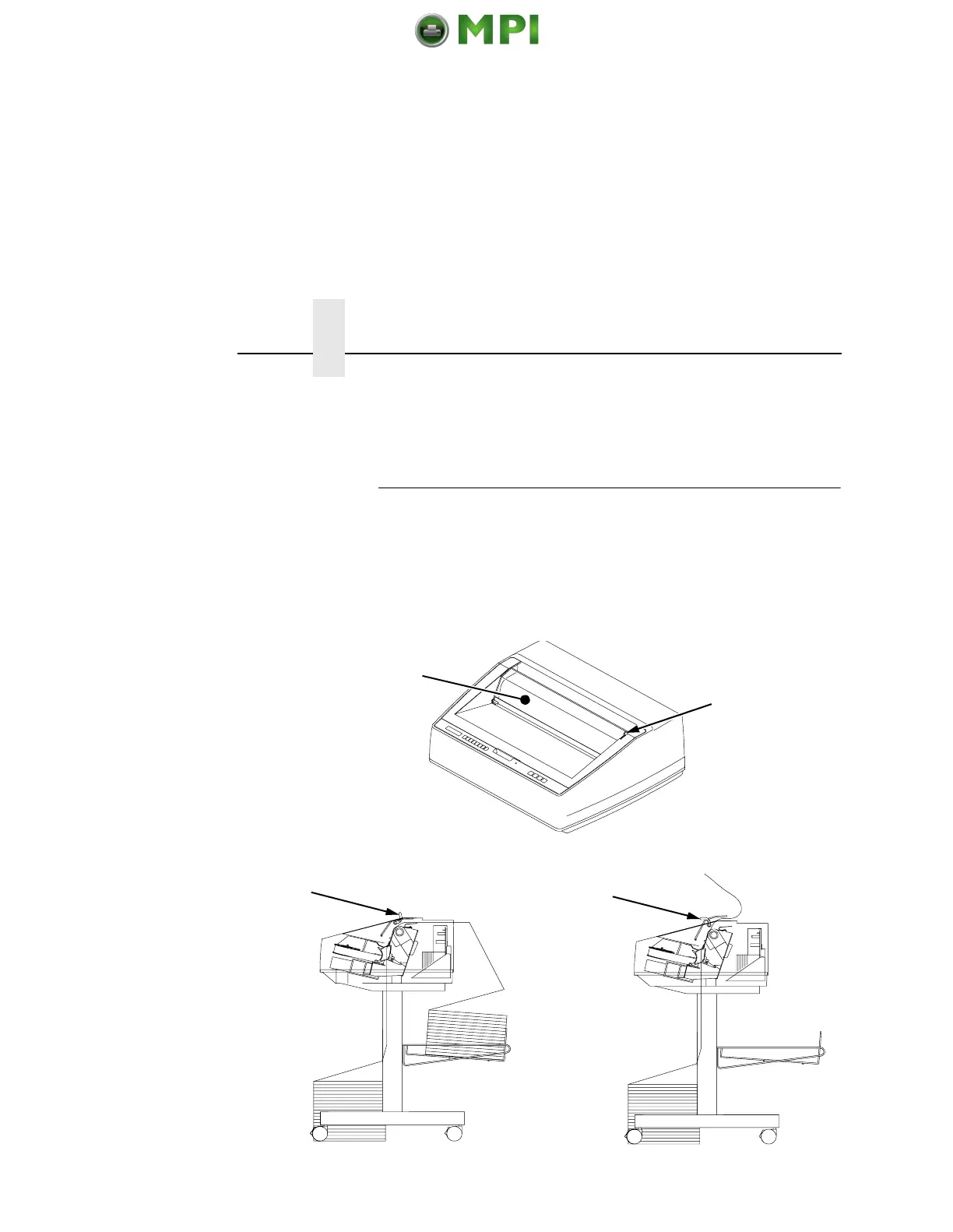
Quick Access Cover (Pedestal Model)
If your pedestal printer is equipped with the quick access cover (1),
you may choose how the paper exits the printer. Pushing the lever
(2) up on the quick access cover allows the paper to exit the rear of
the printer like a regular pedestal model (3). Pulling the lever down
allows the paper to exit the top of the printer for demand printing
(4).
1
2
3
4
Mantenimiento Periféricos Informáticos SL C/Canteras, 15 28860 Paracuellos de Jarama Tel: 00 34 917481604 WEB: https://mpi.com.es













 To Next Page