SureStak Power Paper Stacker
49
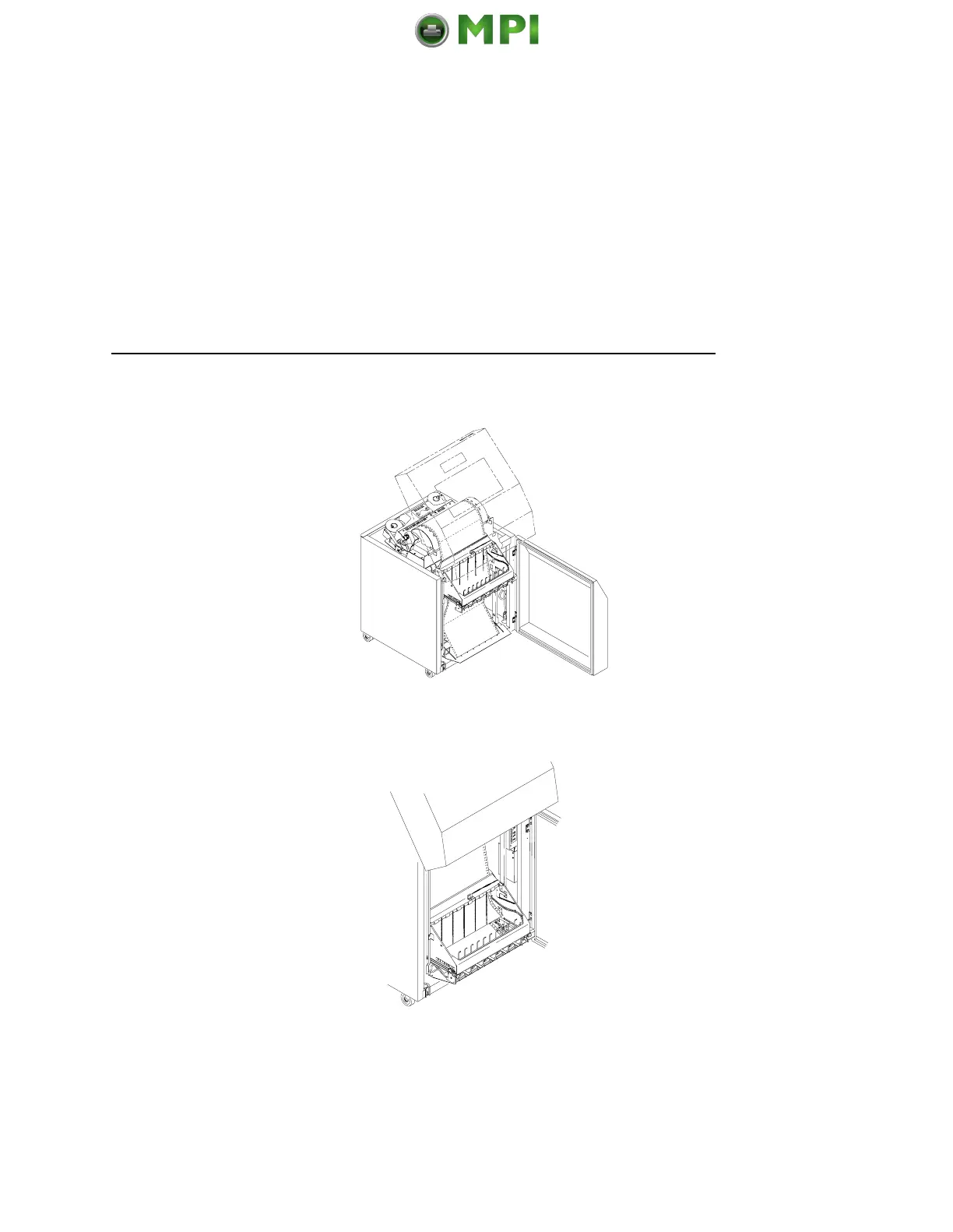
2. Stack the 3-5 sheets of paper on top of the wire paper tent,
making sure the paper lies with the natural fold.
3. Press the ON LINE key, from either the front or rear panel, to
put the printer in the online state. The stacker frame then
returns to its proper position for printing.
4. Check that the paper is still centered between the paper
guides.
5. Close the cabinet rear door.
Mantenimiento Periféricos Informáticos SL C/Canteras, 15 28860 Paracuellos de Jarama Tel: 00 34 917481604 WEB: https://mpi.com.es













 To Next Page