Chapter 4 Configuration Overview
82
The parameters you have changed will remain active as long as the
printer is on. When you turn off the printer, the parameters will be
erased from memory unless you save them in a configuration. If
you do not save the configuration, the printer will revert to the
default values next time the printer is powered on.
The next section, “Saving Your New Configuration,” will explain
how to save configurations.
Saving Your New Configuration
Once you have changed all of the necessary parameters, you
should save them as a configuration that can be stored and loaded
later for future use. If you do not save your configuration before you
power off the printer, all of your parameter changes will be erased.
The Save Config. option allows you to save up to eight
configurations to meet different print job requirements.
(Configurations 1 through 8 are empty until you save values to
them using the Save Config. option.)
13. Power Saver Time
30 Minutes
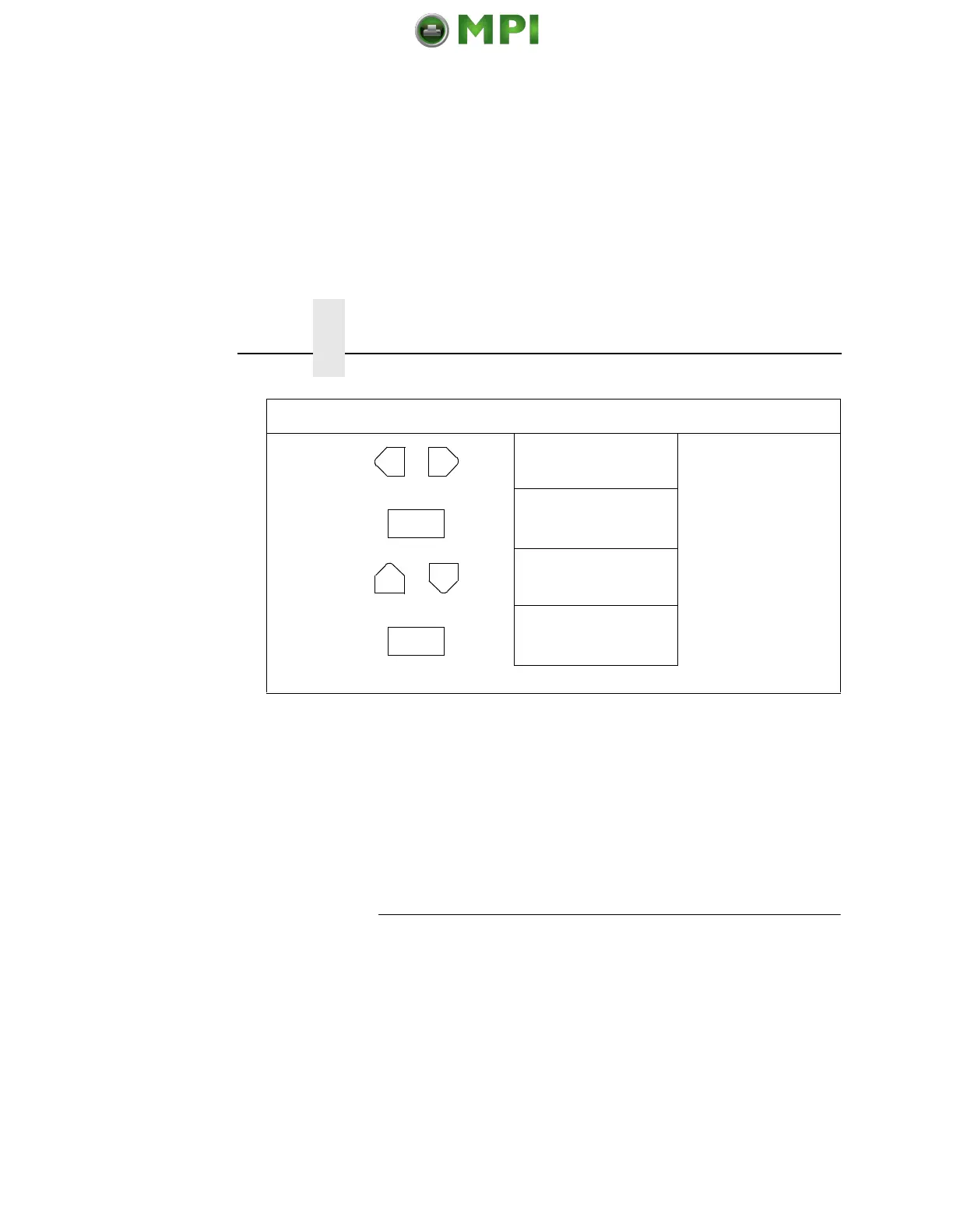
Press until the desired
parameter displays.
14. Power Saver Time
30 Minutes*
The * indicates this choice
is active.
15. ENTER SWITCH
LOCKED
Locks the ENTER key.
16. ONLINE
LinePrinter+
Places the printer in
online mode.
17. Close the printer cover. The printer is ready for operation.
Step Press LCD Notes
OR
ENTER
+
ON LINE
Mantenimiento Periféricos Informáticos SL C/Canteras, 15 28860 Paracuellos de Jarama Tel: 00 34 917481604 WEB: https://mpi.com.es













 To Next Page