EasyManua.ls Logo

Printronix P5210 - Page 81

Printronix P5210
270 pages
Print Icon
To Next Page IconTo Next Page
To Previous Page IconTo Previous Page
Loading...
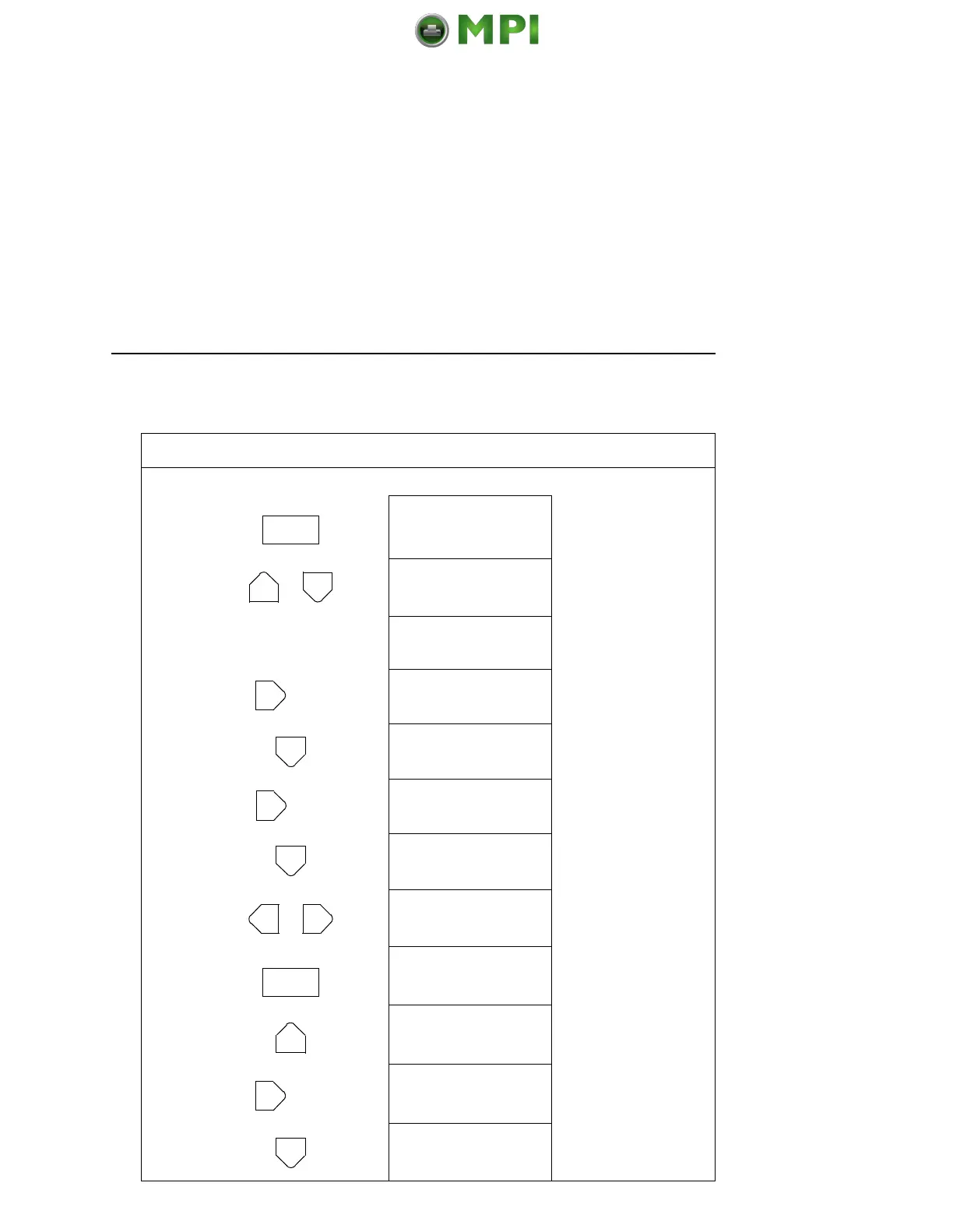
Changing Parameters Example
81
Step Press LCD Notes
1. Make sure the printer is on. Raise the printer cover.
2. OFFLINE
CONFIG. CONTROL
3. ENTER SWITCH
UNLOCKED
Allows you to make
configuration changes.
OFFLINE
CONFIG. CONTROL
4. OFFLINE
PRINTER CONTROL
5. PRINTER CONTROL
Unidirectional
6. PRINTER CONTROL
Slow Paper Slew
7. Slow Paper Slew
Disable*
8. Slow Paper Slew
Enable
Cycle through the
choices.
9. Slow Paper Slew
Enable*
The * indicates this choice
is active.
10. PRINTER CONTROL
Slow Paper Slew
11. PRINTER CONTROL
Power Saver Time
12. Power Saver Time
15 Minutes*
ON LINE
+
UNTIL
UNTIL
OR
ENTER
UNTIL
Mantenimiento Periféricos Informáticos SL C/Canteras, 15 28860 Paracuellos de Jarama Tel: 00 34 917481604 WEB: https://mpi.com.es

Table of Contents

Related product manuals