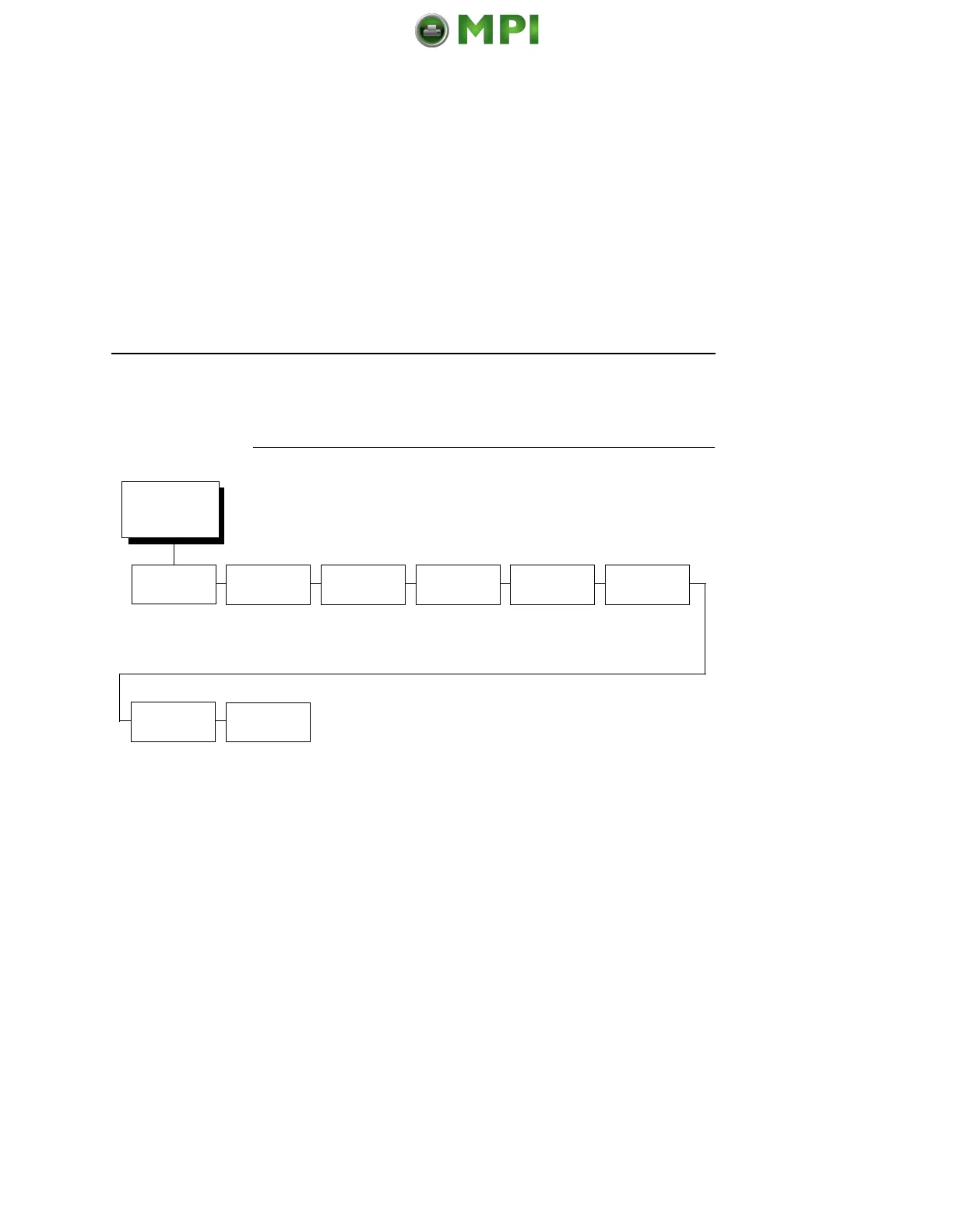
Dataproducts (Standard & Long Lines) Submenu
201
Dataproducts (Standard & Long Lines)
Submenu
Data Bit 8
• Enable. Allows access to the extended ASCII character set.
• Disable. The printer interprets bit 8 of each incoming data
character as a zero, regardless of its actual setting.
PI Ignored
The PI (Paper Instruction) signal is used to control vertical paper
motion.
• Enable. Causes the printer to interpret the eight data lines as
DVFU commands when the PI signal is true.
• Disable. Ignores the PI signal and treats the data as characters
or control codes.
Dataproducts
(from page 195)
Data Bit 8
PI Ignored Data
Polarity
Response
Polarity
Latch Data
On
Prime Signal
TOF Action
Buffer Size
in K
Enable*
Disable
Enable*
Disable
Standard*
Inverted
Standard*
Inverted
Middle*
Trailing
Leading
Disable*
Enable
Reset*
Do Nothing
1*
(1-16)
* = Factory Default
Mantenimiento Periféricos Informáticos SL C/Canteras, 15 28860 Paracuellos de Jarama Tel: 00 34 917481604 WEB: https://mpi.com.es













 To Next Page