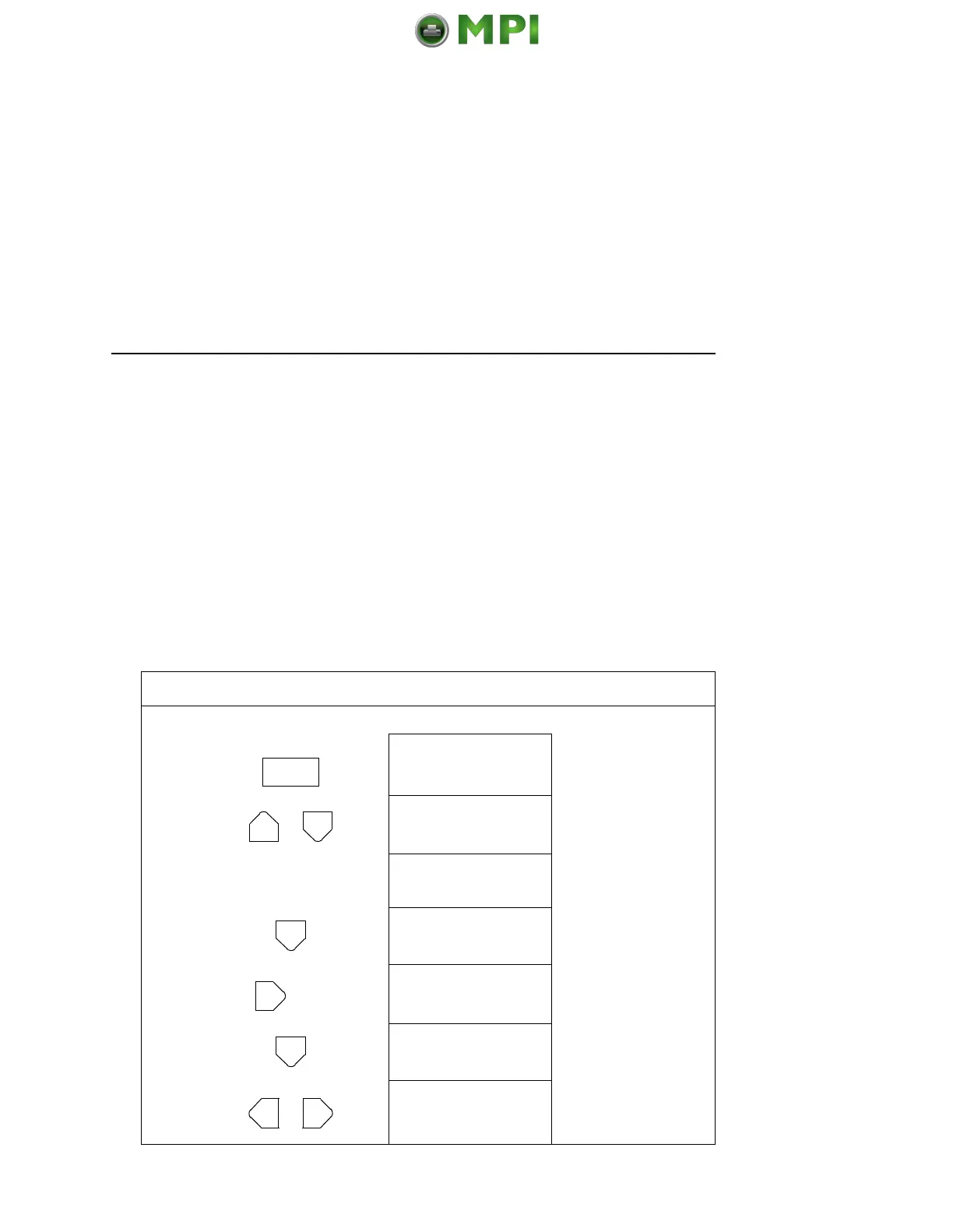
Saving Your New Configuration
83
Once you have saved a custom configuration using this option, it
will not be lost if you power off the printer. You can load a
configuration for a specific print job (see “Load Config.” on page
89). You can also modify and resave it. You may want to print your
configurations (see “Print Config.” on page 90) and store them in a
safe place, such as inside the printer cabinet.
If the Protect Configs. parameter is enabled, and you try to resave
an existing configuration, the new configuration will not be saved
until the existing configuration has been deleted (see page 90).
NOTE: Once you change active emulations, any changes to the
previously selected emulation will be gone unless they
have been saved.
Step Press LCD Notes
1. Make sure the printer is on. Raise the printer cover.
2. OFFLINE
CONFIG. CONTROL
3. ENTER SWITCH
UNLOCKED
Allows you to make
configuration changes.
OFFLINE
CONFIG. CONTROL
4. CONFIG. CONTROL
Load Config.
5. CONFIG. CONTROL
Save Config.
6. Save Config.
1*
7. Save Config.
2
Cycle through the
choices.
Mantenimiento Periféricos Informáticos SL C/Canteras, 15 28860 Paracuellos de Jarama Tel: 00 34 917481604 WEB: https://mpi.com.es













 To Next Page