Chapter 2 Remove Packing Materials
32
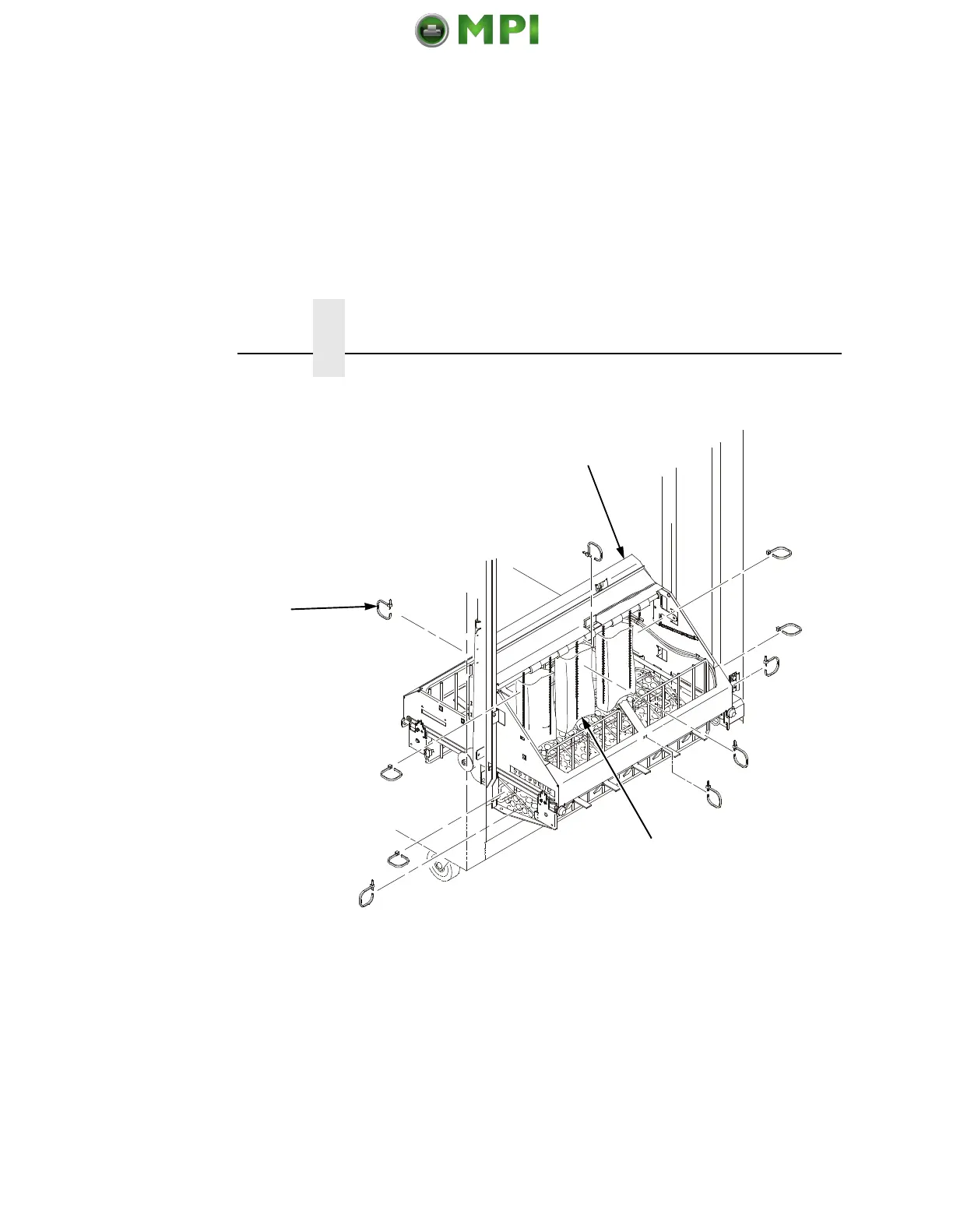
1. Open the rear door panel.
2. Remove the ten tie wraps (1).
3. Raise the paper guide (2) to its highest position by hand.
4. Remove the plastic bags (3) from the paper chains.
1
2
3
Mantenimiento Periféricos Informáticos SL C/Canteras, 15 28860 Paracuellos de Jarama Tel: 00 34 917481604 WEB: https://mpi.com.es













 To Next Page