Load The Paper
43
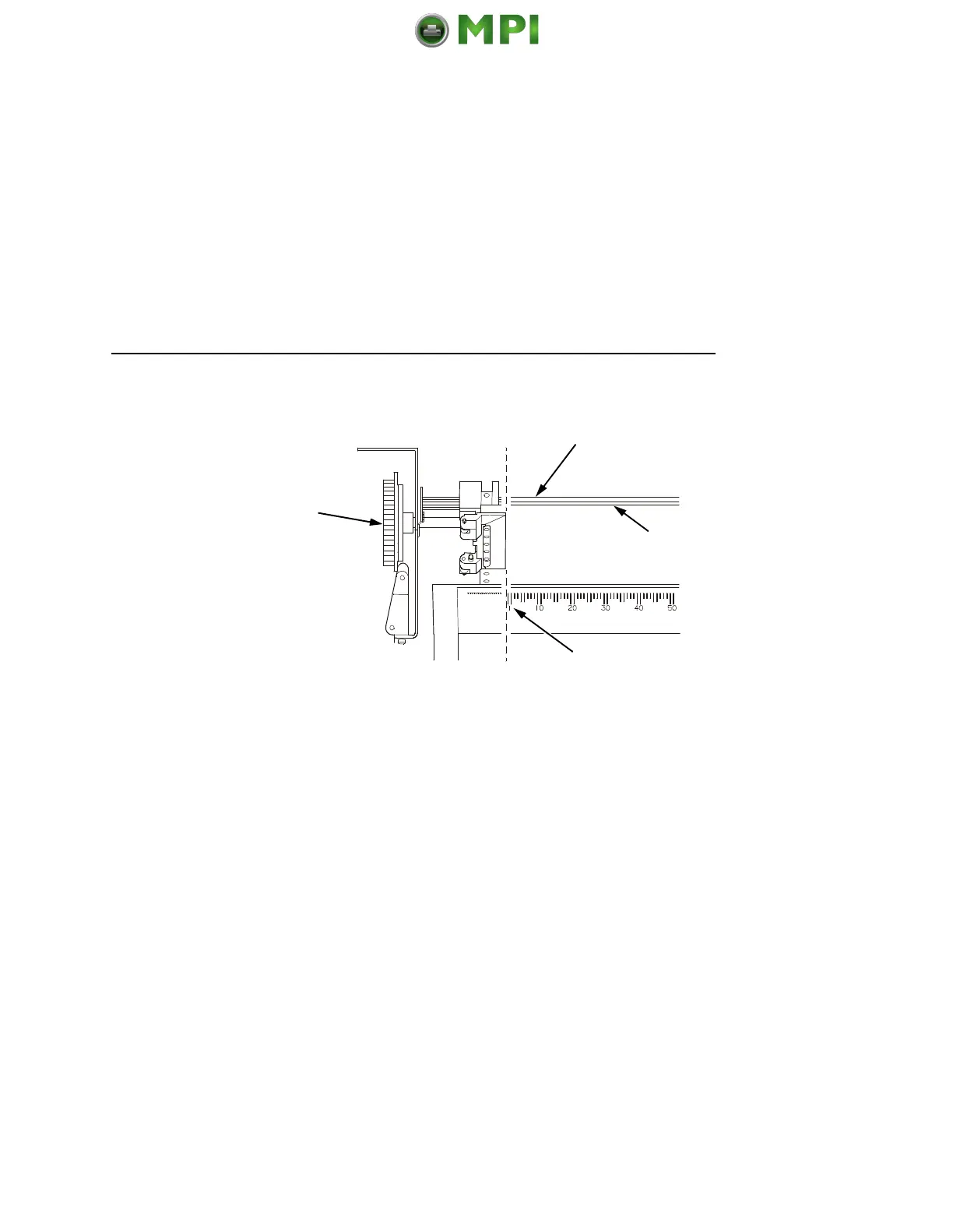
6. Make sure the leading edge of the first sheet of paper (8) is
parallel to the tractor splined shaft (9). If the paper is
misaligned, reload it onto the tractor sprockets until its edge is
parallel to the splined shaft.
7. Slide the right tractor to remove paper slack or to adjust for
various paper widths. Lock the tractor.
8. After both tractors are secured, you may use the horizontal
adjustment knob (10) to make fine horizontal paper
adjustments.
10
9
8
11
Mantenimiento Periféricos Informáticos SL C/Canteras, 15 28860 Paracuellos de Jarama Tel: 00 34 917481604 WEB: https://mpi.com.es













 To Next Page