Unloading Paper
71
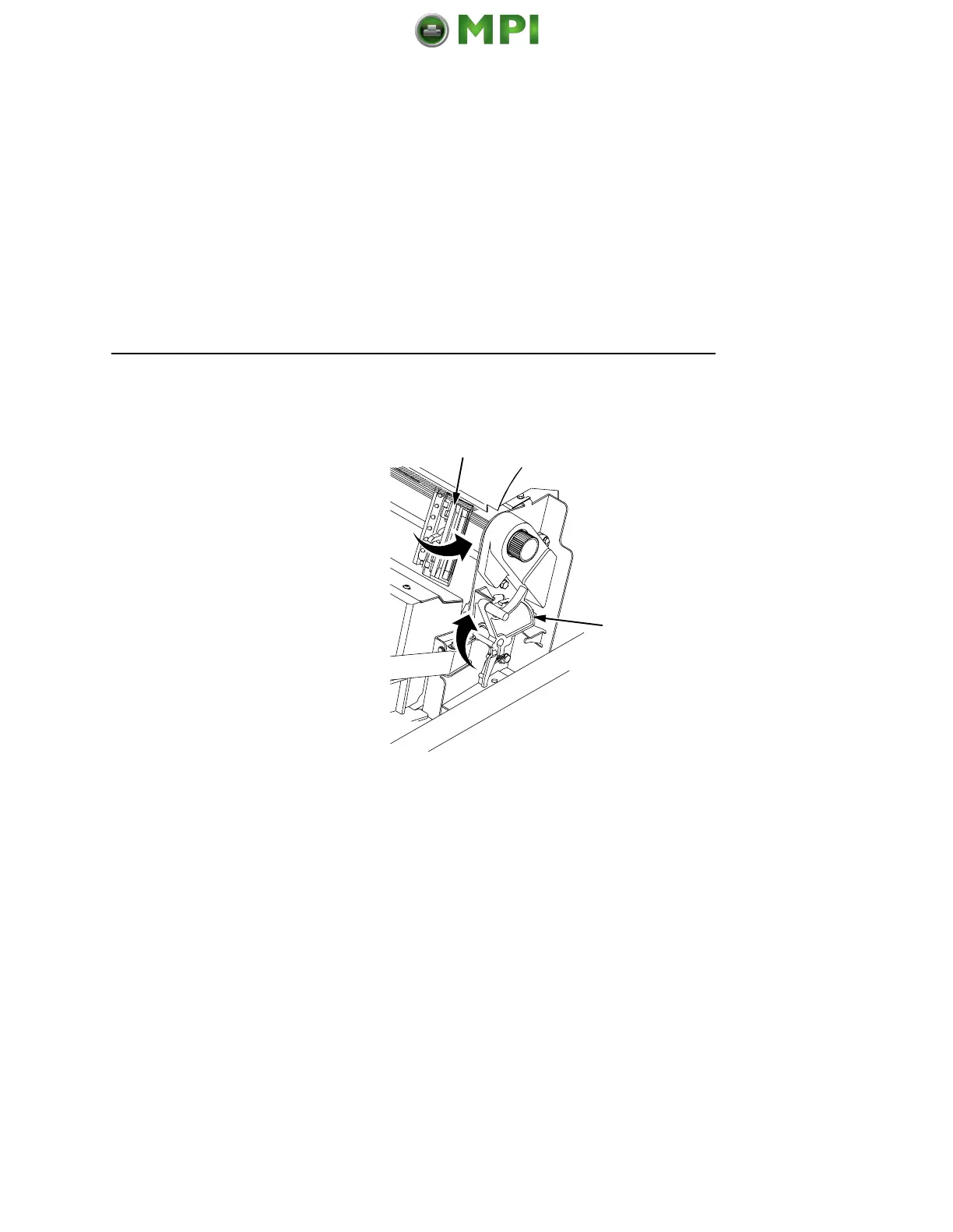
7. To completely remove the paper from the printer:
a. Raise the forms thickness lever (1) as far as it will go, and
open both tractor doors (2).
CAUTION
Be careful when pulling any paper backward through the
paper path, especially when using a label stock. If you are not
careful, labels can detach and adhere to the printer within the
paper path, where only an authorized service representative
can remove them.
b. Remove the paper from the tractors. For cabinet models,
open the cabinet front door. Gently pull the paper down
through the paper slot. Allow the paper to fall into the paper
supply area.
c. Remove the paper from the paper supply area.
2
1
Mantenimiento Periféricos Informáticos SL C/Canteras, 15 28860 Paracuellos de Jarama Tel: 00 34 917481604 WEB: https://mpi.com.es













 To Next Page