Reload Paper
33
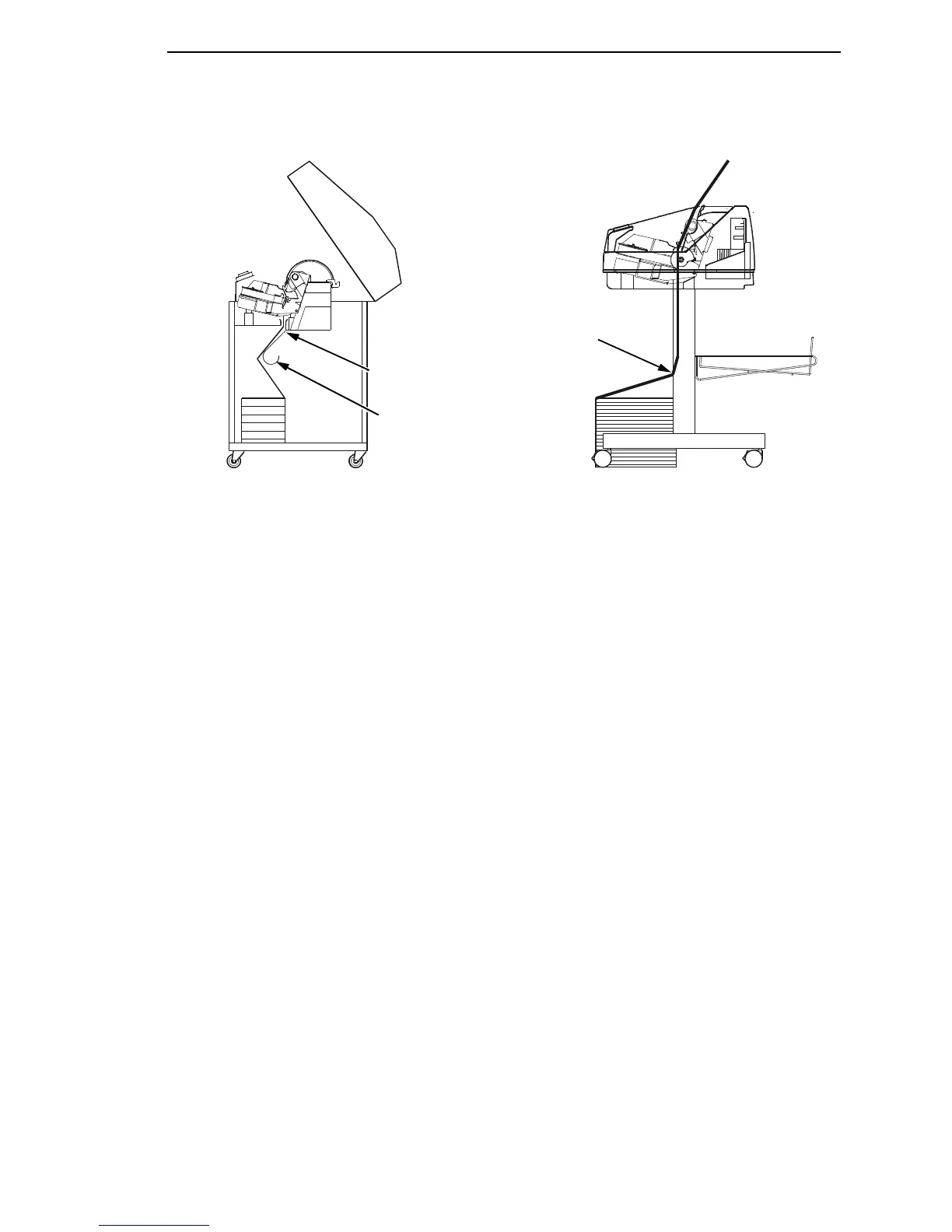
Figure 9. Paper Slots on the Printers
NOTE: Perform steps 15 to 32 only if you are unable to load the new paper
over the existing paper.
15. Open both tractor doors.
16. Remove the old paper from the tractors. Allow the paper to fall into the
paper supply area.
17. Feed the new paper up through the paper slot. Hold the paper to prevent
it from slipping down through the paper slot.
18347 3a
183 472a
Paper Slot
Cabinet Models
Paper Slot
Pedestal Models
Metal Paper Guide
(P7220 Only)













 To Next Page