3. Press [OK] to connect Postal Server.
How to Check the Machine Time and Date
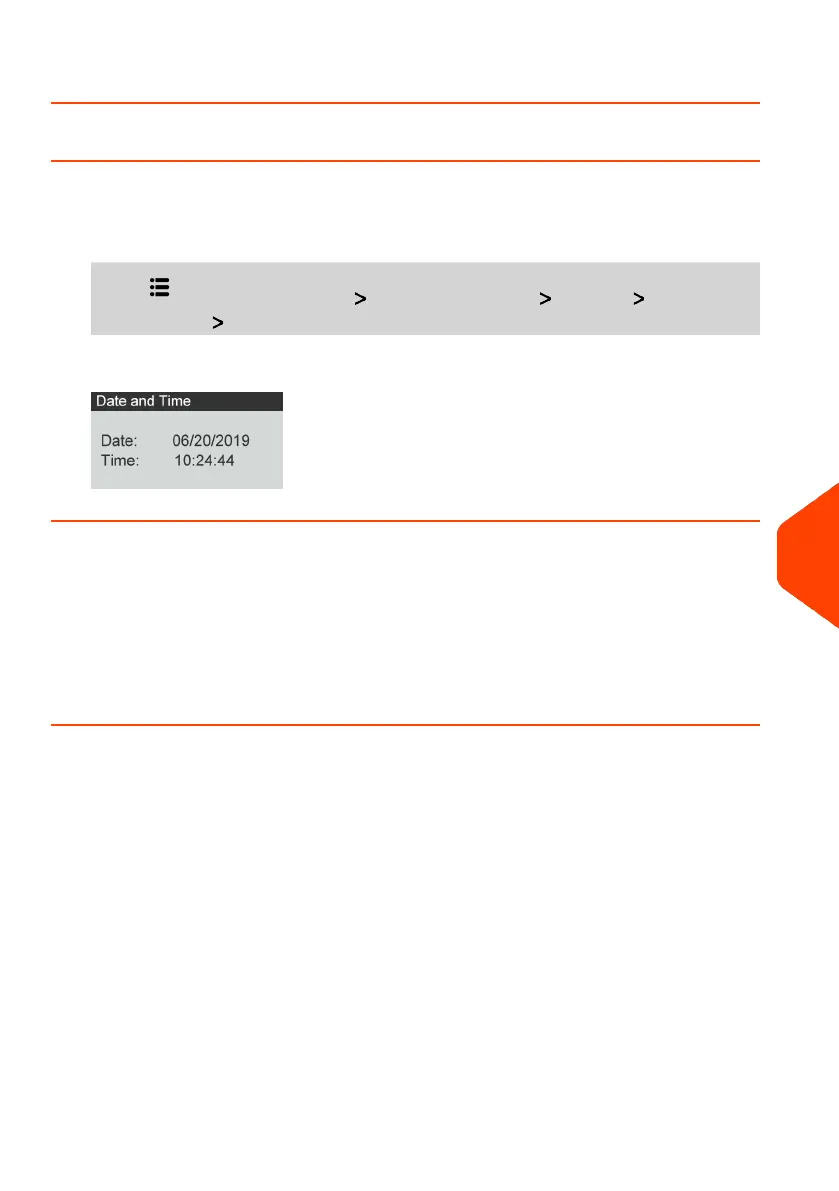
To check the current time and date:
1. From the home screen:
Press and select the path: Advanced Settings Settings Date
Management Date and Time
Daylight Savings Time Transitions
Your Mailing System normally auto-adjusts to Daylight Savings Time. However, if it is
necessary to resynchronize the time with the server, you can perform a postal inspection
on page 99.
How to Set the Automatic Date Advance Time
The Automatic Date Advance function automatically changes the date printed on mail
pieces at a preset time to the next 'working day' date.
Example: You can set the system to change dates at 17:00 hours and set Saturdays
and Sundays to be non-working days. From Friday 17:00 hours to Sunday 23:59, the
system will print Monday's date on the envelopes, after a confirmation message to the
user.
To set the auto date advance time and days:
10
Configuring your Mailing System
195
| Page 195 | Apr-28-2023 03:14 |



 To Next Page
 Loading...












