Printing [Permit] Mail3.4
Please contact your Customer Service when you use this feature.
How to Set Postage for Permit Mail
Required settings:
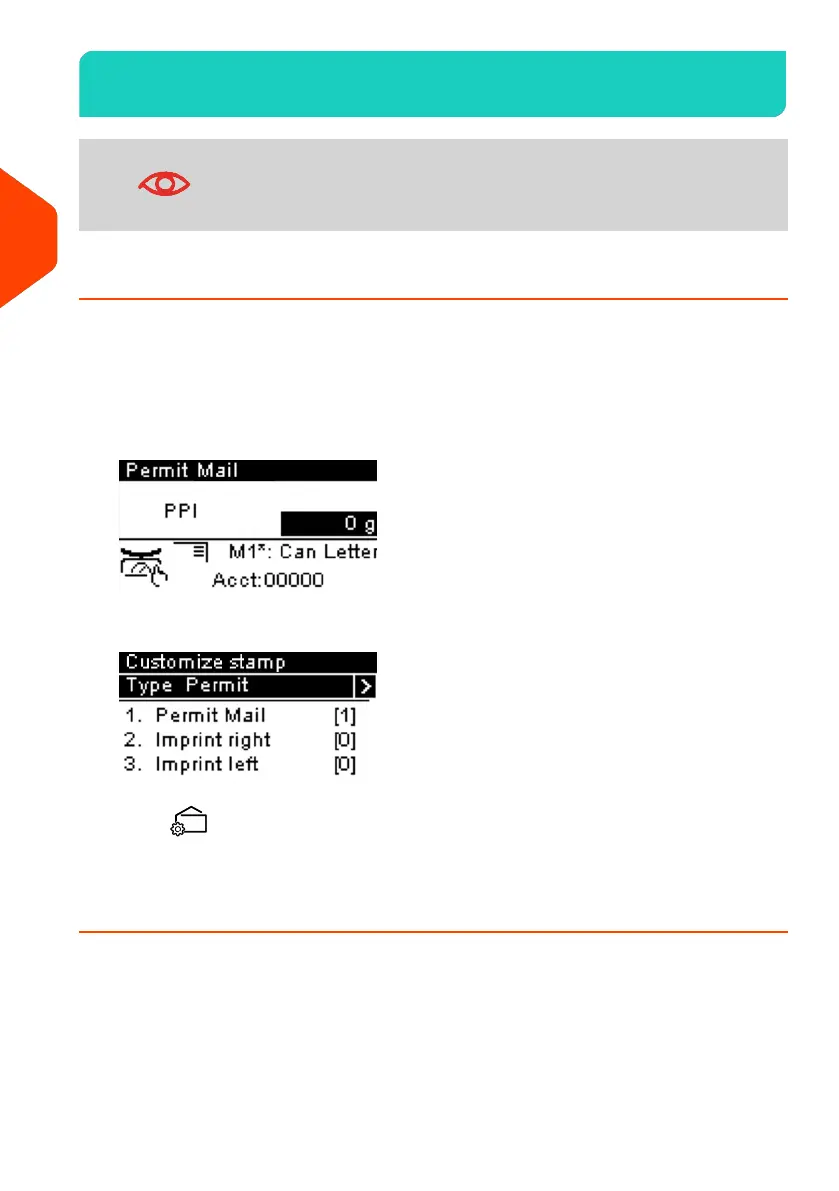
1. Check that you are in the [Permit] Type of stamp.
If not, see section Selecting the Type of Stamp on page 31.
The type of stamp is indicated at the top of the home screen:
2. Check or change the type of stamp, if you are not in [Permit] mode.
Press to access the Stamp menu.
3. Select a Permit to use.
See How to Select a Permit on page 65.
48
| Page 48 | Apr-28-2023 03:14 |
3
Processing Mail



 To Next Page
 Loading...












