Q40 Tape Library Installation and Operations Manual
511026 Rev. 07-01-19 100
6.9 Saving Log Files
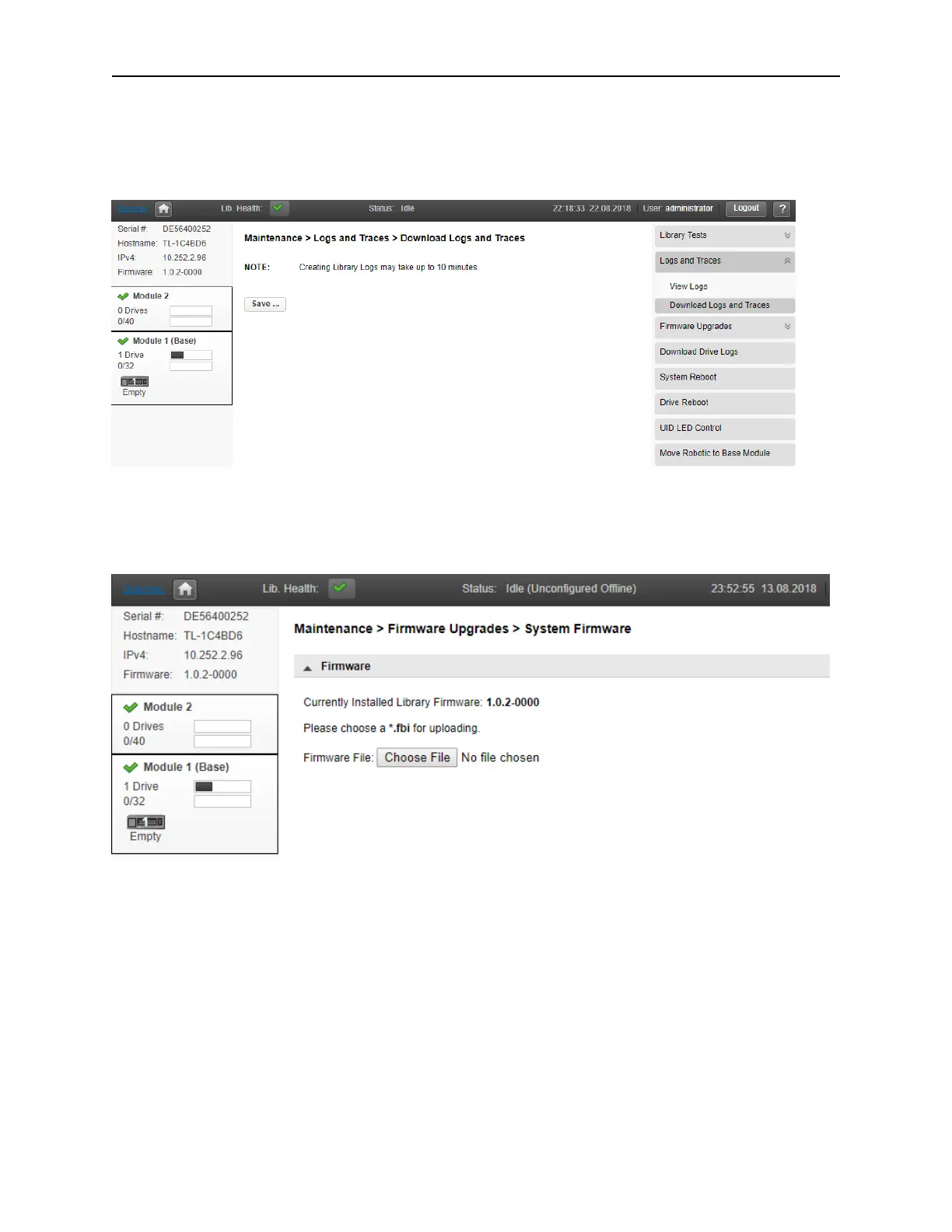
To save the library log files, navigate to the Maintenance > Logs and Traces > Download Logs and
Traces page and then select Save.
6.10 Managing System Firmware
The firmware version currently installed on the library is displayed in the library status area on the Home
page and the left panel.
T
o update library firmware from the RMI, click Choose File and select the firmware file from the local
computer.
To update the library firmware from the OCP:
1. Copy the firmware file to a USB thumb drive.
2. Insert the USB thumb drive into the USB port on the front of the library.
The library detects the USB thumb drive.
3. Select the firmware file.
4. Click Start Upgrade.
W
hen you update the library firmware, the library will automatically update the firmware of any expansion
modules to a compatible version.



 To Next Page