511026 Rev. 07-01-19
85
• Port configuration (FC only) – Drive port configuration.
• Speed –The currently selected ◦ speed. The default is Automatic.
• Port Type
• Automatic
• Loop – Enables selection of the Addressing Mode.
Addressing Mode – Addressing Mode can be set to Soft or Hard
ALPA – When Addressing Mode is set to Hard, you can choose an ALPA
address from the dropdown list.
• Fabric
To modify the configuration of one or more tape drives:
1. Modify any of the configurable values.
2. Click Submit.
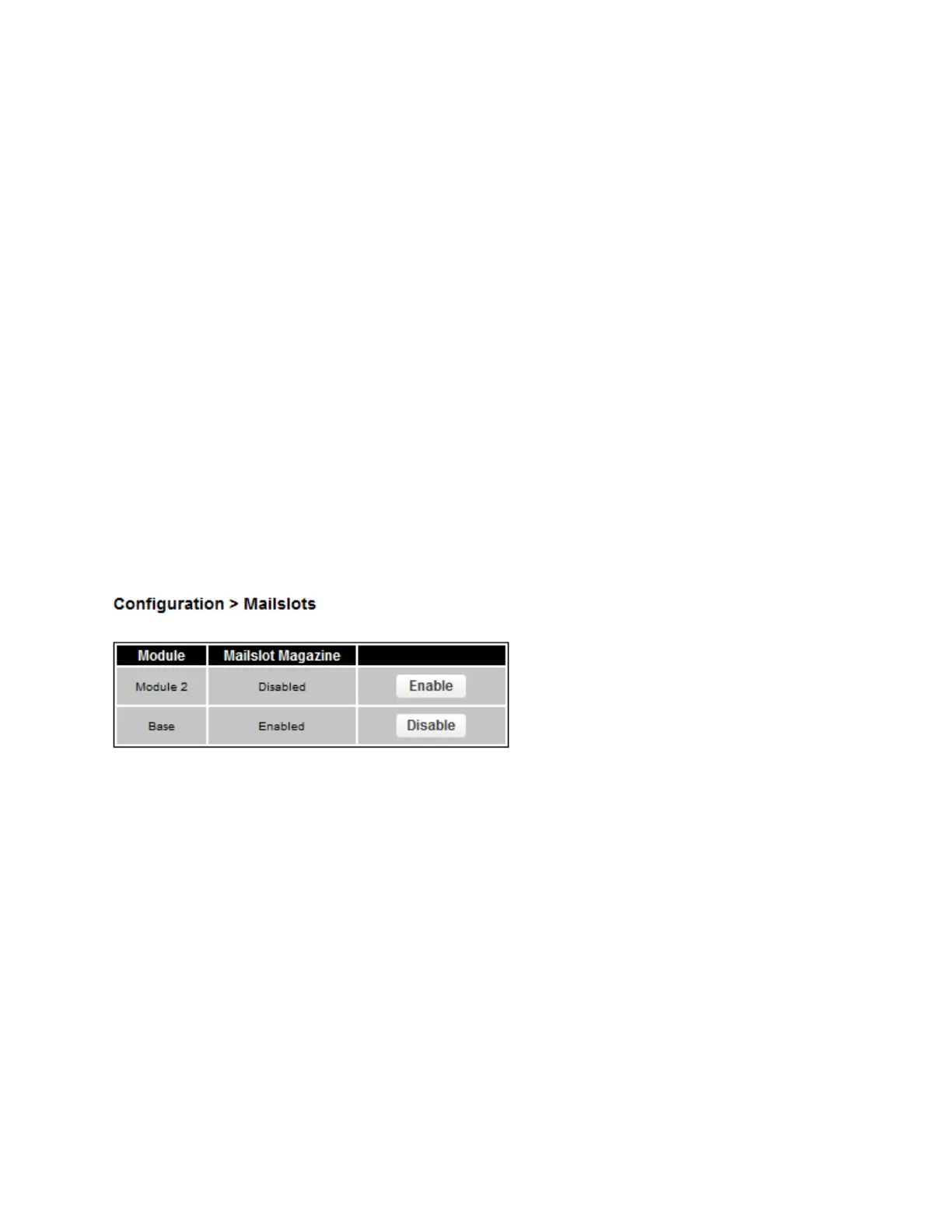
6.4 Enabling or Disabling Mailslots
Use the Configuration > Mailslot page to view the status of each of the mailslots. To change the state,
click the button for the mailslot and then click Submit. Slots not enabled as mailslots are available as
storage slots.
6.5 Configuring Library Partitions
The library has a flexible partitioning scheme with the following restrictions:
• Each partition must have at least one tape drive. One drive in each partition will host the library LUN
for the partition.
• The maximum number of partitions is 21.
• Magazine slots are allocated in five-slot groups.
• Mailslots must be enabled for a module before they can be allocated to a partition.
A partition does not need to have a mailslot. If a partition does not have a mailslot, the magazine must
be accessed to import or export cartridges. Opening a magazine takes the library offline.
Although the mailslot magazine is shared between partitions, the mailslot elements are assigned
individually to partitions. The Wizards will guide you through the partition configuration process. The
wizards are only accessible from the RMI.



 To Next Page